















Desk clutter is the real problem this stand solves
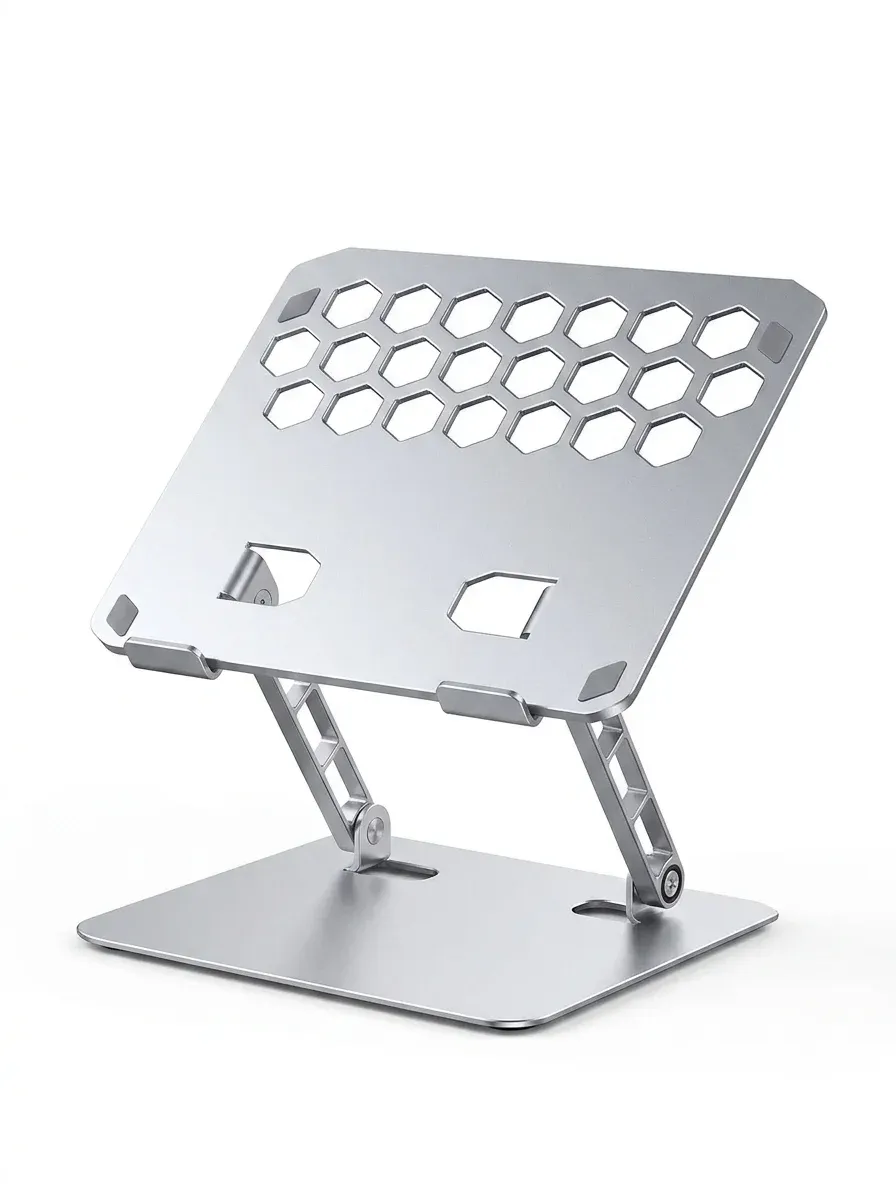
A laptop can dominate a small desk, especially when you also need room for a mouse, charger, and notebook. This Orico 2-in-1 design tackles that by working as both a raised stand and a vertical holder, so the same accessory can improve posture one minute and reclaim space the next.
That flexibility matters more than it sounds, because many users only need a stand during work sessions and a storage dock after hours. The detachable format makes the product feel more like a desk tool than a fixed laptop perch, which is why it fits neatly into the AliExpress Singapore accessory niche.
Two modes, two very different desk benefits
In open stand mode, the laptop sits at an angle that should help airflow and make typing feel less cramped when paired with an external keyboard. In vertical mode, the device is stored on its edge, turning a wide footprint into a slim profile that leaves the desktop visually cleaner.
That second mode is the more practical surprise, because it helps when you dock a MacBook, PC laptop, or tablet between meetings. If you switch between a notebook and a monitor setup, this is the kind of accessory that quietly makes the workspace feel more deliberate.
Aluminum alloy construction gives it a steadier feel
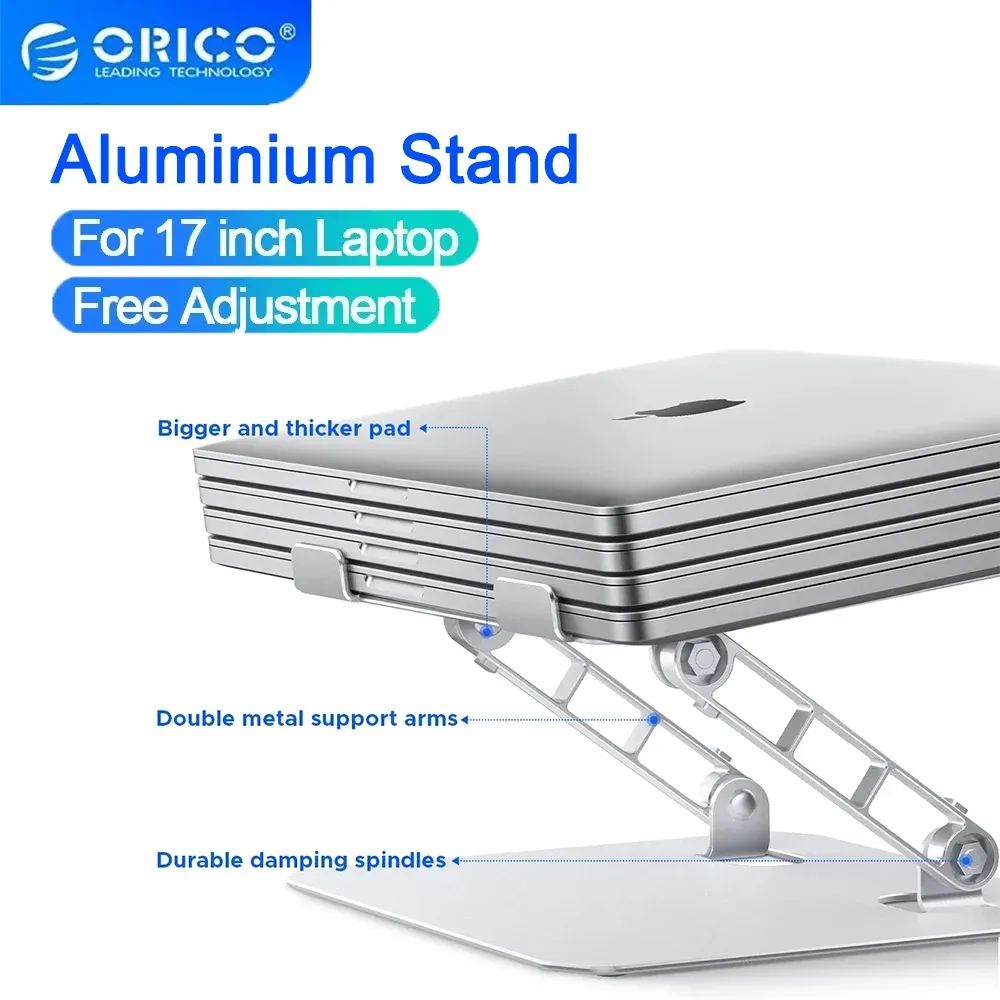
The aluminum alloy body is the main reason this stand should feel more premium than lightweight plastic alternatives. Metal usually brings better stability, a cooler touch, and a finish that matches modern laptops without looking out of place.
It also makes the product easier to live with on a desk that already has other metal accessories, such as a USB-C hub or docking station. The visual consistency is subtle, but it helps the setup look organized rather than assembled from random parts.
Fits a broad range, but size matching still matters
ORICO lists compatibility for 10 to 17.4-inch devices, which covers most ultrabooks, larger productivity laptops, and many tablets. That range is useful for households or offices where one stand may need to serve more than one device.
Users should still check the thickness of their laptop, because wide compatibility does not guarantee every chassis will sit equally snugly. A thinner device may feel more secure in the vertical slot than a bulky gaming model, so the fit question is worth considering before you set up a heavier machine.
What users usually notice after a few days
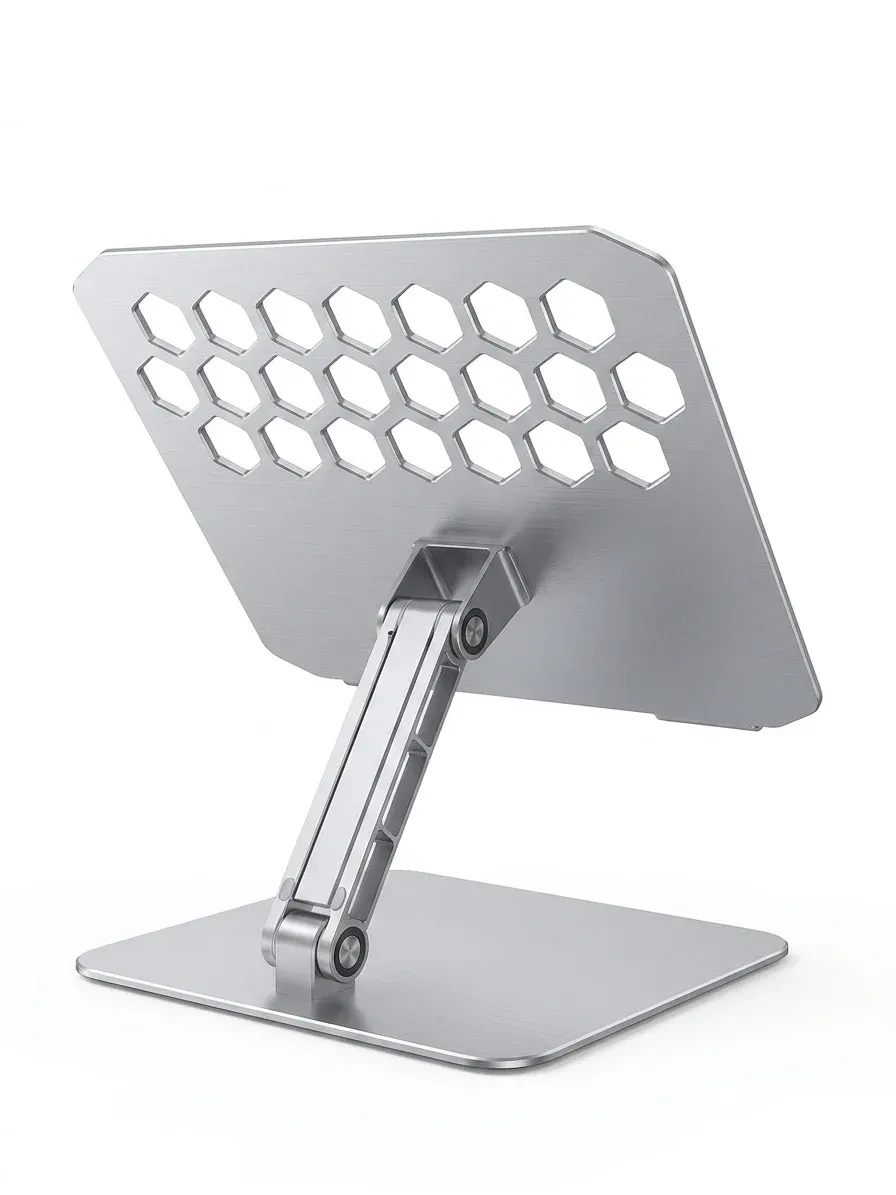
According to users, the biggest win is not the stand angle itself but the sense of order it brings to the desk. Once the laptop has a dedicated place, cable routing becomes easier and the workspace looks less temporary, which can make a home office feel more intentional.
The trade-off is that a 2-in-1 accessory has to balance convenience with precision, so it may not feel as specialized as a dedicated ergonomic stand or a heavy-duty vertical dock. Even so, for people who want one accessory to do both jobs, the concept is unusually efficient.
Best for compact setups and hybrid workstations
This is a strong match for users who move between laptop mode, external monitor mode, and storage mode throughout the day. It is also a smart fit for shared desks, where the ability to tuck a device upright can make the space usable again in seconds.
If your setup already includes a hub, keyboard, and monitor, the stand becomes part of a cleaner workflow rather than just a display accessory. That is where the ORICO approach feels most convincing: it solves a space problem without adding visual noise.

