














Turns consoles and cameras into a usable live feed
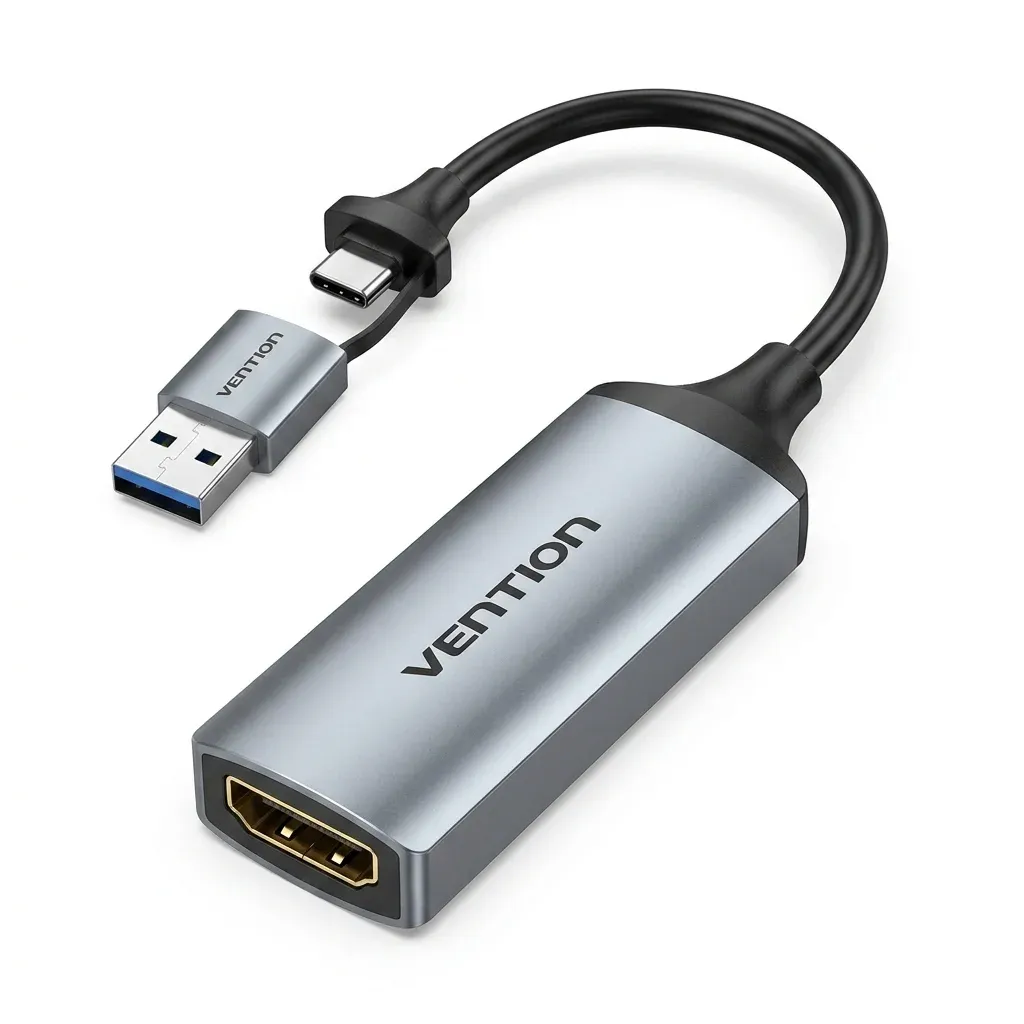
This capture card solves a common problem in budget streaming setups: getting an HDMI source into a laptop or PC without heavy software or bulky hardware. It is built for users who want a simple bridge between a console, camera, or display and a USB recording workflow.
According to users, it arrives on time and does the core job without drama, which matters more here than flashy extras. The appeal is straightforward: get a source into the computer, open your software, and start recording or streaming with less friction.
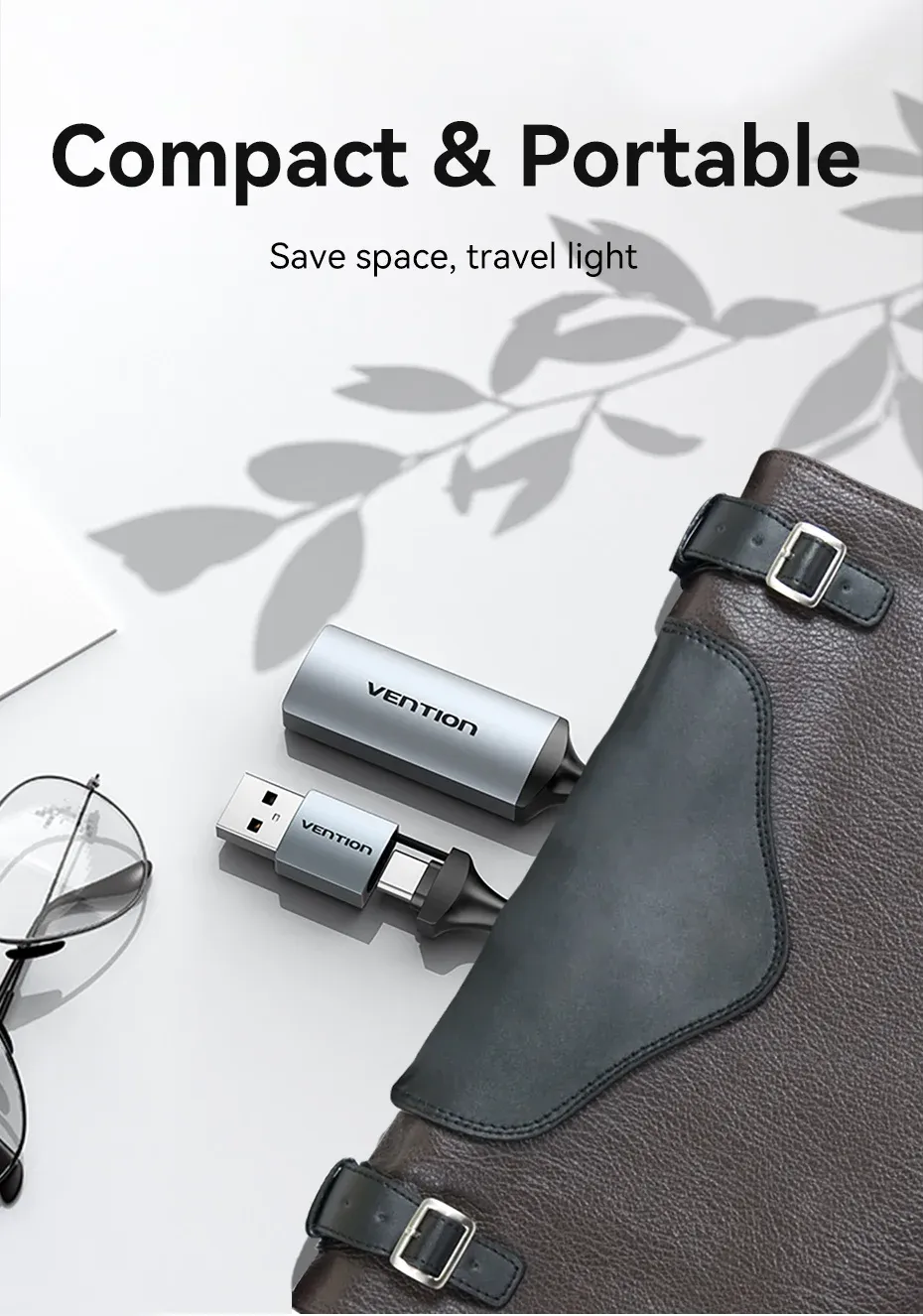
USB and USB-C in one body
The 2-in-1 plug is the most practical part of the design, because it reduces the need to hunt for adapters when switching between devices. One side fits classic USB setups, while the USB-C side makes it friendlier for newer laptops, tablets, and compact creator rigs.
That flexibility is useful for AliExpress shoppers who move between a desktop editing station and a portable setup. If you already use a USB-C hub or a thin laptop, this can feel cleaner than a separate dongle chain, so the next question is how well it handles real-time use?
1080P capture is the real working resolution
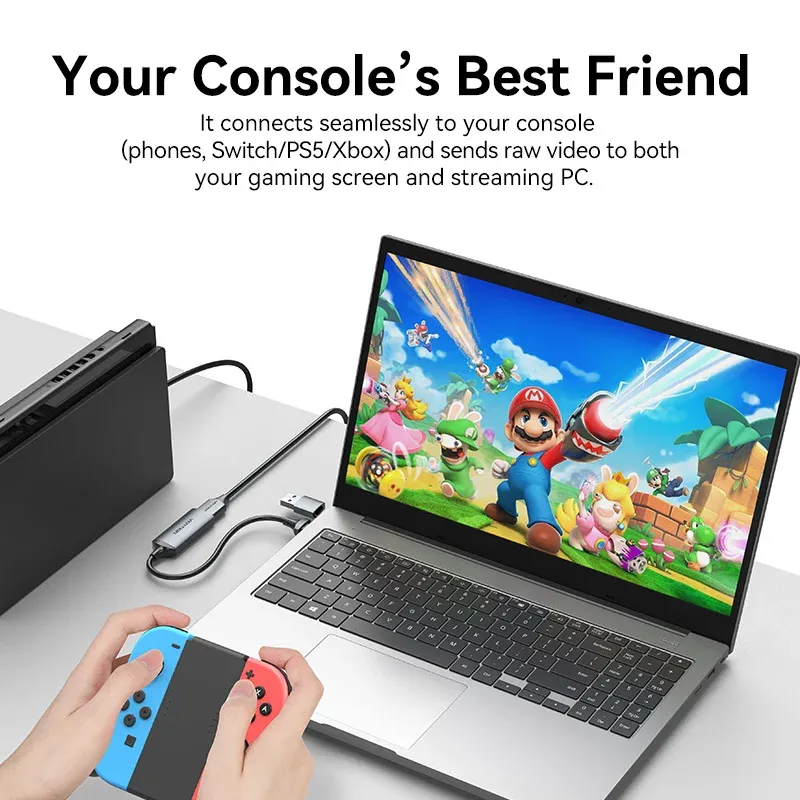
Although the listing highlights 4K, the practical capture target is 1080P, which is the right balance for meetings, gameplay, and webcam-style broadcasting. In real use, that means a sharper image than many built-in laptop cameras, without pushing your computer as hard as a higher-end capture device would.
This makes it better suited to everyday streaming than to cinematic production. If your priority is smooth video for Switch sessions, PS4/PS5 sharing, or a DSLR used as a webcam, the card is aimed at that middle ground rather than premium studio workflows.
Low-latency behavior matters more than raw specs
The listing mentions ultra-low-latency technology, and that is the feature that keeps the device relevant for live use. A capture card can have the right resolution on paper, yet still feel awkward if the delay makes commentary or screen monitoring difficult.
For meetings and live demos, lower latency helps your face, voice, and screen action stay in step. That is especially valuable when you are switching between a game console, a laptop presentation, or a camera feed and need the output to feel immediate.
Best fit for casual creators, not heavy studio rigs
This model is strongest when used with straightforward setups: a Switch stream, a console teaching session, a camera-as-webcam workflow, or a simple product demo. It is less convincing as a centerpiece for multi-input production, where advanced passthrough controls and richer software support usually matter more.
The price point makes that trade-off understandable, and the small number of real reviews still leans positive rather than cautious. For shoppers comparing it with larger branded capture boxes, the value comes from convenience and entry-level usability, not from pro-grade feature depth.
What to check before you use it
You will get the best results if your source outputs a standard HDMI signal and your recording app recognizes external UVC-style capture devices. CE, RoHS, and UL certifications are listed, which adds some reassurance for a low-cost accessory that will often stay connected for long sessions.
- Use a stable HDMI source for cleaner video recognition.
- Pair it with USB 3.0 or USB-C ports for smoother operation.
- Expect 1080P capture to be the practical working mode.
- Keep cable runs short if you want a tidier desktop setup.
For readers browsing AliExpress Singapore, this is the kind of compact utility piece that makes a small creator setup feel more complete. The final question is not whether it is flashy, but whether it removes enough friction to earn a place in your desk setup?

