














Why this Orico SSD stands out in everyday upgrades
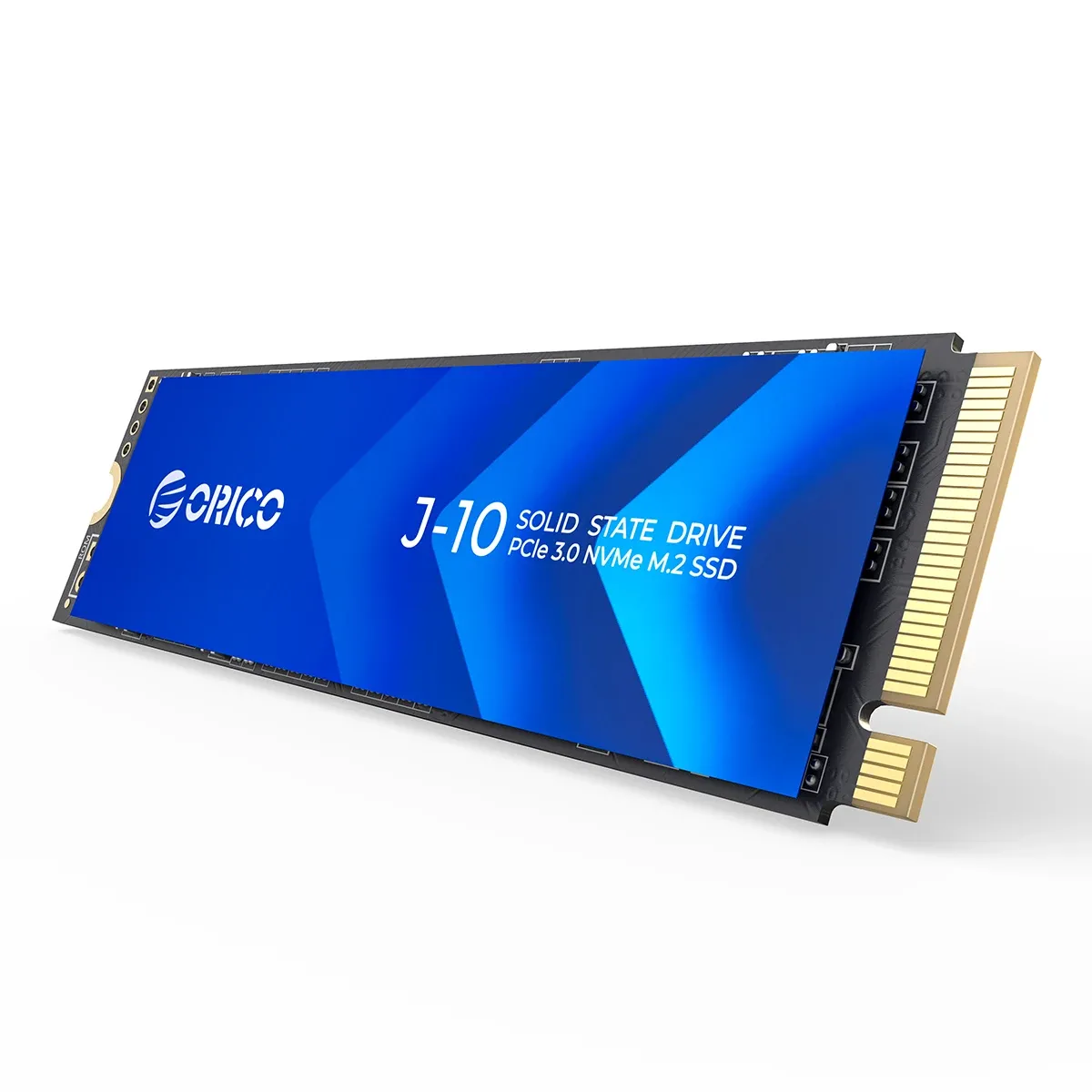
The problem this drive solves is simple: a sluggish system that makes booting, loading apps, and moving files feel dated. Orico approaches it with a PCIe 3.0 x4 NVMe design, a 1TB capacity, and a cooling vest that helps the drive stay steadier under load.
In the AliExpress Singapore context, that combination matters because many shoppers want a straightforward internal upgrade rather than a flashy accessory. Orico has built a reputation around practical storage hardware, and this model follows that pattern with a no-frills spec sheet that focuses on speed, fit, and thermal control.
3100MB/s performance: fast enough for real workloads
The rated sequential read speed reaches 3100MB/s, which is enough to make Windows launches, game loading, and large file transfers feel much quicker than SATA SSDs. The 2100MB/s 4KB random write figure also points to better responsiveness when the drive is juggling small files, browser caches, and background tasks.
Real-world reviews back up the general performance picture, though not every unit lands at the same ceiling. Customers reported successful Windows migration and speeds around 2200MB/s read and 2000MB/s write, which is a useful reminder that motherboard support, thermals, and test conditions still shape the final result.
QLC NAND and 256MB cache: what to expect
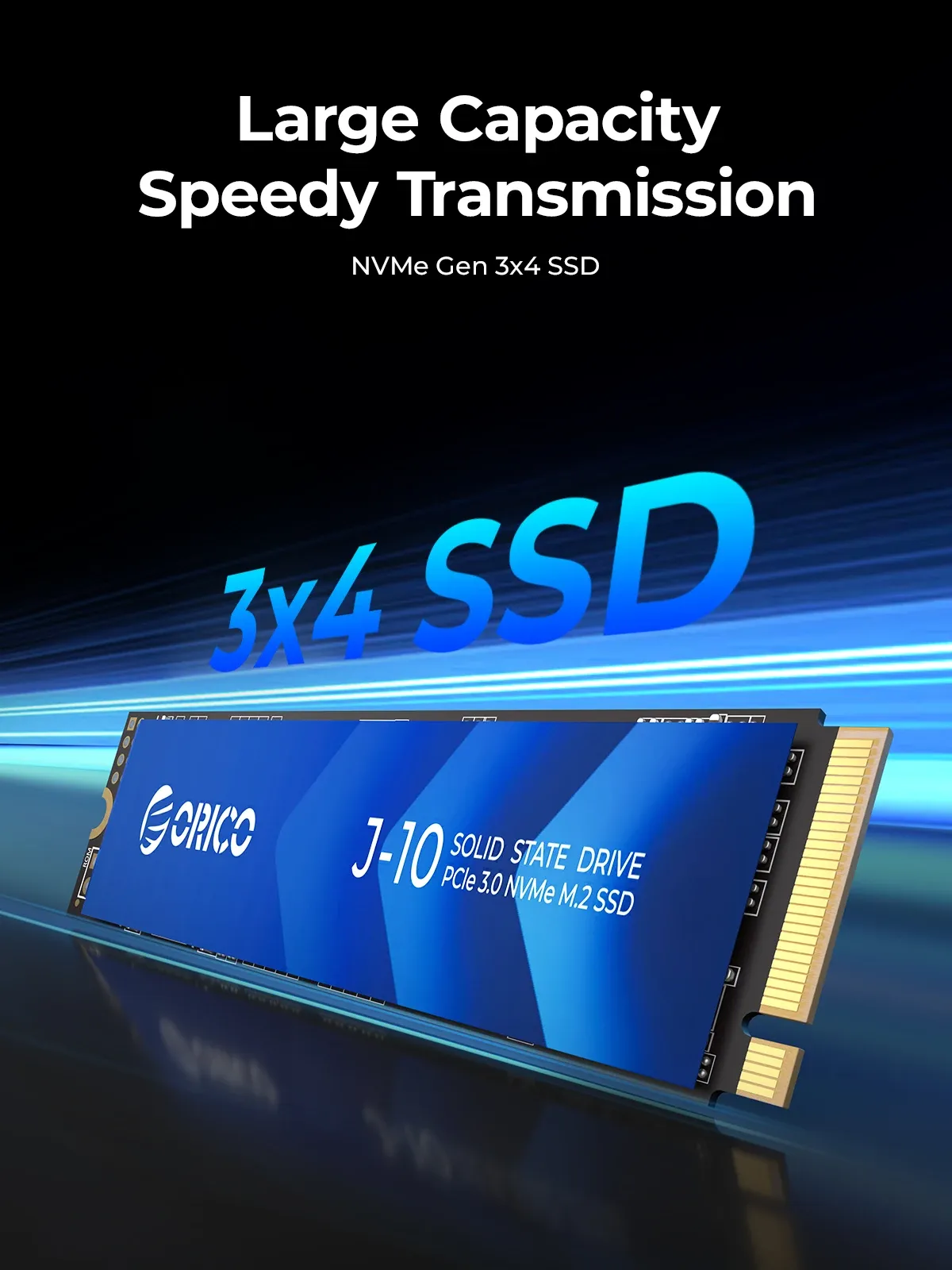
This model uses QLC NAND, which usually favors capacity and cost efficiency over endurance-focused enterprise behavior. For a home PC, office machine, or gaming laptop, that trade-off is often acceptable as long as you are not hammering the drive with constant heavy writes.
The 256MB cache helps keep short bursts of activity snappy, especially when opening programs or copying moderate-sized files. If your workload is mostly editing, gaming, and general multitasking, the drive should feel responsive, but sustained professional write jobs are where a TLC-based SSD may still have an edge.
Cooling vest design for tighter laptop and desktop builds
The included cooling fin is the practical detail that separates this SSD from many bare-bones alternatives. It can help reduce thermal buildup in cramped laptop bays or compact desktop cases, where NVMe drives often lose speed once they heat up.
At 20 x 80mm in the standard M.2 2280 format, the drive should fit most modern desktops and many laptops that support NVMe storage. That standard size makes installation easier, but the cooling hardware means you should still check clearance before closing a slim chassis, which is where the next compromise appears.
Who should consider this drive, and who should not
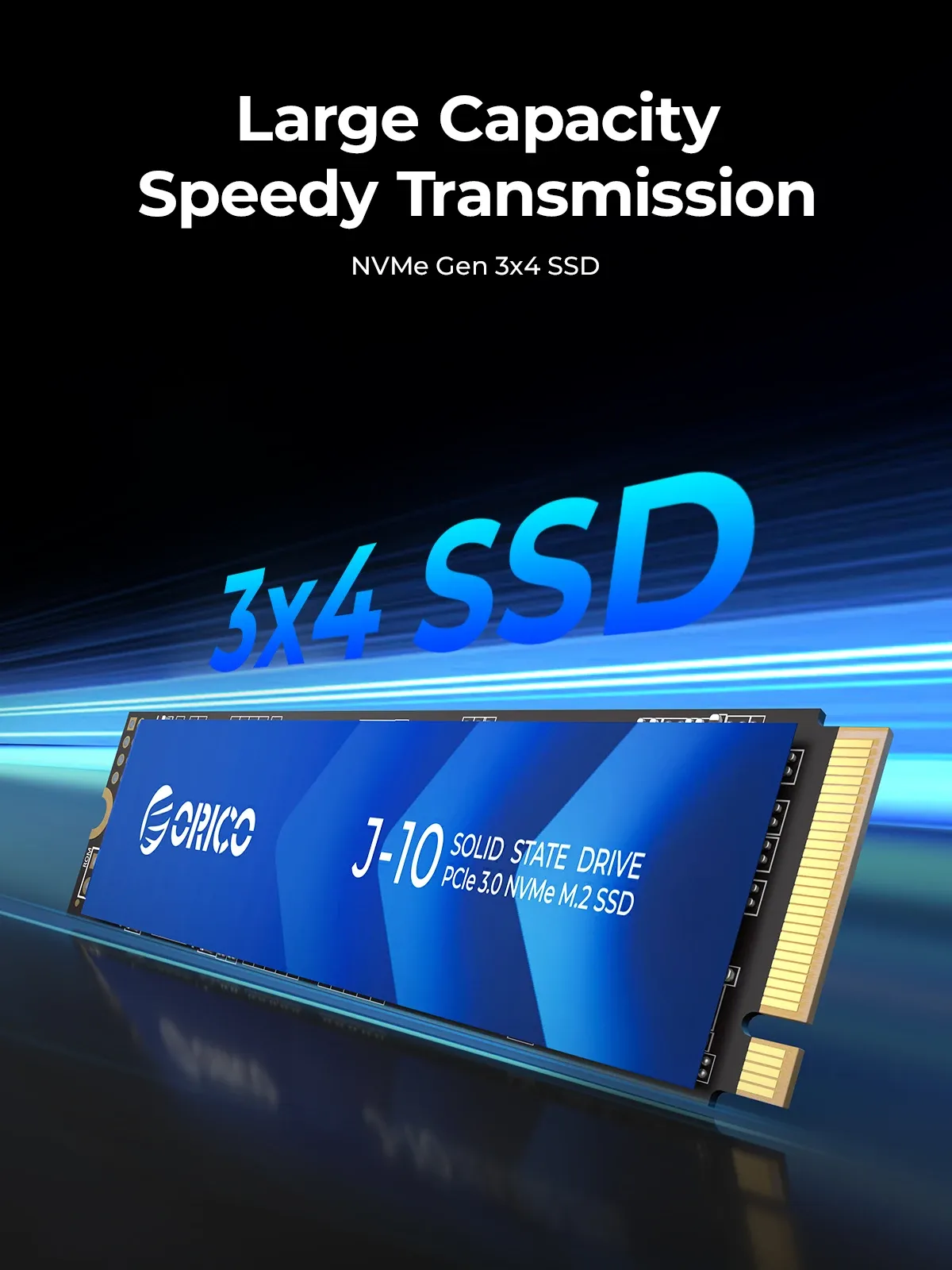
This is a sensible pick for users who want a 1TB NVMe upgrade for daily computing, game libraries, and fast system recovery. It is also a good fit for people replacing an older SATA drive who want a noticeable jump in speed without moving to a more expensive PCIe 4.0 platform.
Users with sustained write-heavy workflows, such as large media scratch disks or constant content export jobs, may want to compare it with higher-end TLC options. The feedback pattern is mostly positive, with a 4.7 average from 13 reviews, but one low-speed report shows that quality expectations should stay grounded rather than inflated.
What to check before installation
Make sure your motherboard or laptop supports M.2 2280 NVMe over PCIe 3.0 x4, because a SATA-only M.2 slot will not unlock the drive’s full potential. It is also smart to verify whether your device already has an SSD heatsink, since stacking thermal hardware can create fit issues in thin systems.
If you are migrating an operating system, cloning tools and a stable backup matter more than raw benchmark numbers. Once installed correctly, this drive should be most noticeable in the first few seconds of every task, which is usually where storage upgrades deliver the biggest everyday gain.

