














Turn an idle 2.5-inch drive into useful storage
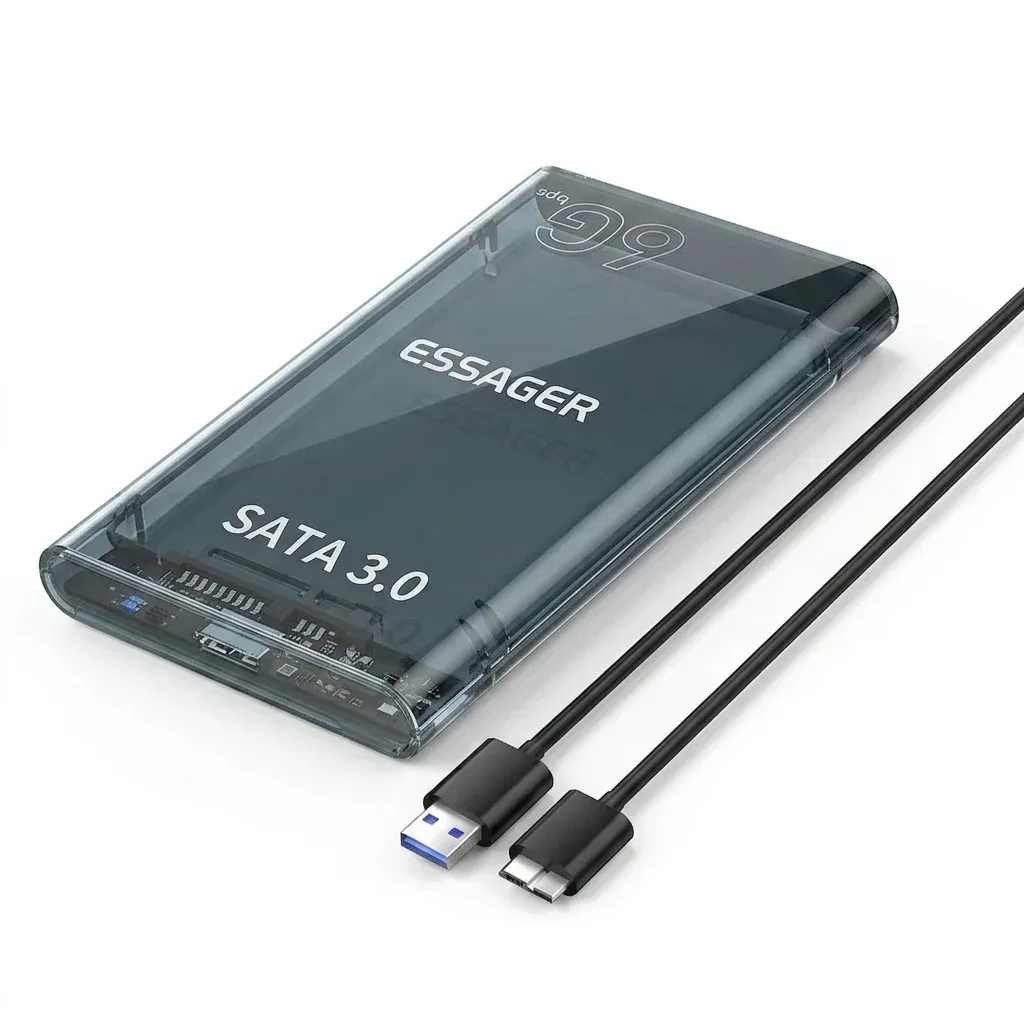
This enclosure solves a familiar AliExpress electronics problem: a spare SATA SSD or HDD sitting unused after a laptop upgrade. With USB 3.0 output and SATA 3.0 support, it gives that drive a second life as portable storage for backups, media, or file transfers.
Essager has built a solid reputation in the AliExpress Singapore market for practical, no-frills accessories that focus on compatibility and everyday reliability. This shell follows that pattern, pairing a simple tool-free design with a mainstream interface that makes old hardware easier to reuse, so what does it actually feel like in daily use?
Tool-free installation keeps the setup fast
The biggest advantage is the tool-free assembly, which matters if you want a quick swap without hunting for screwdrivers. The enclosure supports standard 7mm and 9.5mm 2.5-inch SATA drives, so most laptop SSDs and compact HDDs should slide in with minimal effort.
That makes it a strong choice for users who rotate drives often, such as anyone cloning systems, moving project files, or testing a replacement SSD before committing it to a machine. The hot-swap style workflow is more convenient than older caddy-style cases, and the next question is whether the transfer side keeps up.
USB 3.0 performance is enough for everyday SSD use
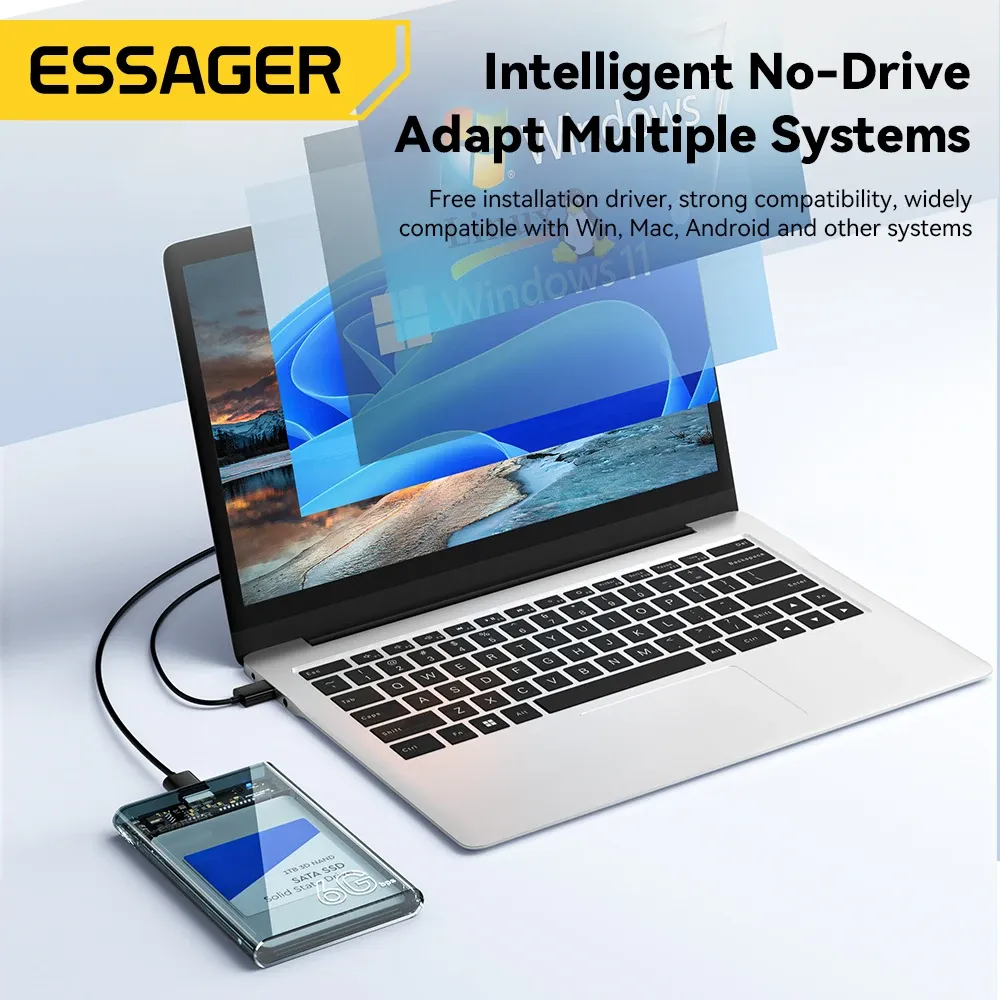
The enclosure uses a USB 3.0 Micro B connection, with the product description citing SATA 6Gbps support on the drive side. In practice, that means an SSD can deliver a much faster, smoother experience than a mechanical drive, especially for large folders and repeated transfers.
It will not replace a high-end NVMe enclosure, but that is not the point here. For backup drives, bootable utility disks, and media libraries, the speed ceiling is sensible for the category and the price, especially when the drive inside is already the limiting factor.
PC+ABS shell for light travel and desk use
The PC+ABS body should feel familiar to anyone who has handled budget drive enclosures: lightweight, slightly matte, and built for utility rather than luxury. It is a sensible material choice because it keeps the case easy to carry while still offering enough rigidity for desk use and short trips.
An LED indicator is included, which helps confirm when the drive is active without guessing from system behavior alone. That small visual cue is useful in a quiet workspace, and it becomes even more practical when the enclosure is used as a backup drive that you connect and disconnect often.
Wide system support makes it easy to reuse older hardware
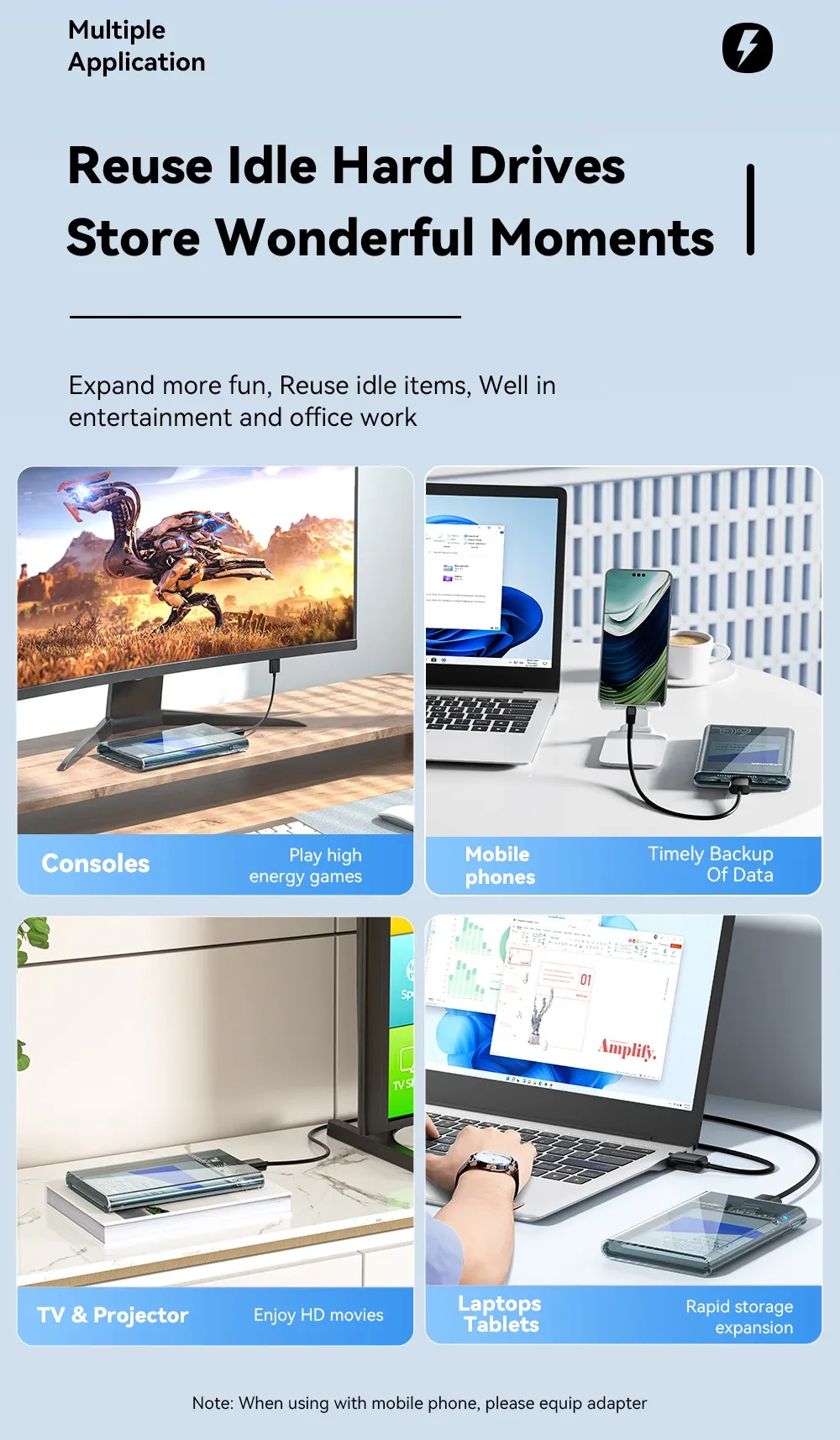
Compatibility extends from older Windows versions to Windows 10, Linux, and Mac OS 9.1/10.8.4 and above, which makes this enclosure unusually flexible for a low-cost accessory. If you keep an old laptop drive as emergency storage, that broad support reduces the chance of the case becoming obsolete before the drive does.
It is also worth noting that the package includes the enclosure and a USB 3.0 cable, but not the hard disk itself. That is a useful detail for shoppers who already have a spare drive at home and want a simple way to put it back into service, so which users get the most value from it?
Best suited to spare drives, backups, and temporary storage
This enclosure works best as a practical bridge between old SATA storage and modern USB ports. Users who need a compact backup drive, a temporary file shuttle, or a low-cost external SSD case will likely appreciate the balance of simplicity and compatibility.
According to users, the appeal is usually less about premium build and more about getting an old drive working again with minimal setup. If your goal is dependable everyday storage rather than advanced enclosure features, this is the kind of accessory that earns its place on a desk.

