













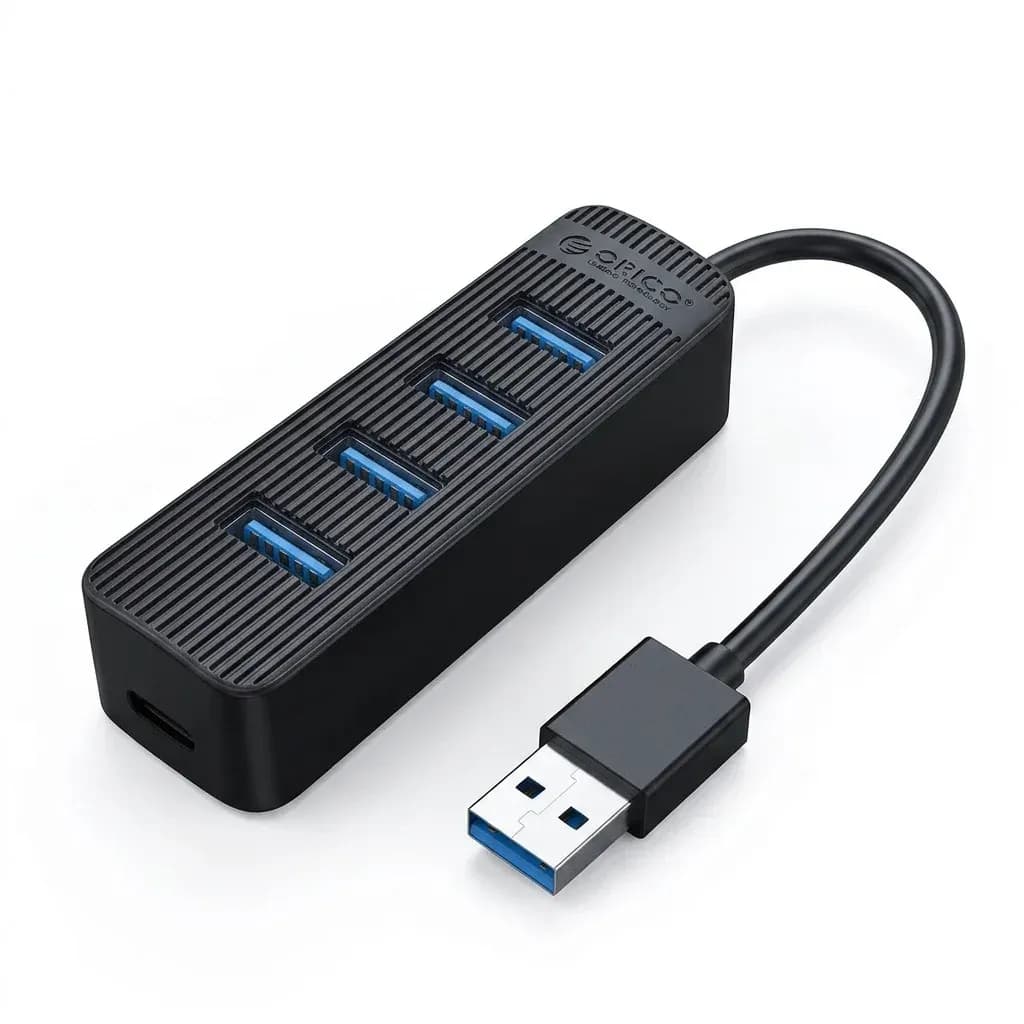

Four extra ports without the desk clutter
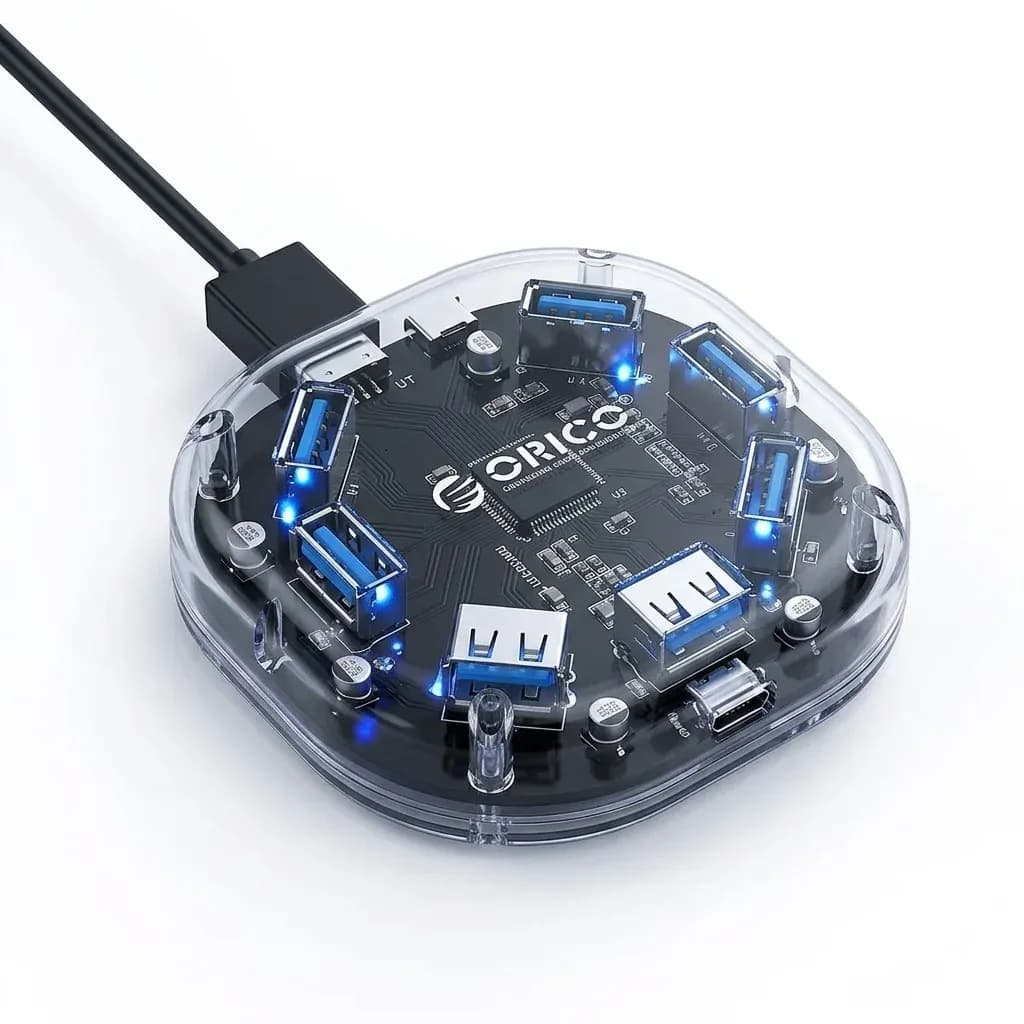
This hub solves a common problem for laptop and mini PC users: too few USB ports for drives, peripherals, and accessories. Orico keeps the footprint small at 56.9mm by 56.9mm, so it sits neatly beside a keyboard, monitor stand, or travel setup without dominating the workspace.
The transparent PC body is not just cosmetic, because it makes the internal layout visible and gives the hub a clean, tech-forward look. The blue LED indicator adds a quick power check, which is useful when you want to confirm the hub is active before plugging in a drive.
USB 3.1 speeds that suit everyday transfers
With USB 3.2 protocol language in the listing and a stated 5Gbps output, this model is aimed at routine high-speed transfers rather than heavy docking tasks. That means it is well matched to flash drives, card readers, keyboards, mice, and portable SSDs, while a full video dock remains a different class of product.
For most AliExpress Singapore shoppers, that balance is the point: you get a practical expansion hub instead of paying for features you may never use. Users who only need more USB-A ports for daily work should find the performance profile sensible, and the next question is power stability under load.
Why the power input matters on a 4-port hub
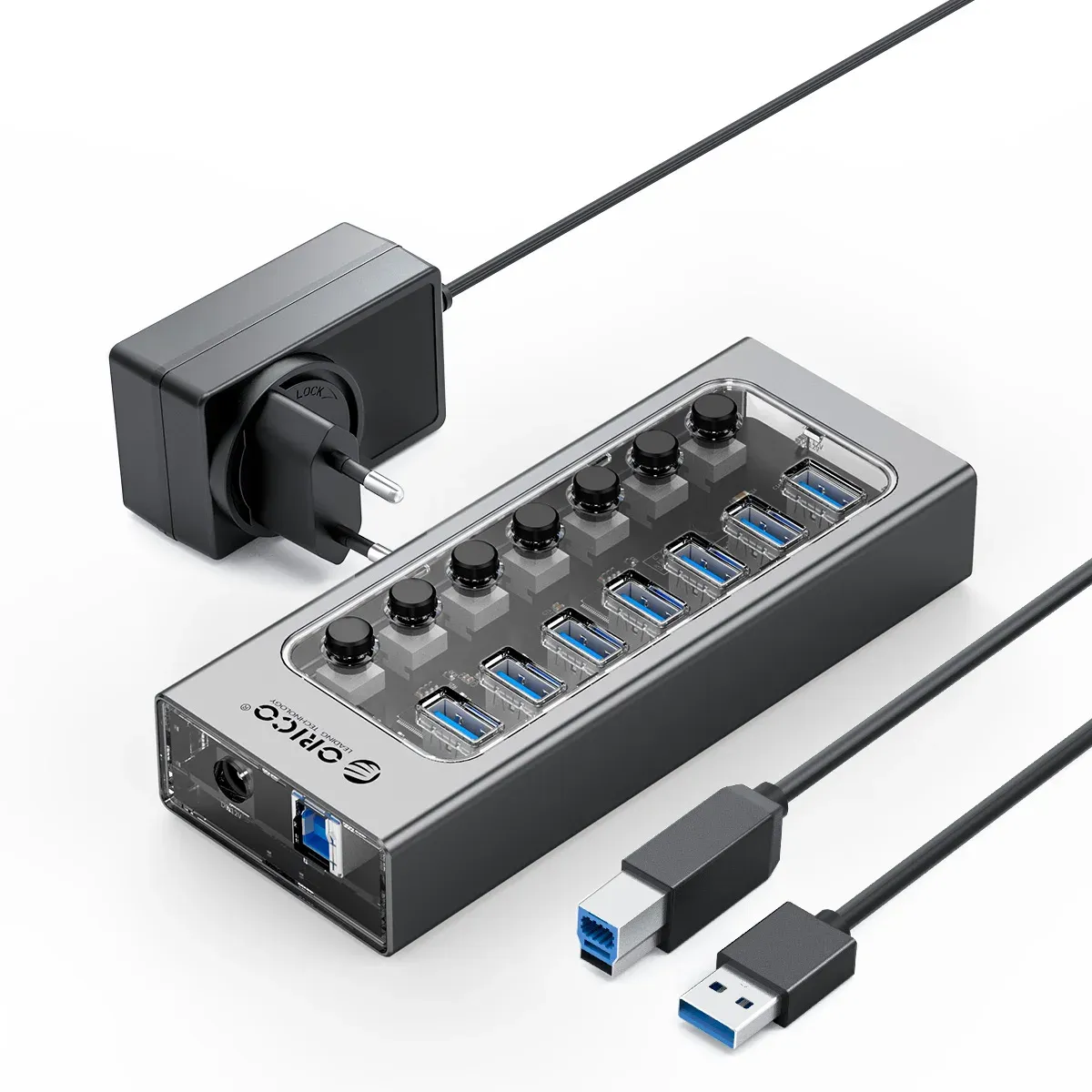
The dedicated USB-C or Micro B power supply interface helps the hub handle busier setups more confidently than a passive splitter. If you connect several devices at once, external power can reduce the chance of disconnects or underpowered accessories, especially with storage devices that draw more current.
The listing also notes 2-in-1 input variants in some cable lengths, which is worth checking before choosing your configuration. That small detail matters because the right cable setup can decide whether the hub feels like a tidy desktop tool or a compromise on the move.
Compact size for travel and small workstations
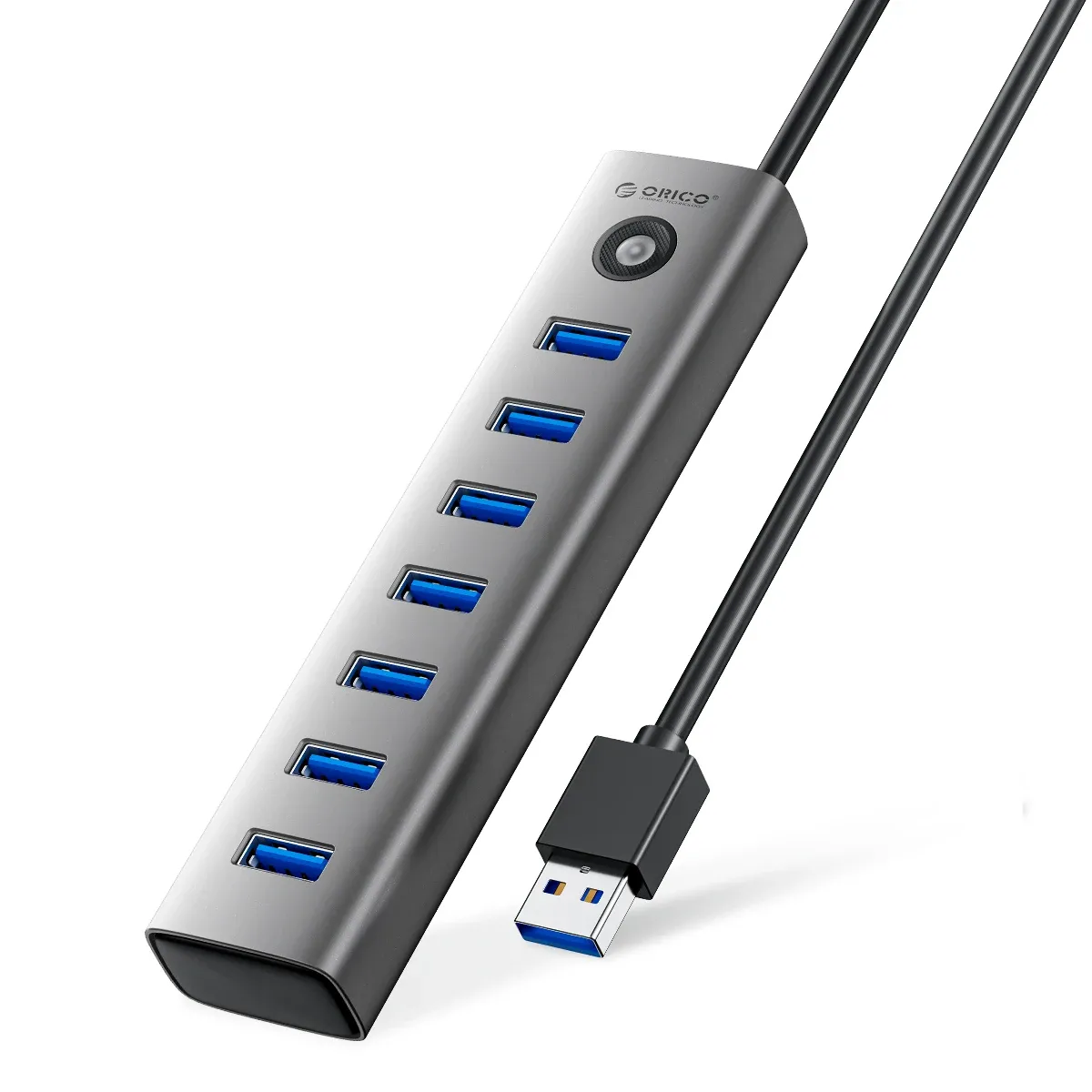
At 30cm in overall cable length and with 50cm or 100cm cable options, the hub is flexible enough for a laptop bag or a more permanent desk layout. The short body and light form factor make it easy to place near a MacBook, Windows notebook, or compact desktop without cable tangles taking over.
Support is listed for Windows 8 and Mac OS, so it fits older office systems as well as simple home setups. That broad compatibility makes it a straightforward add-on for users who want one hub to move between devices, but what about the build quality in daily use?
Transparent PC build and practical durability
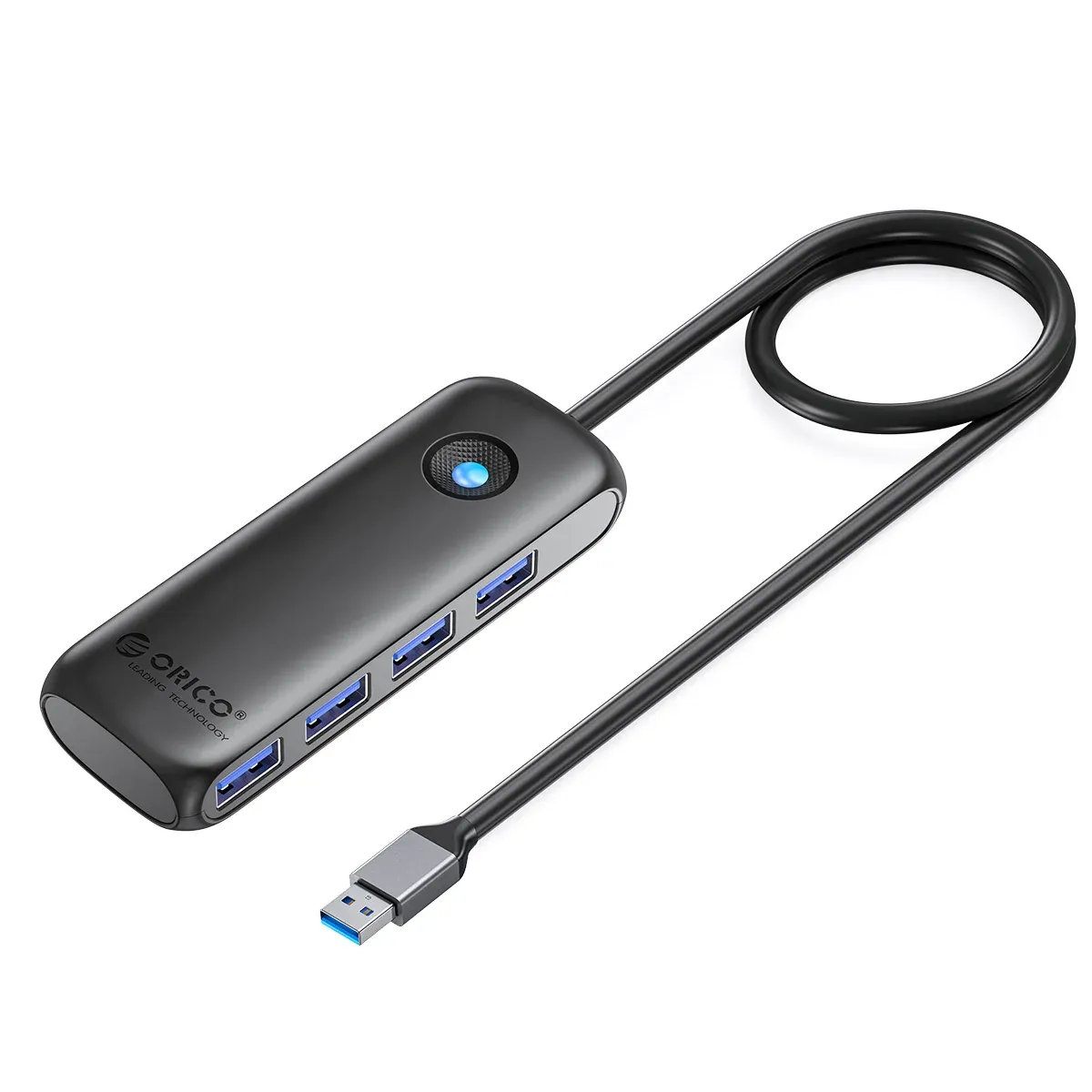
The transparent polycarbonate shell gives the hub a rigid, polished feel that suits visible desk setups. It is not a rugged field accessory, yet the CE certification and Orico’s consistent accessory design language suggest a product built for stable, everyday use rather than novelty.
Customers usually look for two things in this category: reliable port spacing and a shell that does not feel flimsy when cables are inserted and removed. This model appears to aim at that middle ground, where the real value comes from predictable handling rather than flashy extras.
Who should get this hub
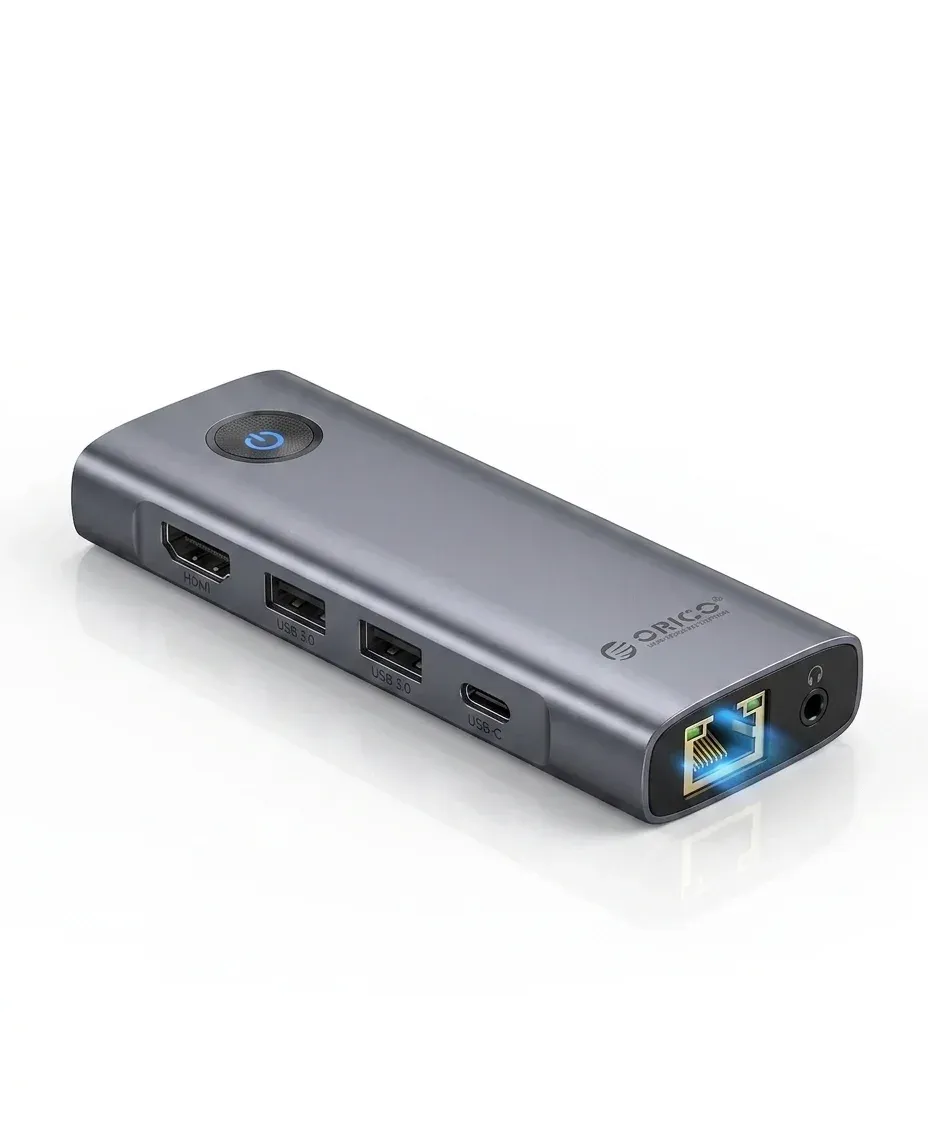
This is a sensible fit for users who need a simple USB expansion for a laptop, mini PC, or office workstation. It is less suitable for buyers who need HDMI output, Ethernet, SD card slots, or full Power Delivery charging, because this hub is focused on USB-A expansion only.
If your setup is built around flash drives, dongles, input devices, and light storage, the Orico approach keeps things clean and affordable. The main trade-off is clear: you get a compact 4-port expansion hub, but not the multimedia docking features found in larger models.

