













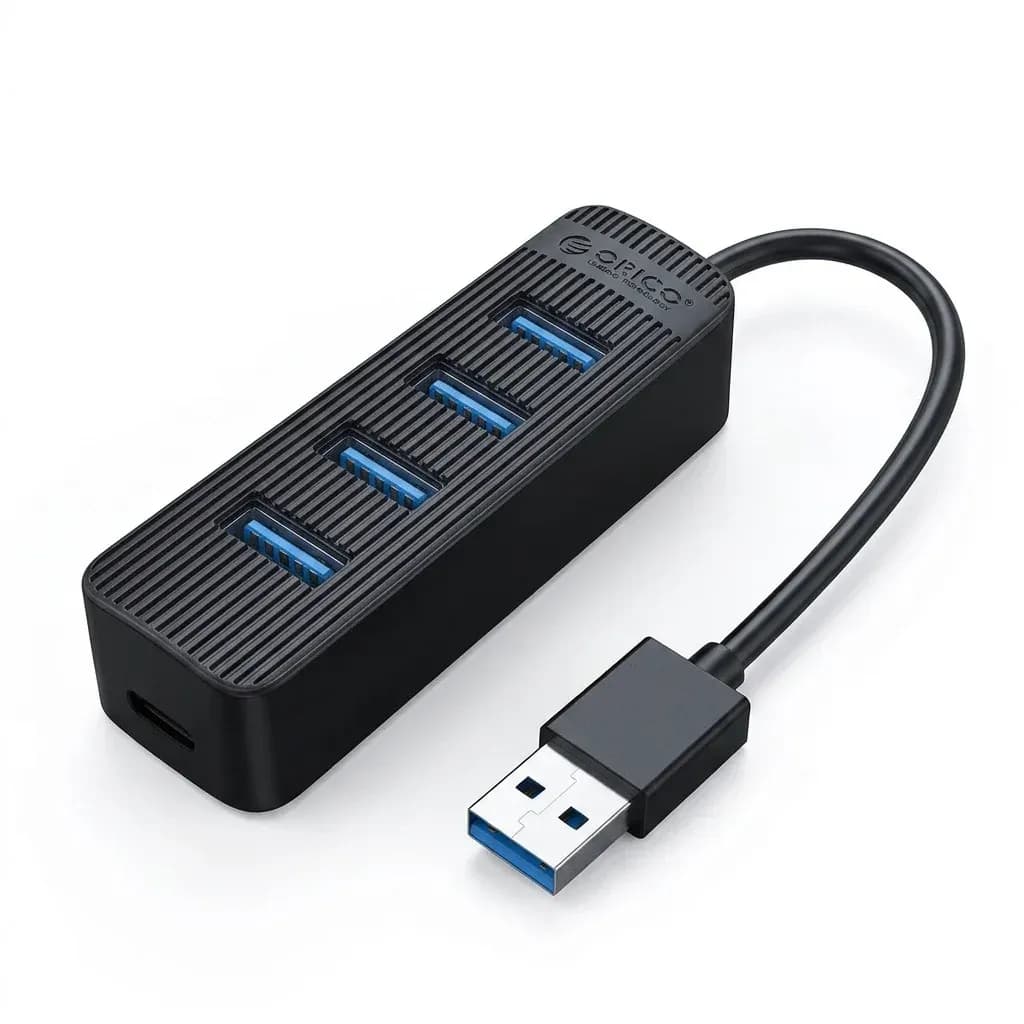

Seven ports for the daily cable spill
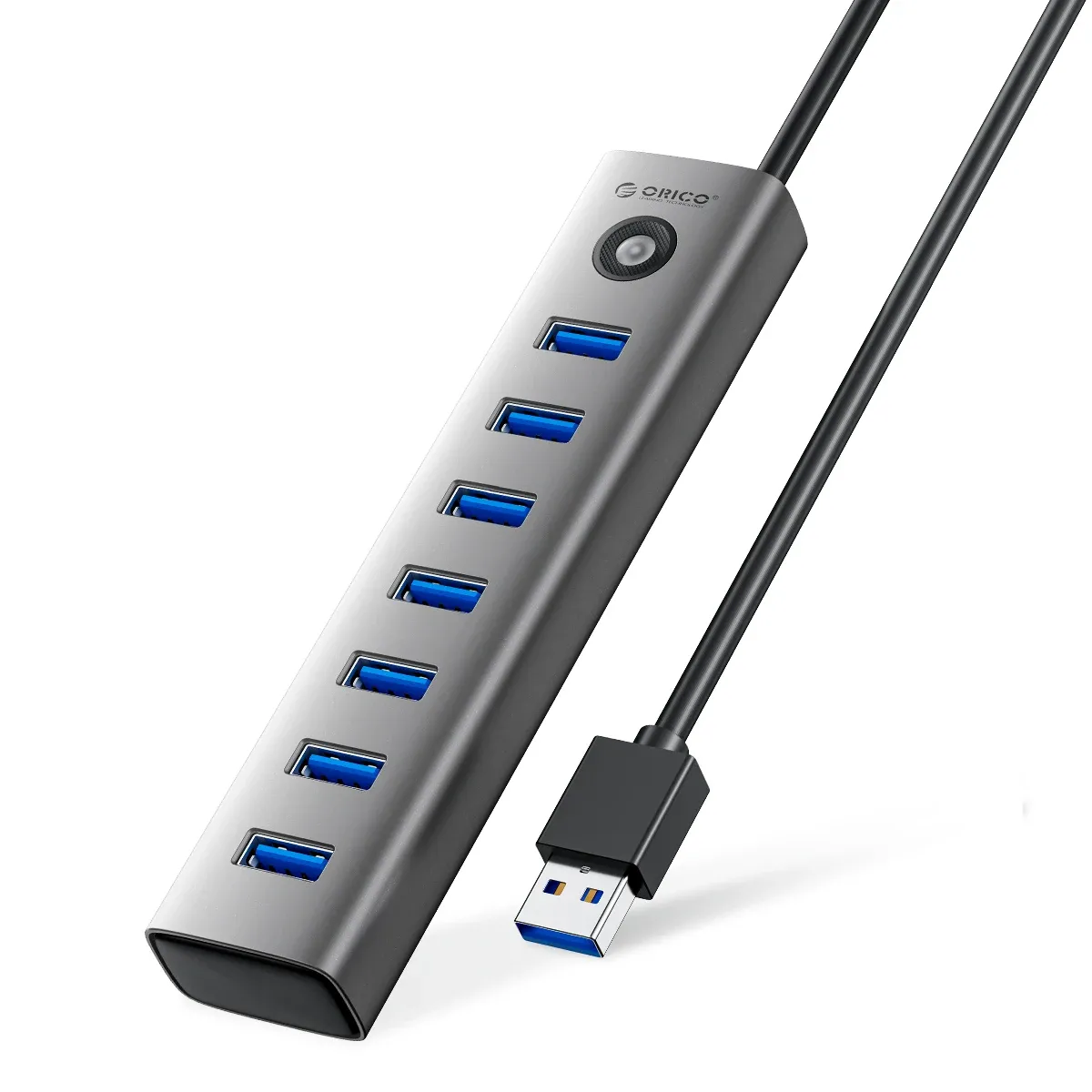
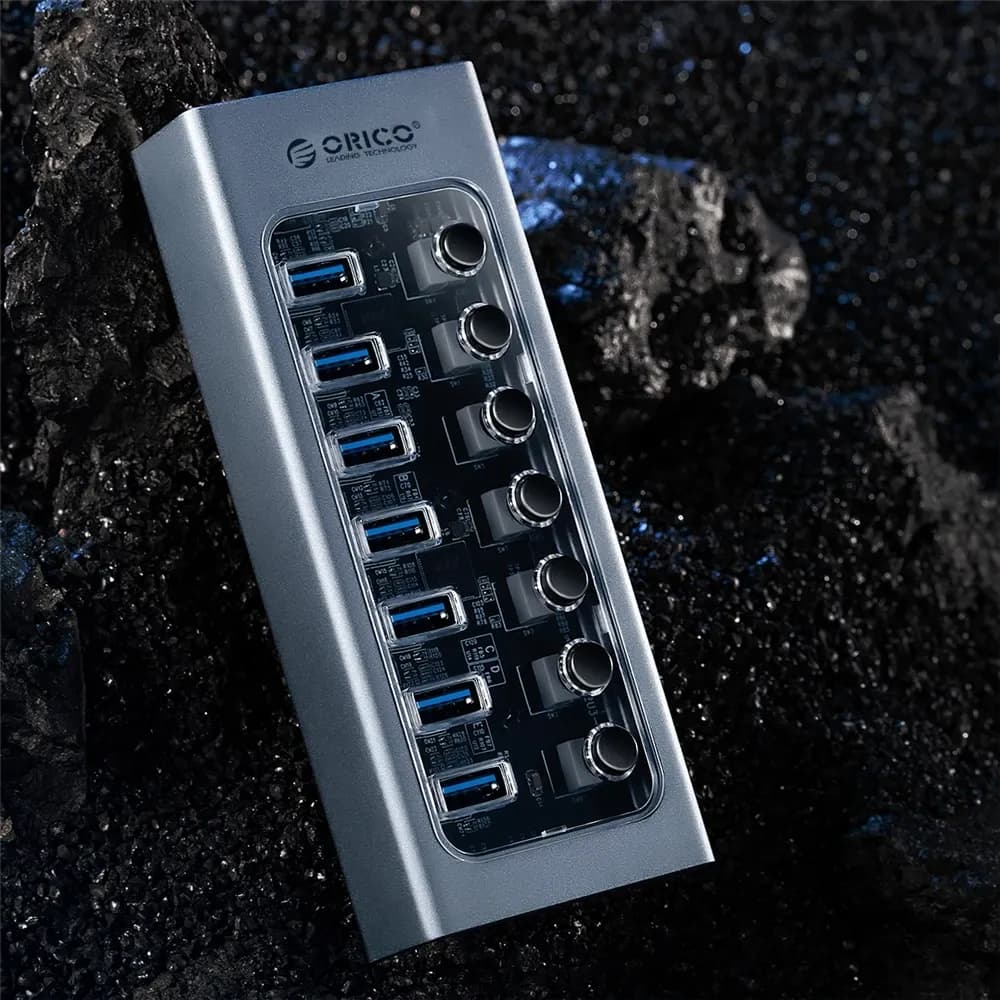
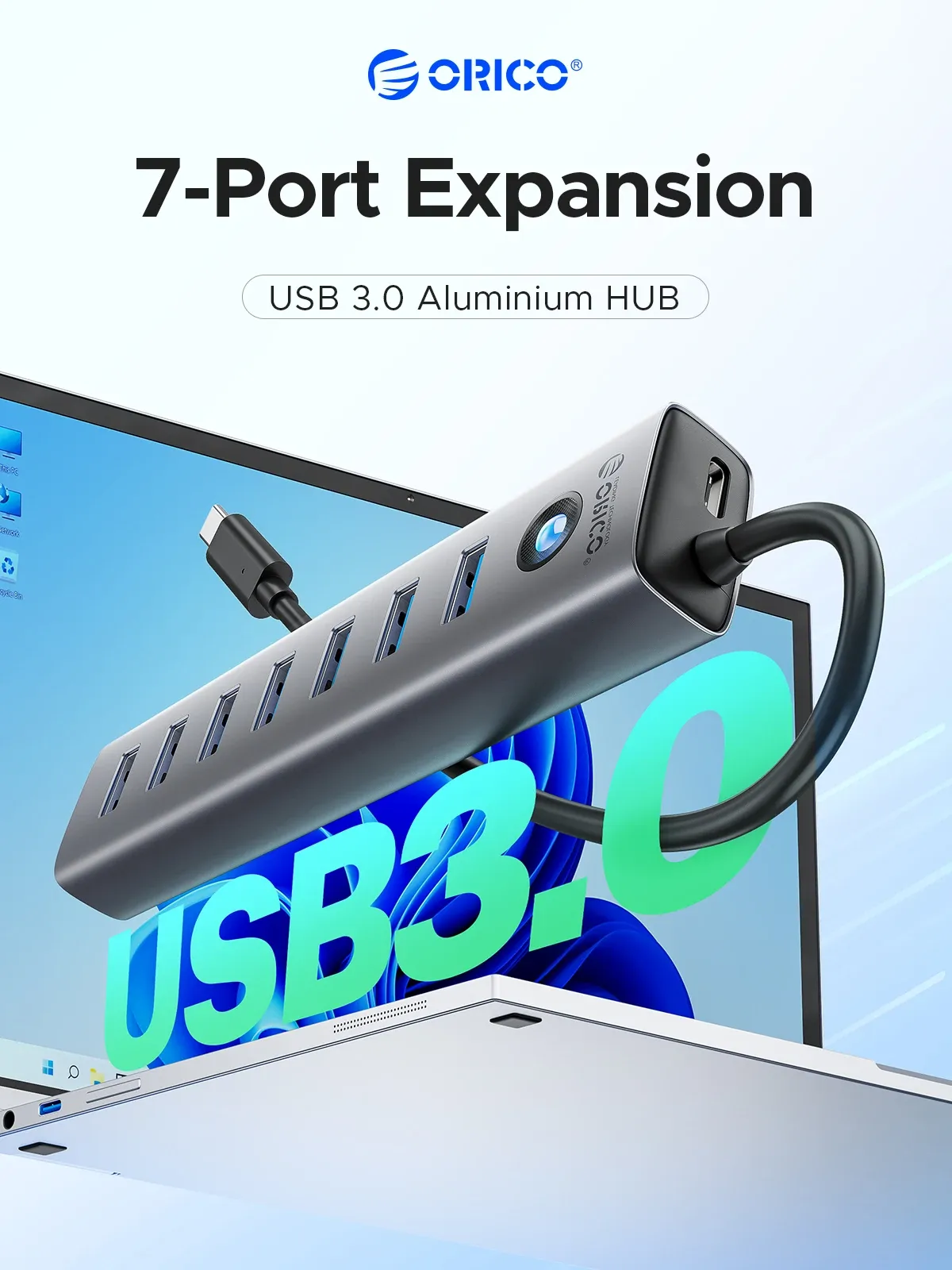
This hub solves the most common desk problem: too few USB ports for a mouse, keyboard, storage drive, and card reader all at once. Orico keeps the layout simple with seven USB 3.0 outputs, so you can clear the laptop’s side panel without juggling adapters.
The 5Gbps standard matters in practice because it keeps flash drives, external SSDs, and peripherals moving at normal USB 3.0 speeds rather than slowing everything down. For users who need a clean expansion point on a MacBook, Surface, or Windows notebook, the design feels like a practical shortcut rather than a complicated dock, so how well does the build support daily use?
Aluminum shell, compact footprint
The aluminum alloy and ABS construction gives the hub a cooler, more rigid feel than the light plastic units often seen in the AliExpress USB hub category. At 15 cm long, it sits neatly beside a laptop without taking over the desk, and the gray finish blends into most work setups.
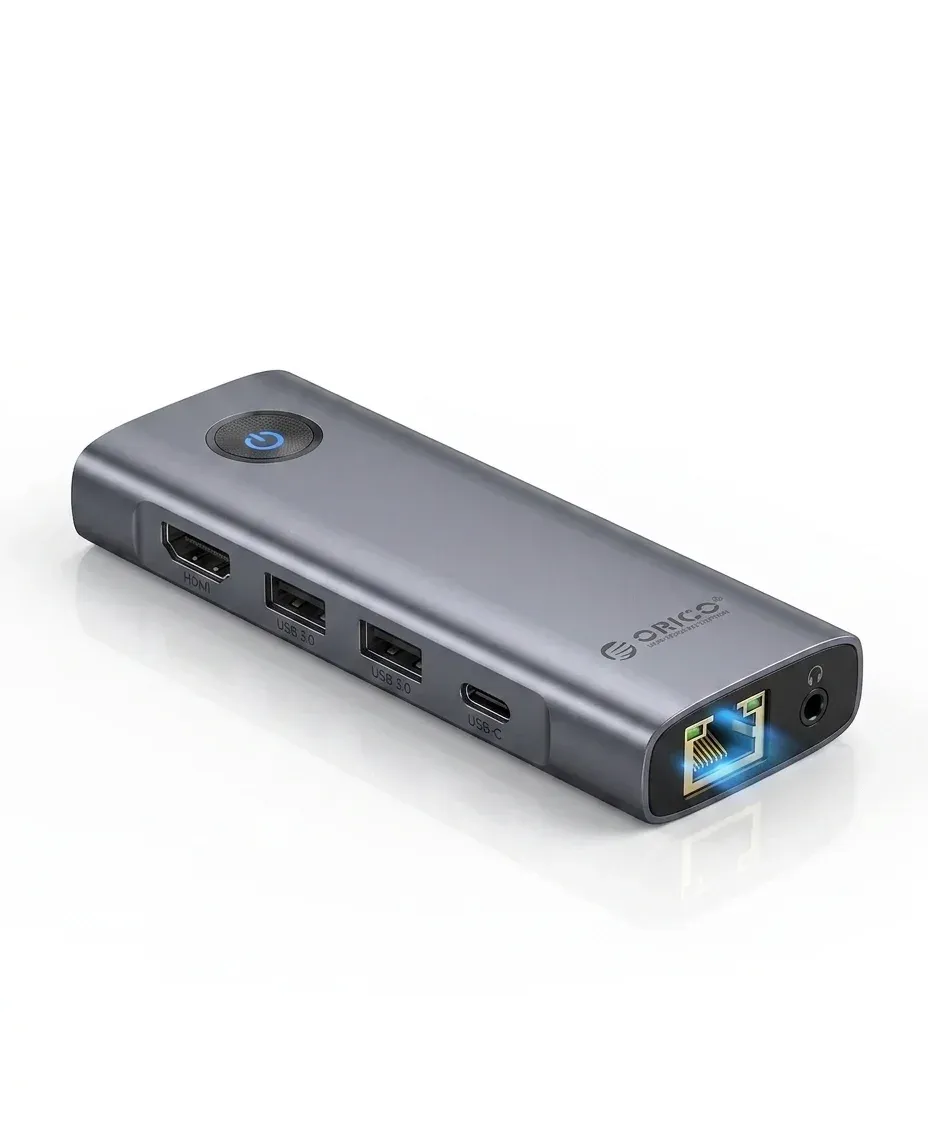
That compact size is useful for travel bags too, since it behaves more like an accessory than a full docking station. The trade-off is that this is a focused expansion hub, not a feature-heavy dock with video output or Ethernet, which makes the next point more important: what power and system support does it actually cover?
USB-C power input keeps accessories steadier
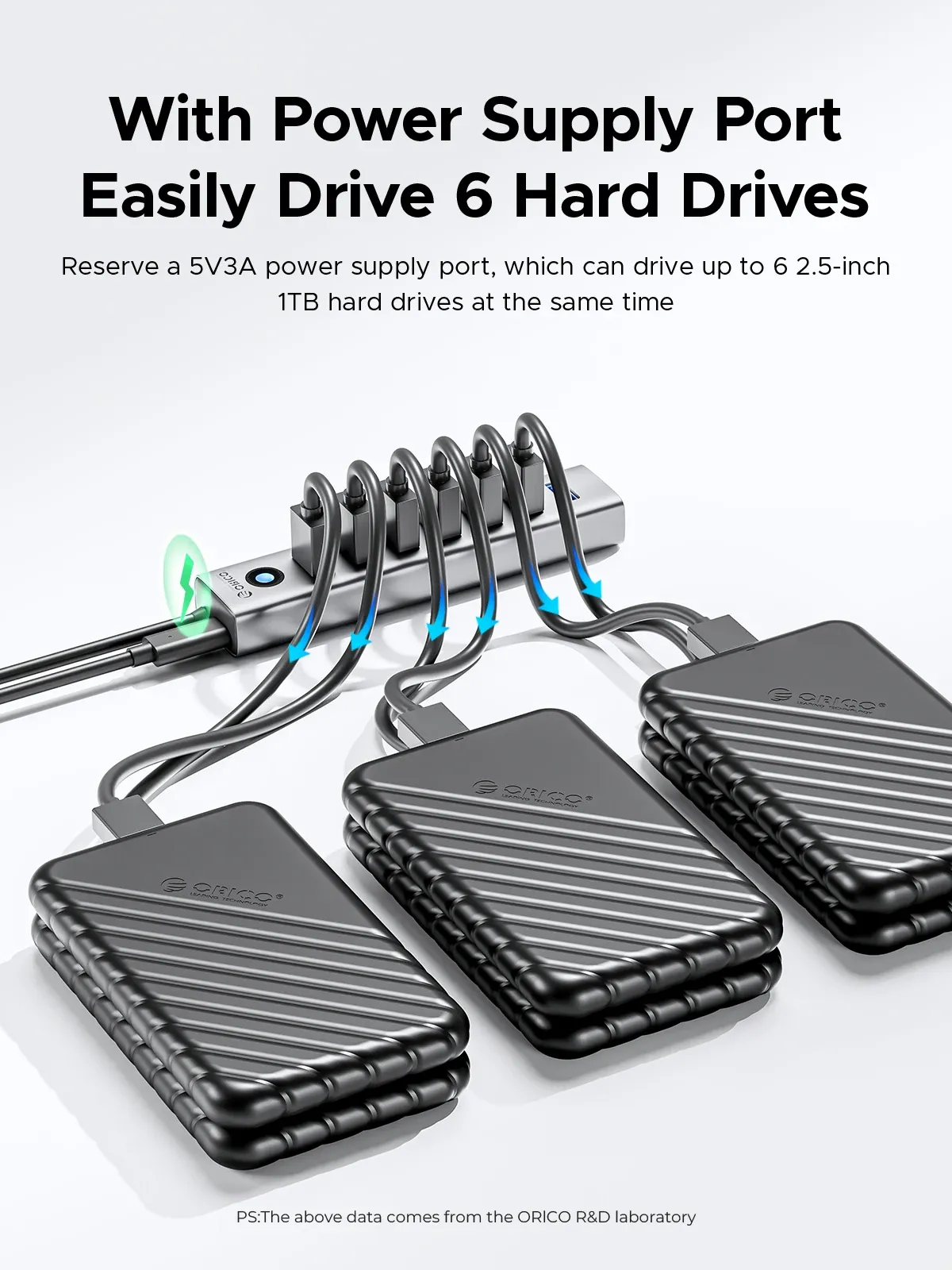
The hub uses USB-C 5V/3A power input, which helps it handle multiple attached devices more confidently than bus-powered splitters. In real use, that matters when several low-draw peripherals stay connected at the same time, especially on laptops that already run close to their own power limits.
Support for Windows, Linux, Mac OS, and Android broadens its usefulness, and the dual input approach makes it easier to match different host devices. Users in the real reviews also noted stable operation and good packaging, with one mentioning interference-free use for 2.4GHz devices, which is a useful clue for wireless dongle owners.
What this hub does well, and what it does not
This model is strongest when the goal is simple expansion: more ports, standard USB 3.0 speed, and a tidy desktop footprint. It is less suitable if you want display output, SD card slots, or advanced charging features, because the product is intentionally built as a straightforward hub.
That narrow focus can be an advantage for anyone who wants fewer failure points and a lower-clutter setup. The CE certification and Orico’s established reputation in the accessory niche add confidence, while the very reasonable S$11.52 positioning makes it easy to justify as a utility piece rather than a premium dock, but which users will benefit most from it?
Best fit for light office, study, and travel setups
For office users, the hub is a neat way to connect a keyboard, mouse receiver, USB drive, and a spare accessory without constantly swapping cables. For students and mobile workers, it works as a grab-and-go expansion tool that can stay in a laptop sleeve and come out only when needed.
It is also a sensible choice for older desktops or motherboards that already have enough performance but not enough accessible ports. That makes it a small accessory with a surprisingly broad role, especially when the goal is stable everyday connectivity rather than a full docking ecosystem.

