













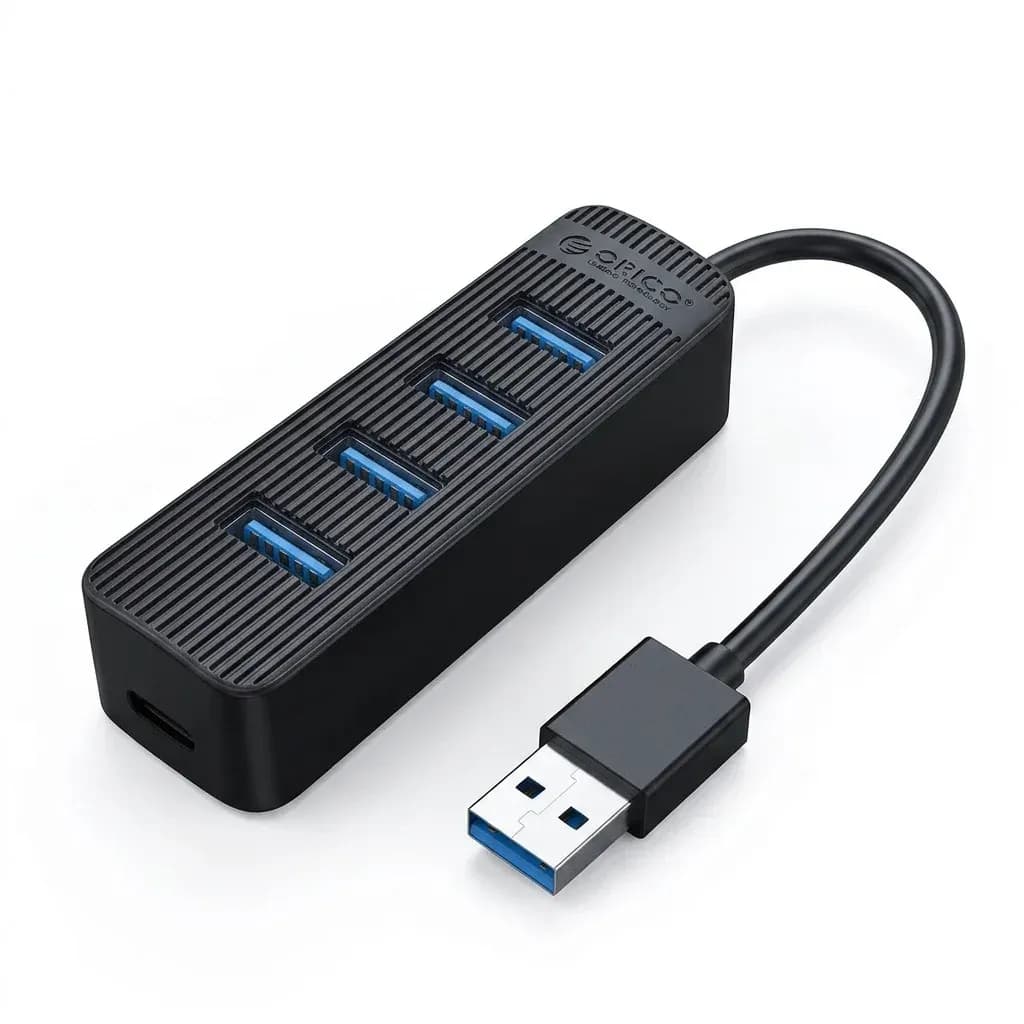

Orico’s reputation for practical desktop expansion
Orico has built a solid name in AliExpress for accessories that focus on function first, with tidy industrial design and broad compatibility. In this category, that usually means hubs that are easy to integrate into a laptop bag, a monitor setup, or a small home office without looking generic.
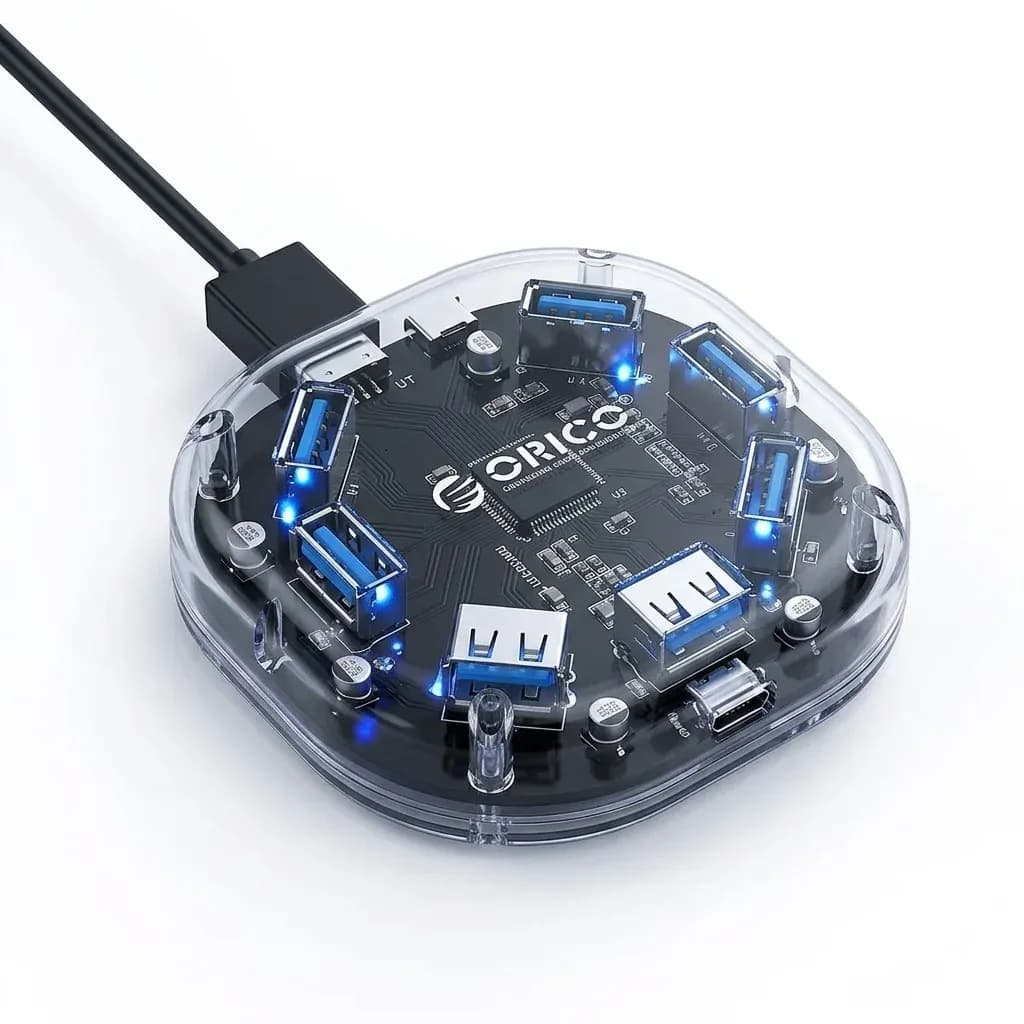
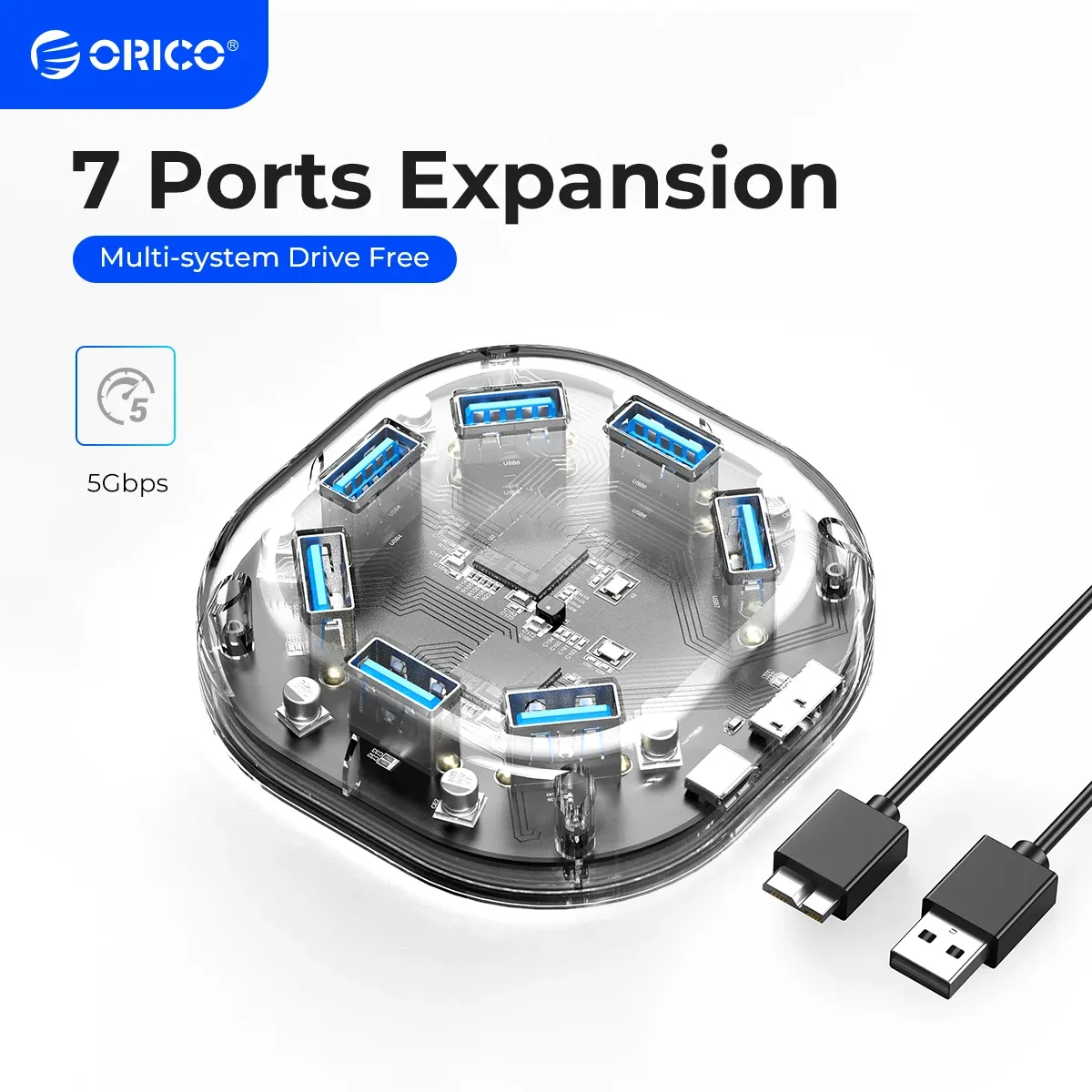
This model follows that formula with a transparent body and a straightforward USB 3.0 layout, which makes it easy to see at a glance why users choose it. The real question is whether seven ports and a power input can stay stable when several devices are connected at once.
Seven ports without turning your desk into a cable mess
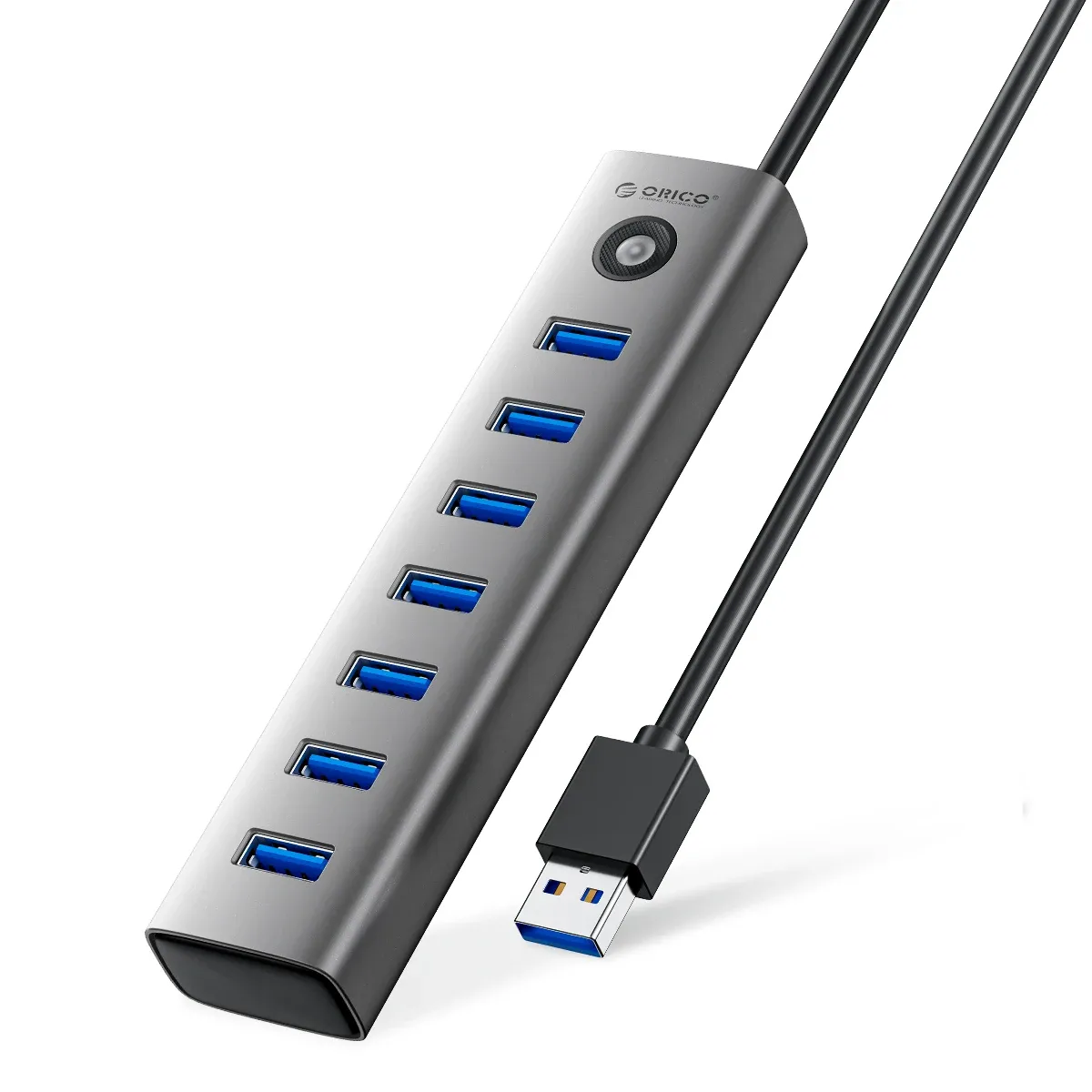
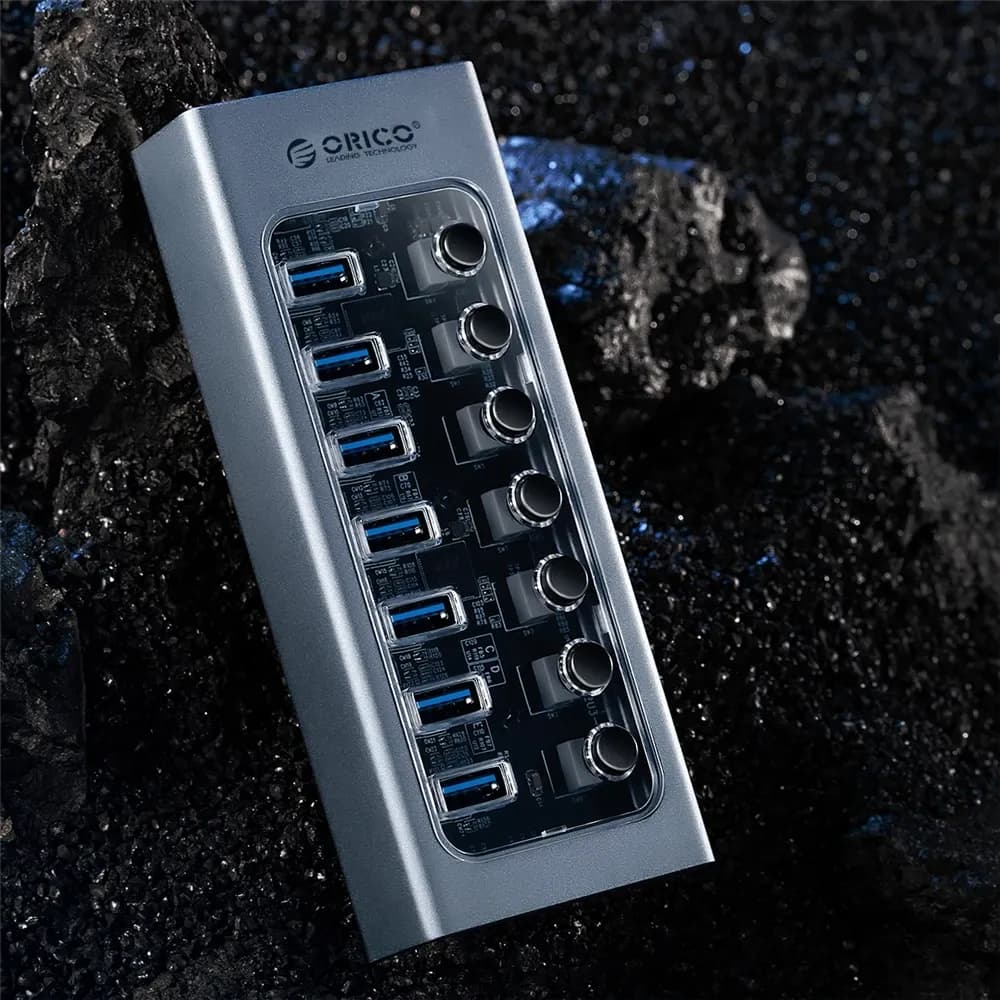
The main appeal is simple: one upstream USB connection can become seven usable ports, which is useful when a laptop only offers a couple of sockets. That matters for anyone juggling a mouse, keyboard, flash drive, card reader, webcam, or a portable drive on the same machine.
The transparent housing gives it a lighter visual footprint than opaque plastic hubs, and the compact footprint helps it sit neatly beside a laptop stand or monitor base. Users who like visible blue accent lighting will also appreciate the subtle glow under the shell, which makes the hub easier to locate in low light.
USB 3.0 speed in real daily use
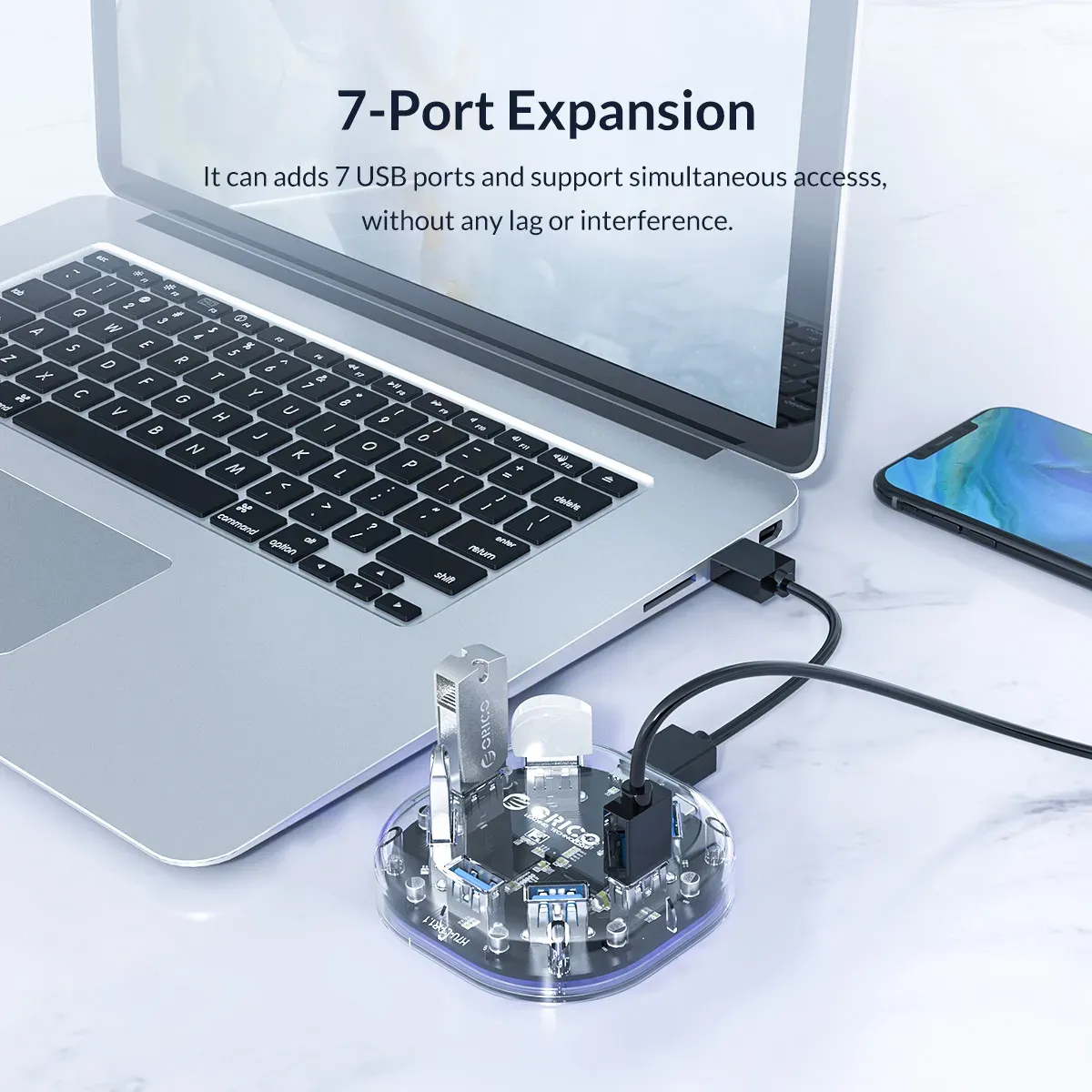
USB 3.0 is the key benefit here because it keeps everyday file transfers and accessory traffic moving faster than older USB 2.0 hubs. In practice, that means less waiting when copying photos, moving documents, or connecting an external drive for routine work.
This is still a splitter-style hub, so expectations should stay realistic: it is built for expansion, not for replacing a full docking station. For high-bandwidth tasks like multiple storage drives or power-hungry peripherals, the Micro USB power port becomes more important than the spec sheet suggests, doesn’t it?
Why the power input matters more than the plastic shell
The added Micro USB power port is the feature that separates this hub from the cheapest bus-powered options. It can help the hub maintain steadier performance when several accessories are attached, especially if one of them is an external drive that needs more consistent current.
That said, one user review described instability under heavier mixed loads, so this is not a guarantee against overload. The safest use case is still light to moderate expansion, and the most reliable setup is to reserve the hub for low-draw devices while keeping storage tasks conservative.
What customer feedback suggests
Customer feedback is limited, but the pattern is easy to read: the hub is often praised for its clean look, fast delivery, and solid first impressions. One detailed review also noted the compact size and the tidy port spacing, while a negative review warned that heavy device combinations can push it beyond comfort.
That split is useful because it shows where the product fits best. If your goal is a neat desktop hub for everyday accessories, the Orico H7U makes sense; if you need to run several demanding peripherals at once, a powered docking solution is the safer route.
Best suited for simple expansion, not a workstation core
This hub is strongest as an everyday convenience tool for laptops, mini PCs, and travel setups where port count matters more than advanced features. It works best when the connected devices are modest in power demand and the user values a clean, transparent design over extra functions.
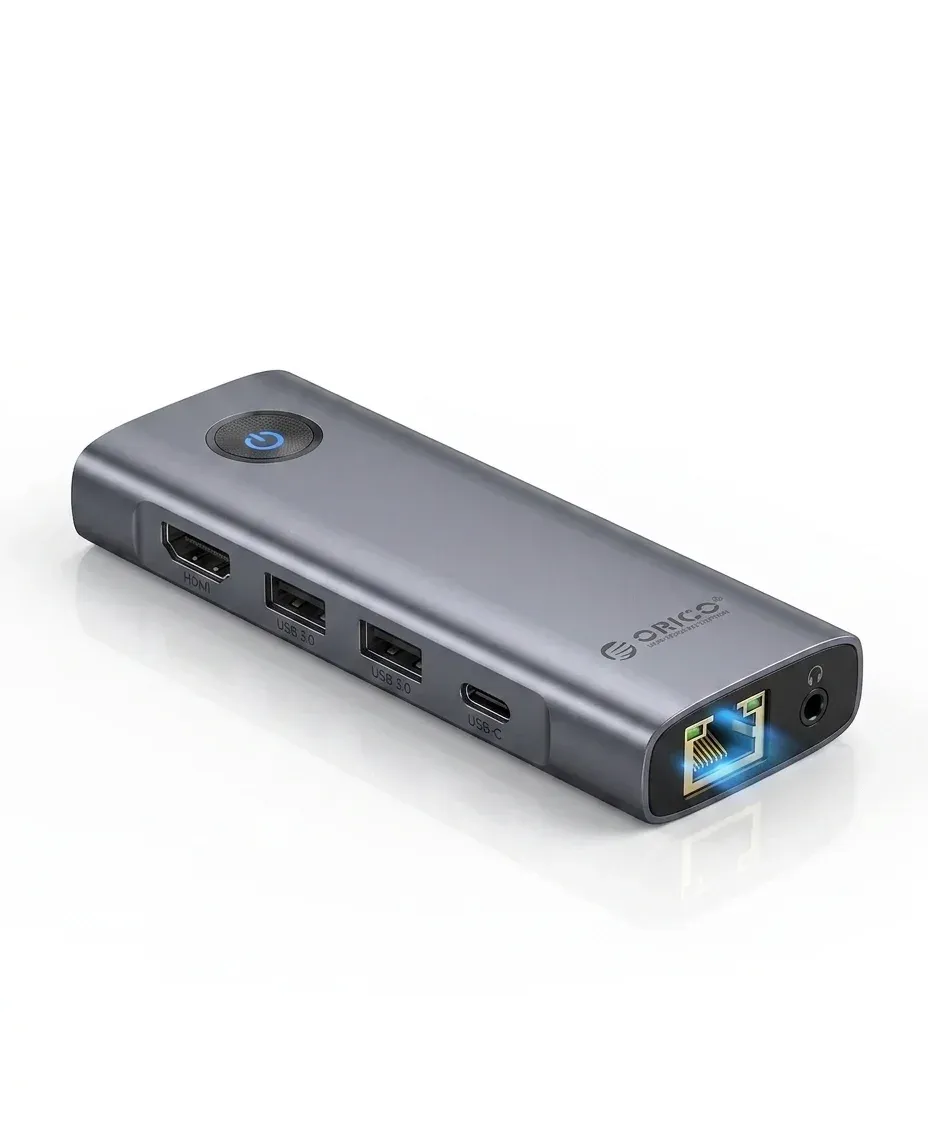
For readers browsing AliExpress Singapore, that makes it a sensible middle-ground pick: more versatile than a basic two-port splitter, but less complex than a full dock with video and Ethernet. The next step is deciding whether your own peripherals are light enough for that balance, isn’t it?

