













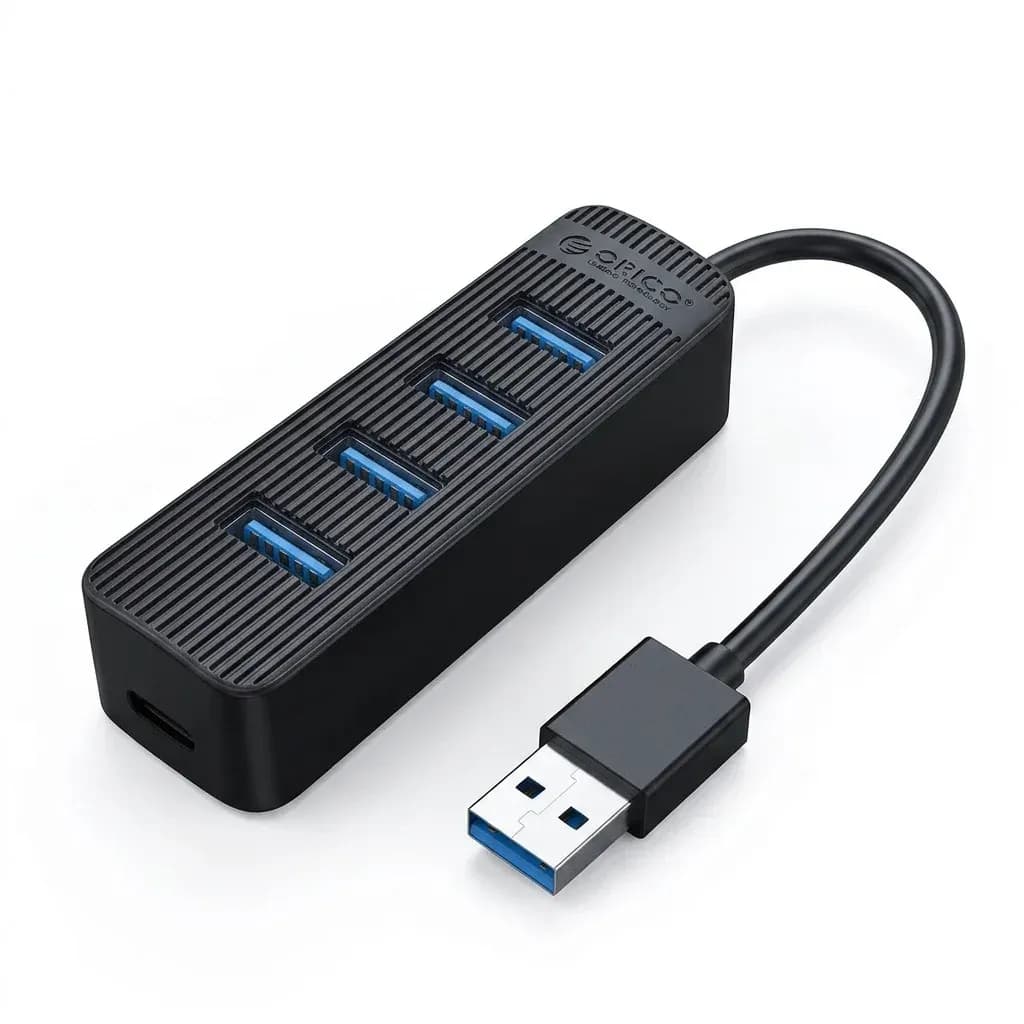

One cable, fewer desk compromises
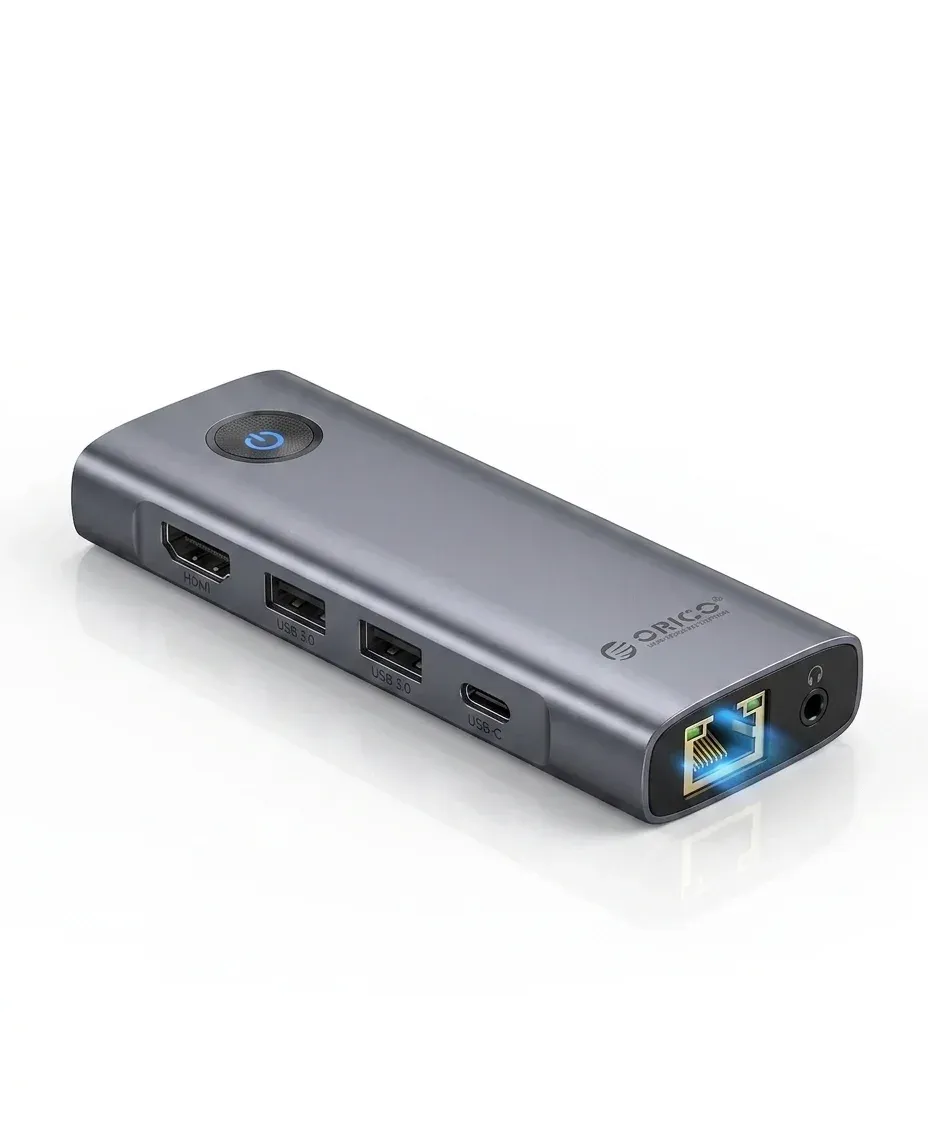
This hub solves a familiar laptop problem: too few ports for a monitor, wired network, storage, and charging at the same time. Orico keeps the footprint small, but the docking logic is practical enough for a MacBook or USB-C notebook used at a fixed desk.
The appeal is not just the number of connections, but the way they reduce clutter around a portable workstation. For users who want a cleaner setup without moving to a full desktop dock, this is where the unit starts to make sense.
4K60Hz HDMI for sharper external display use
The HDMI-compatible output is rated for 4K at 60Hz, which matters if you want smooth cursor movement and a noticeably cleaner image than older 4K30Hz hubs. In daily use, that means spreadsheets, timelines, and browser tabs feel less cramped on an external monitor.
On a compact dock, this is the feature that most directly changes how the laptop feels to use. If your main screen is already good, the hub becomes a second-screen bridge rather than a bottleneck.
100W pass-through charging keeps the laptop powered
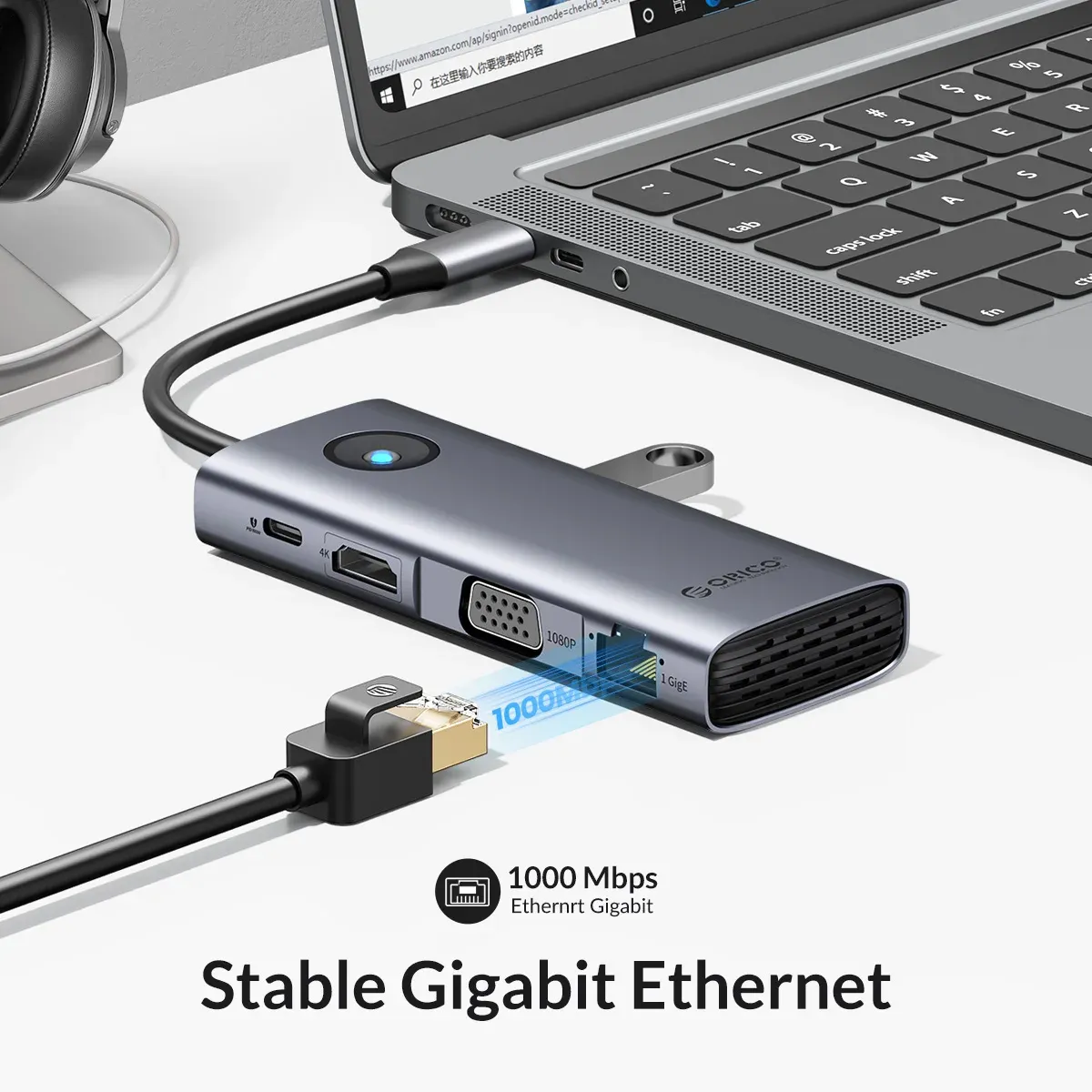
PD100W support means the hub can sit between your charger and laptop without turning your workstation into a battery management exercise. In practice, that is useful for long work sessions, meetings, or a setup that stays connected to a display for hours.
Users should still expect real-world charging speed to depend on the charger and cable they pair with it. The benefit is continuity: the dock lets you keep the USB-C port free while the notebook stays charged and ready.
RJ45 wired networking for steadier transfers
The built-in RJ45 port is a strong reason to choose this kind of hub over a simple display adapter. Wired Ethernet is still the safer option for large downloads, cloud backups, and video calls where Wi-Fi can dip at the wrong moment.
According to users, Orico’s fit and finish are usually consistent, and the early feedback here points in the same direction with a 5-star sample profile. That does not replace long-term testing, but it does suggest the dock is being used for real desk setups rather than novelty.
Three USB 3.1 ports in a 15cm body
The three USB-A ports are the quiet workhorse of the design, giving room for a mouse, flash drive, keyboard receiver, or SSD enclosure without constant swapping. USB 3.1-class expansion is a better match for modern peripherals than older 5Gbps hubs that only look similar on paper.
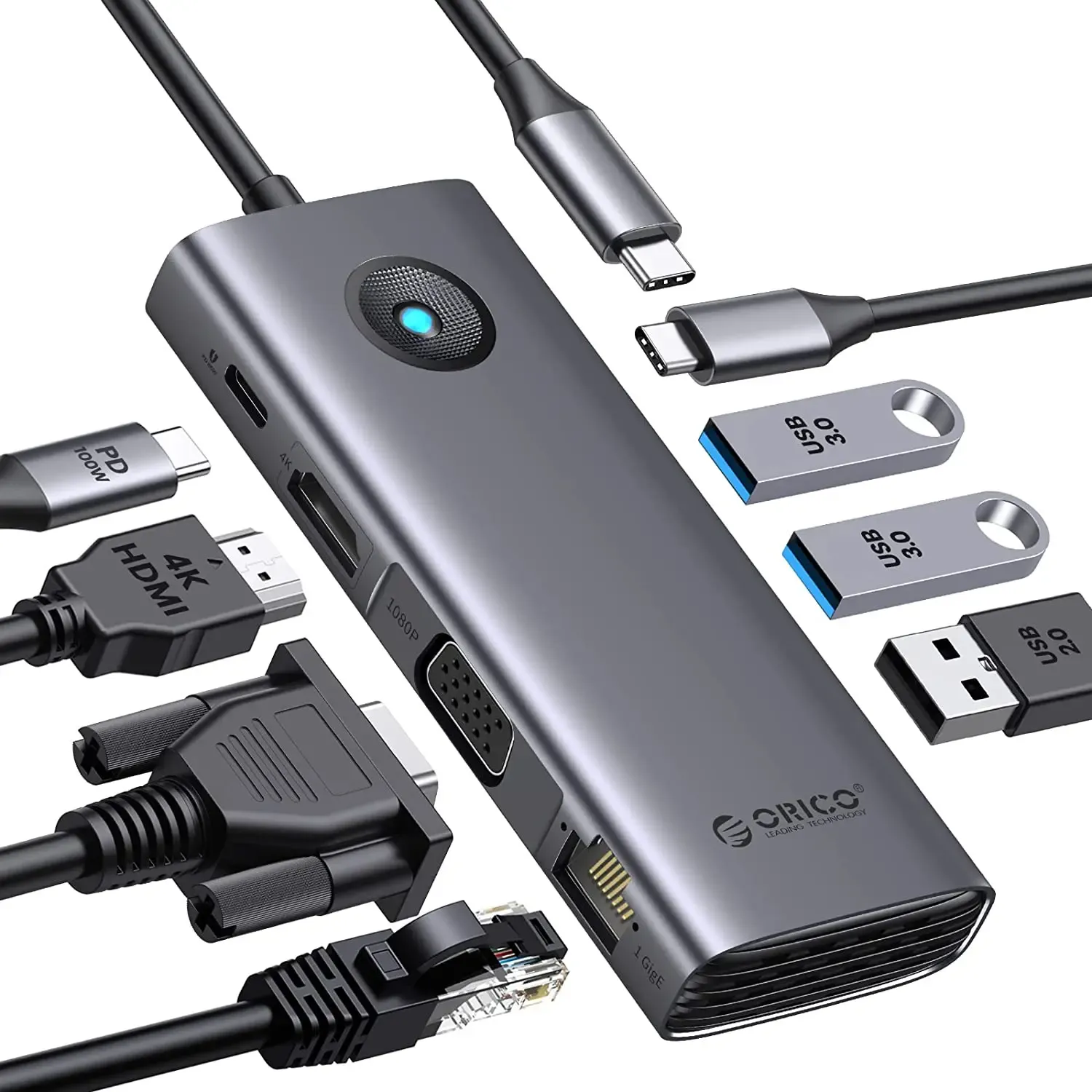
The 15cm length helps the unit sit neatly beside a laptop stand or monitor base instead of hanging awkwardly from the side. That compact form is useful, but it also means cable management becomes part of the setup, so the next question is compatibility.
Who will get the most from it?
This model suits users who want a straightforward desktop dock rather than a feature-heavy station with multiple video outputs or card readers. If your workflow is monitor plus Ethernet plus a few USB accessories, the port mix is well balanced for the asking level.
It is less compelling if you need SD card slots, dual display support, or a broader port selection, because those functions are not part of this configuration. For a focused single-monitor desk, though, the design is tidy and easy to understand, which is exactly what many AliExpress buyers want.
- 4K60Hz HDMI-compatible video output
- 100W USB-C power delivery pass-through
- RJ45 wired Ethernet connection
- Three USB 3.1 expansion ports
- Compact 15cm docking form factor
- Made for USB Type-C laptops

