













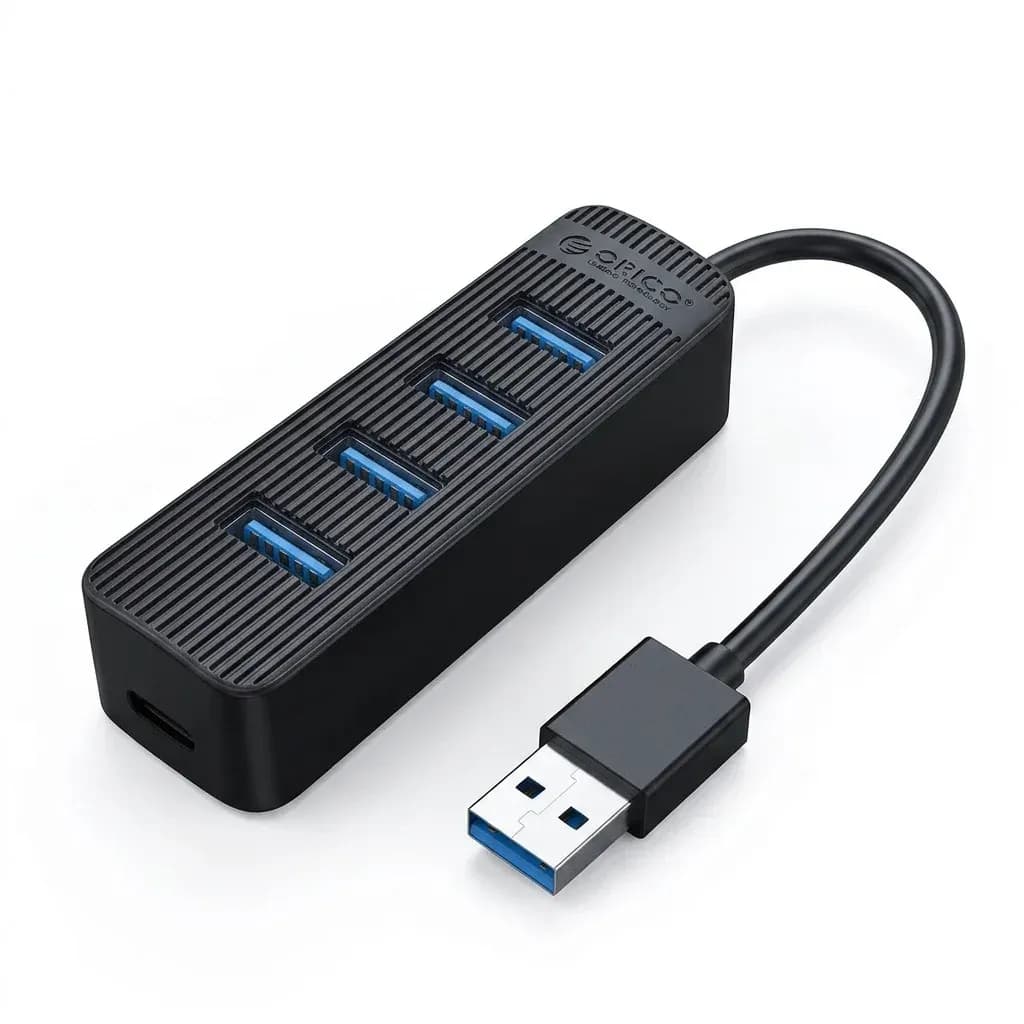

Orico’s approach to dependable desktop expansion
Orico has built a strong reputation in the AliExpress accessory space by focusing on practical hardware that solves everyday connectivity gaps without overcomplicating the design. This hub fits that pattern well: it is compact, powered, and aimed at users who need stable USB expansion rather than flashy extras.
That makes it a sensible pick for laptops and desktops that run out of ports fast, especially when external drives or other bus-hungry devices are involved. The real question is whether its 10Gbps claim and external power design translate into a smoother workflow in daily use.
10Gbps transfer speeds in real work
The headline feature is USB 3.1 Gen2 support, which means each port is designed for up to 10Gbps transfer rates under the right conditions. In practice, that matters most when moving large video files, photo libraries, or project backups that would feel painfully slow on older USB 2.0 hubs.
For users handling frequent transfers, the difference is not just speed but fewer interruptions while waiting for drives to catch up. A customer review also noted excellent speed and out-of-the-box operation, which is encouraging for a hub in this category.
Why the 12V adapter changes the experience
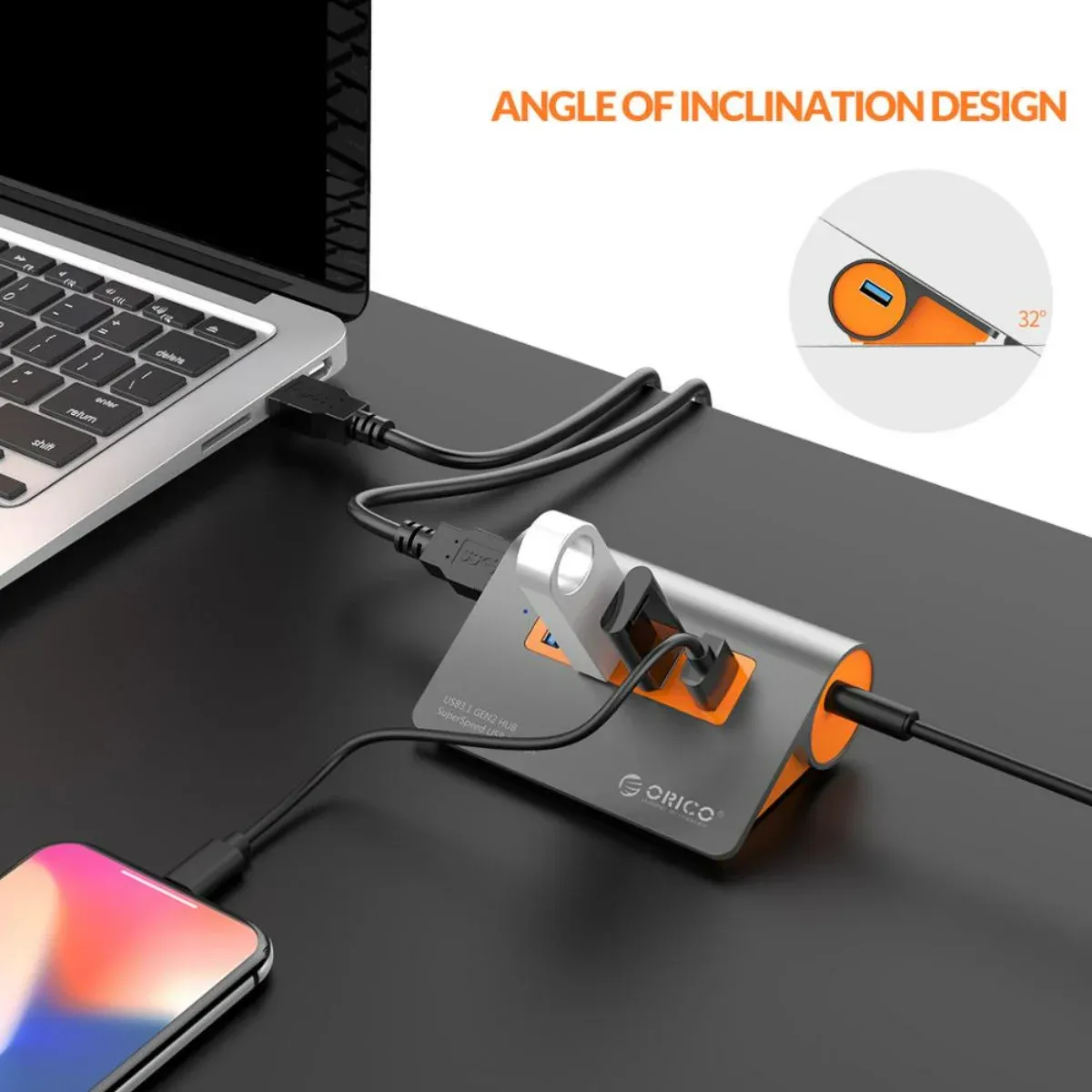
Many compact hubs depend entirely on the host device for power, which can lead to unstable performance when multiple drives are attached. This model includes a 12V power adapter, so it is better suited to powering several peripherals at once without the sag that often shows up in passive hubs.
That external supply is the main reason this product makes sense for hard drives, card readers, and other accessories that need consistent current. If your current hub disconnects under load, this is the detail that could matter most.
Aluminum body and bevelled edge design
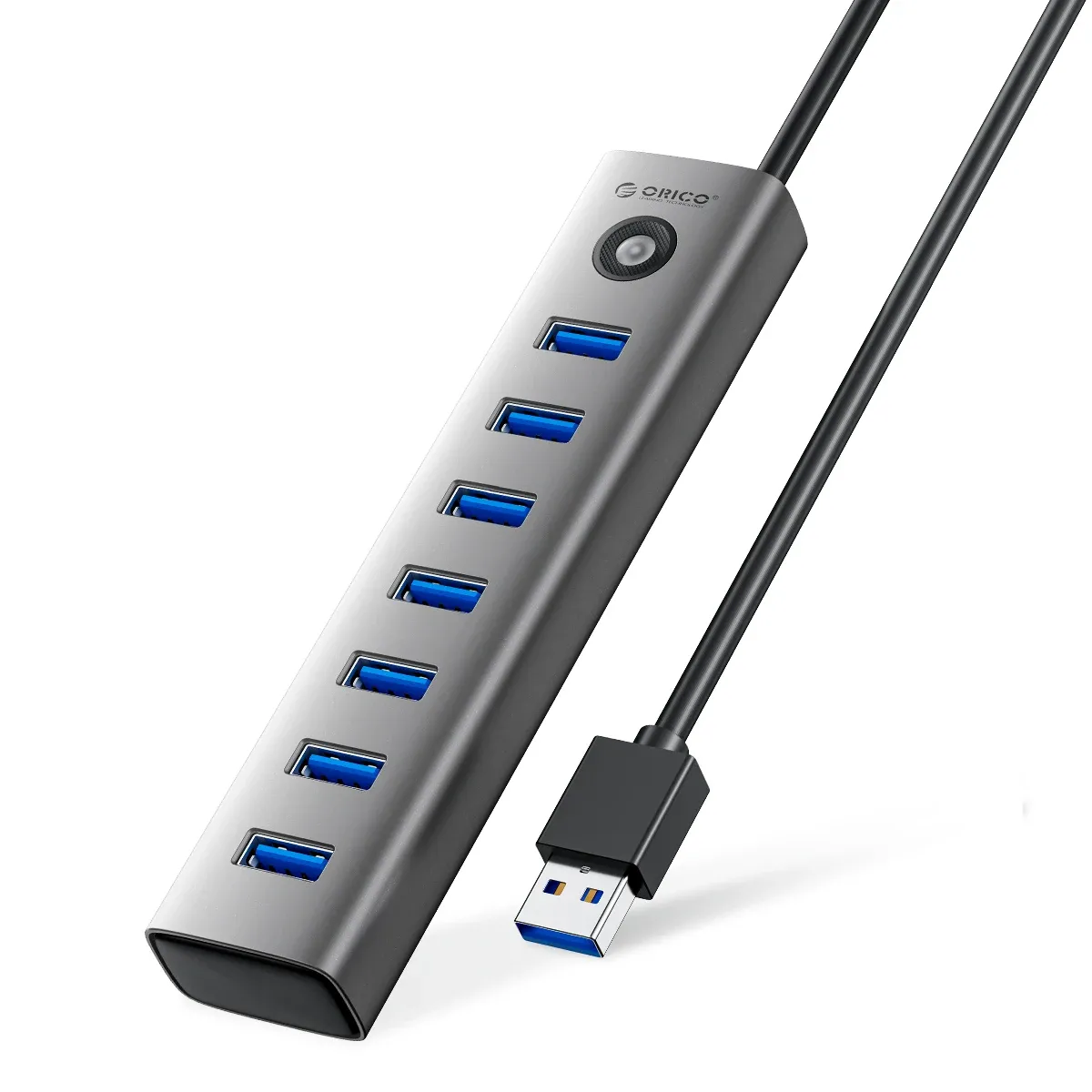
The aluminum alloy shell gives the hub a more premium feel than plastic alternatives, and it should also help with heat dissipation during longer transfer sessions. Its 93 x 66 x 32 mm footprint keeps it small enough for a desk corner or laptop bag, while the bevelled edge design makes it easier to handle and visually cleaner on a workstation.
The blue LED indicator is useful without being distracting, giving a quick read on power status at a glance. For users who care about a tidy setup, the detached 100 cm A-to-A cable also helps separate the hub from the computer body instead of crowding the ports.
Who benefits most from four powered ports
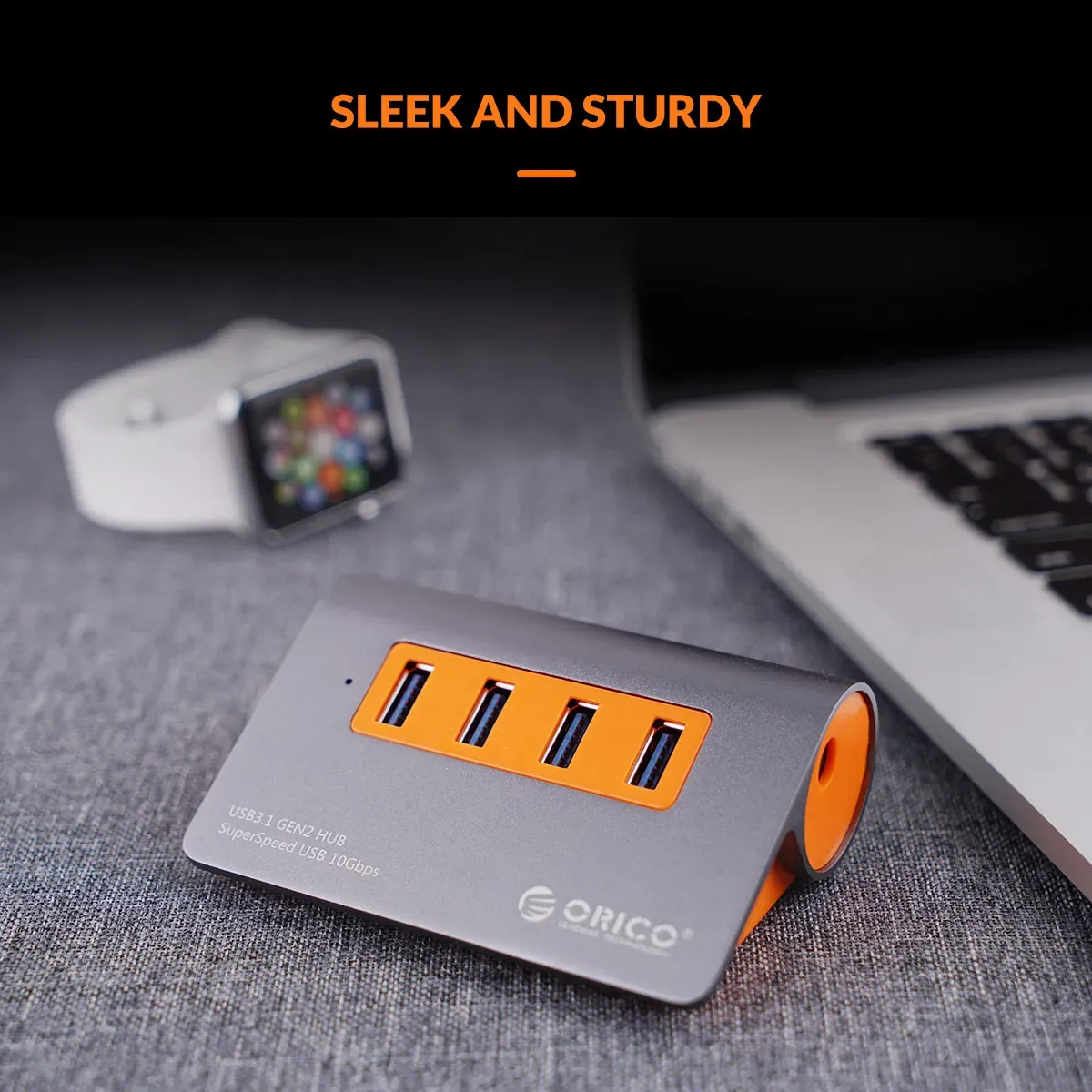
Four USB outputs are enough for a focused setup: one external SSD, one backup drive, a mouse receiver, and a flash drive, for example. That is a more realistic use case than oversized hubs with unused sockets, and it keeps the device easier to place and manage.
Because the hub is powered and CE certified, it is positioned as a safer choice for regular desk use than ultra-cheap unbranded splitters. Users who need OTG-style expansion or a stable laptop dock for accessories will get more value here than from a basic unpowered adapter.
What to watch before you order
The input side uses USB-A, so this is not the cleanest fit for modern USB-C-only laptops unless you already have a suitable adapter. It is also a focused expansion tool rather than a multi-function dock, so there is no Ethernet, video output, or memory card reader to widen its role.
That narrower scope is not a weakness if your goal is reliable USB expansion, but it does define the product clearly. If you want a hub that behaves more like a small power-managed workstation accessory, this one is closer to that brief than a simple splitter.

