

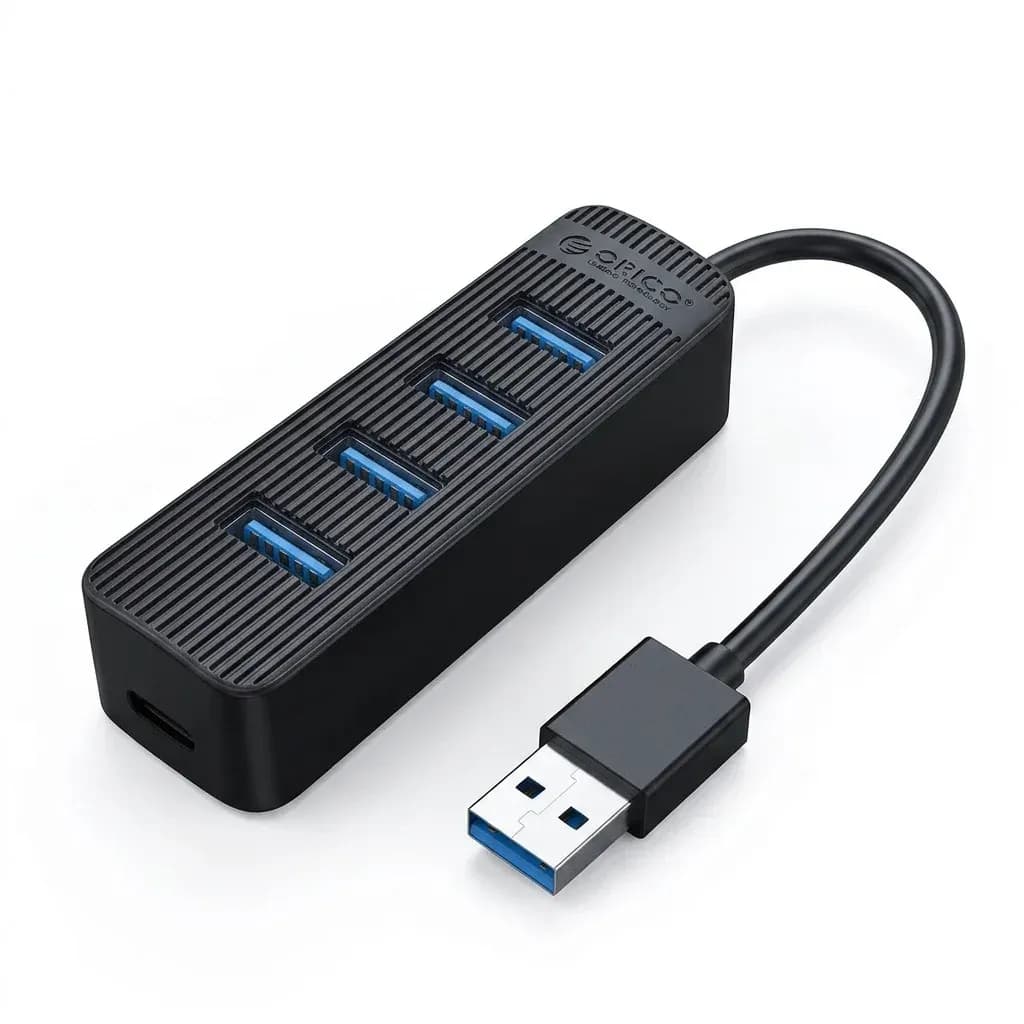






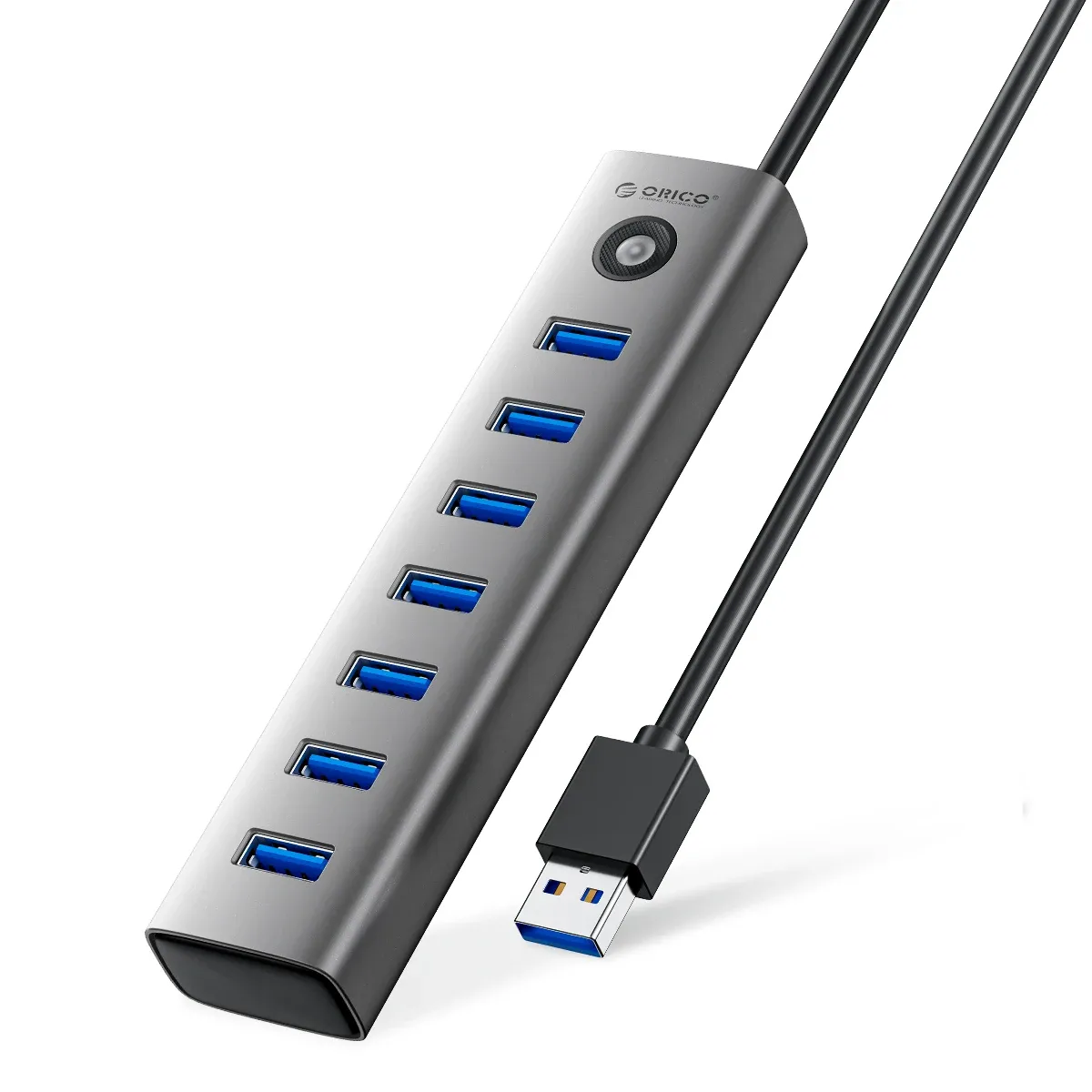

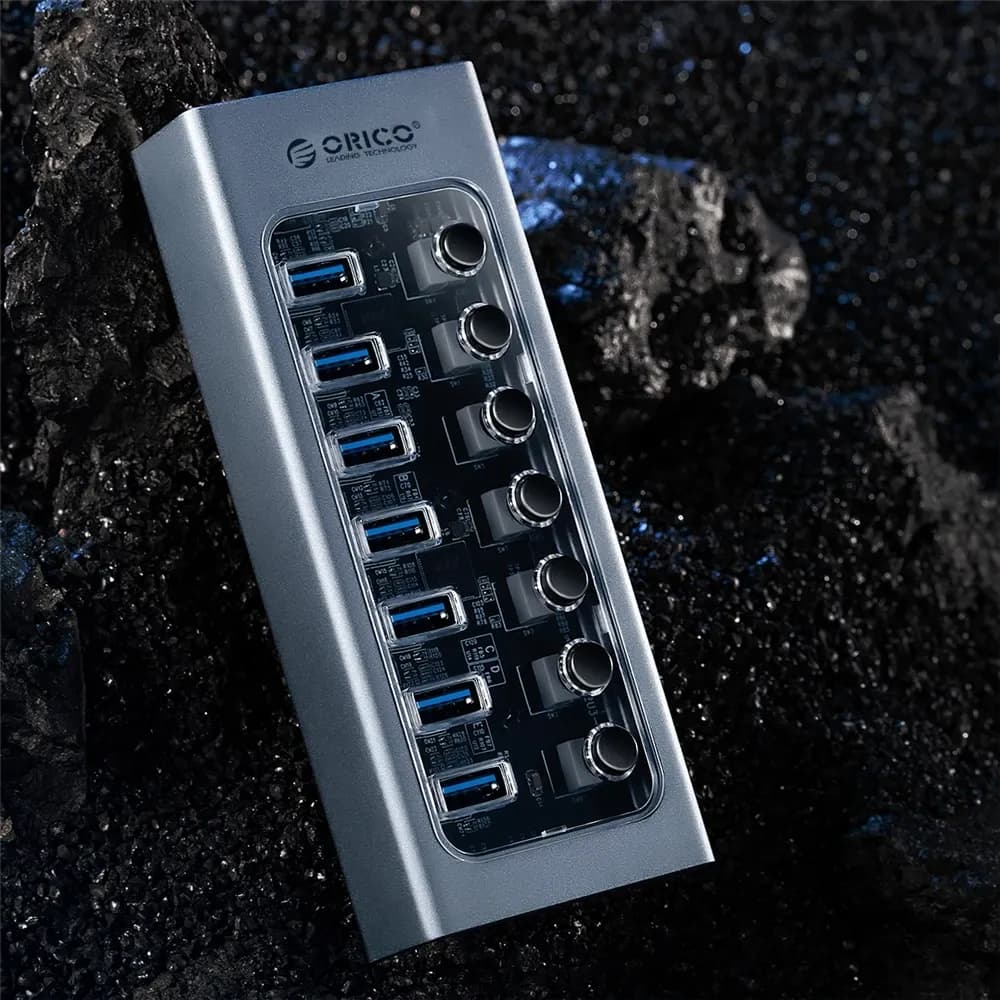





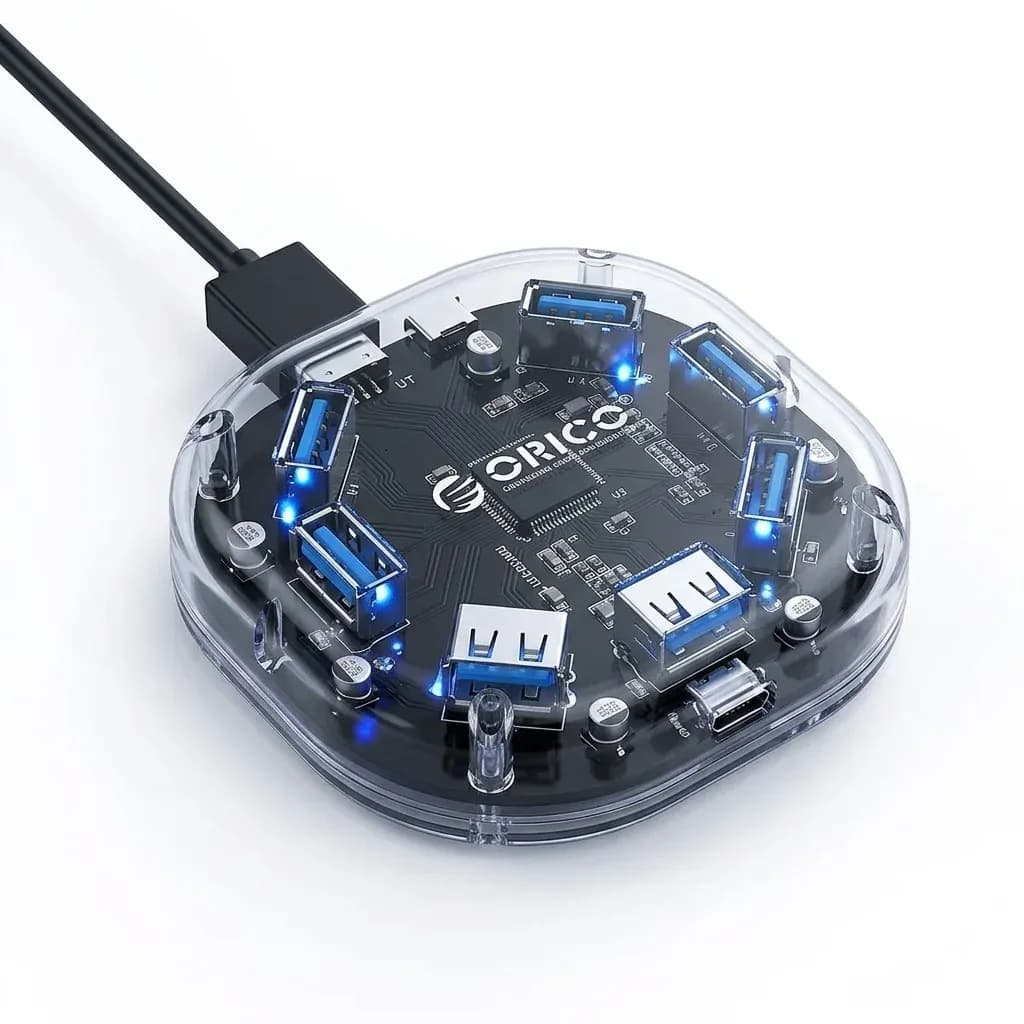

Four ports, one clean desk setup
This hub solves a familiar laptop problem: too few USB ports for a mouse, keyboard, flash drive, and external storage at the same time. Orico keeps the layout simple, so the desk stays tidy instead of turning into a cable tangle.
As a brand, Orico has built a solid reputation in the AliExpress USB accessories niche for practical hardware, stable power handling, and uncluttered industrial design. That matters here, because a small hub is only useful if it behaves predictably when several peripherals are connected.
USB 3.0 speed in everyday use
The USB 3.0 interface is the main reason this model stands out over basic USB 2.0 splitters. In practice, that means faster file transfers for photos, documents, and large media folders, so you spend less time waiting for the progress bar to move.
Users with a single external drive or a memory stick will notice the difference most clearly, especially when moving HD video or backup archives. According to the product data, the hub supports up to 5Gbps transfer rates, which is enough for everyday productivity without stepping into docking-station territory.
Why the separate power input matters
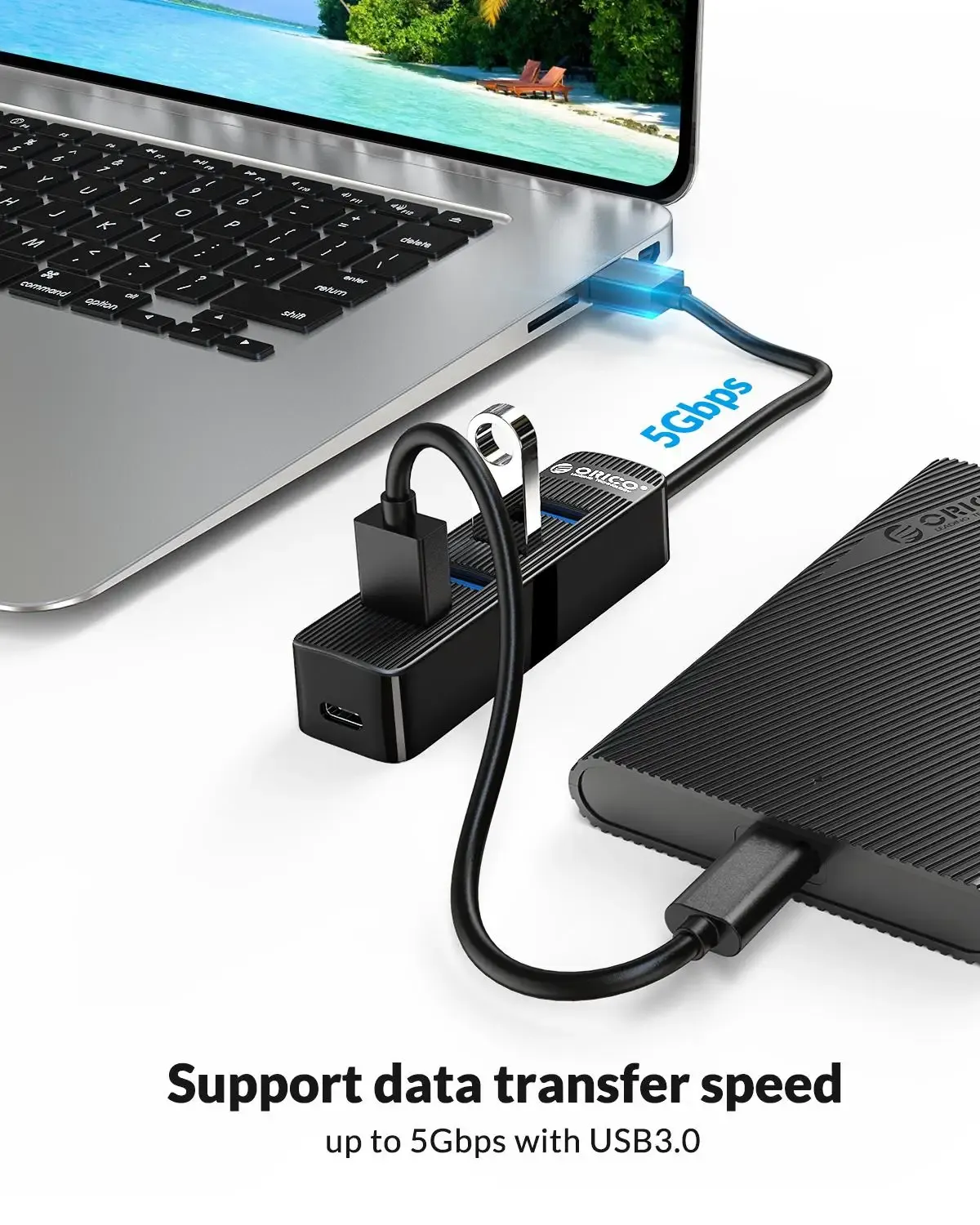
One of the more useful details is the extra Type-C power port, rated at 5V/2A, which helps the hub keep connected devices stable. That is especially relevant for bus-powered hard drives and other accessories that can become flaky when a laptop port is doing all the work.
This is not a full docking solution, but it does reduce the risk of dropouts when you run multiple peripherals together. If you have ever had an external drive disconnect at the wrong moment, this small power input may be the feature that makes the setup feel reliable.
Compact body, travel-friendly cable length
The hub uses a slim ABS shell and a 15cm cable, which keeps it close to the laptop instead of hanging awkwardly off the side. The physical size, listed at 9 x 2.5 x 2 cm, makes it easy to slip into a sleeve or organizer pouch for office or travel use.
That shorter cable is useful on a crowded work surface because it reduces strain on the USB port and keeps the hub from sliding around. It is a small design choice, but it changes how neat the whole setup feels, which is why the next point is compatibility.
Plug-and-play compatibility without extra drivers
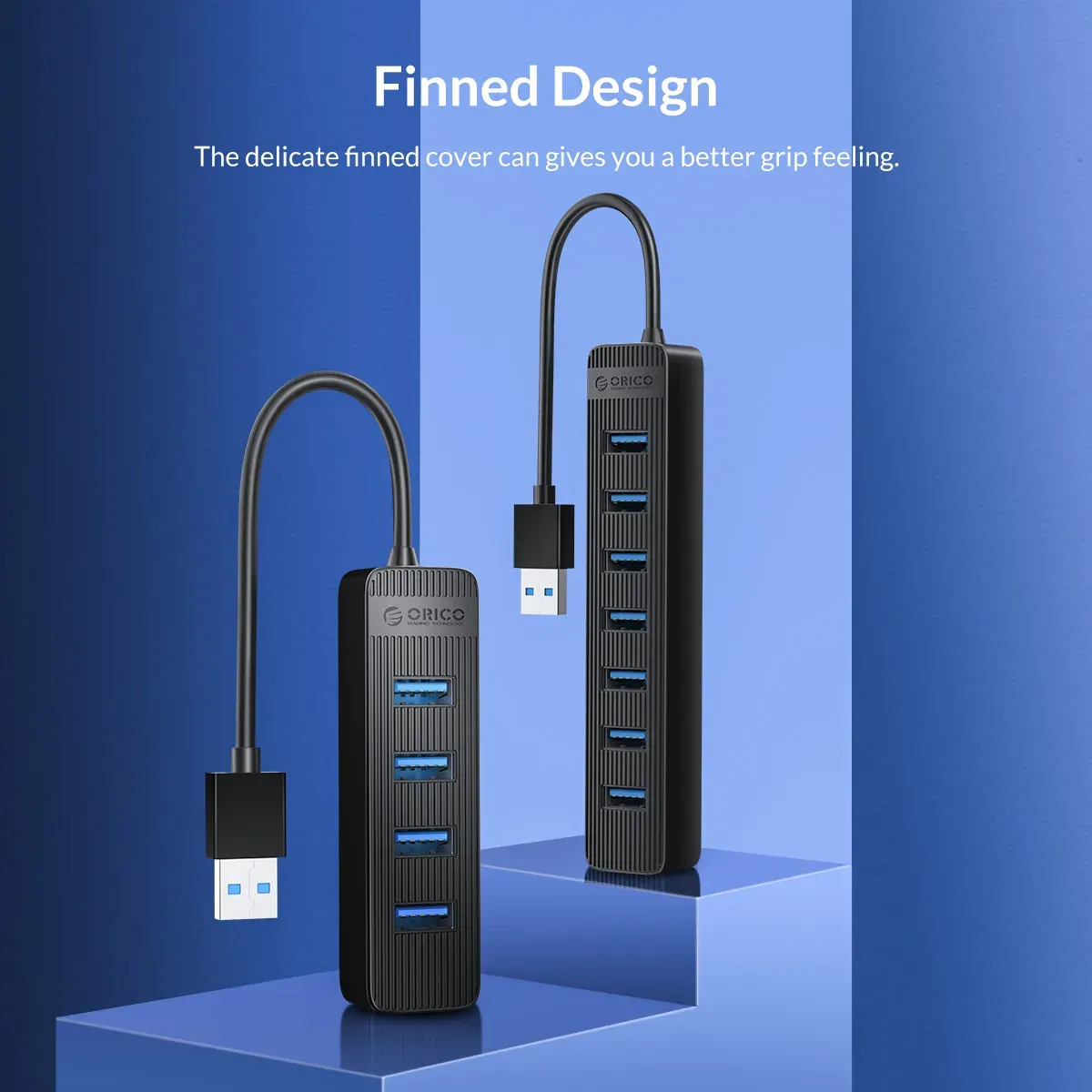
The hub is meant for straightforward use with Windows, macOS, and Linux, and it works with common USB-A peripherals such as mice, keyboards, flash drives, and external drives. CE certification also adds a layer of reassurance for buyers who want a more established accessory rather than a no-name generic splitter.
Real customer feedback is limited but positive, with a 5/5 average across the current reviews. That suggests the product is meeting expectations for basic performance, and the main question becomes whether it fits your exact workflow.
Who gets the most from this hub
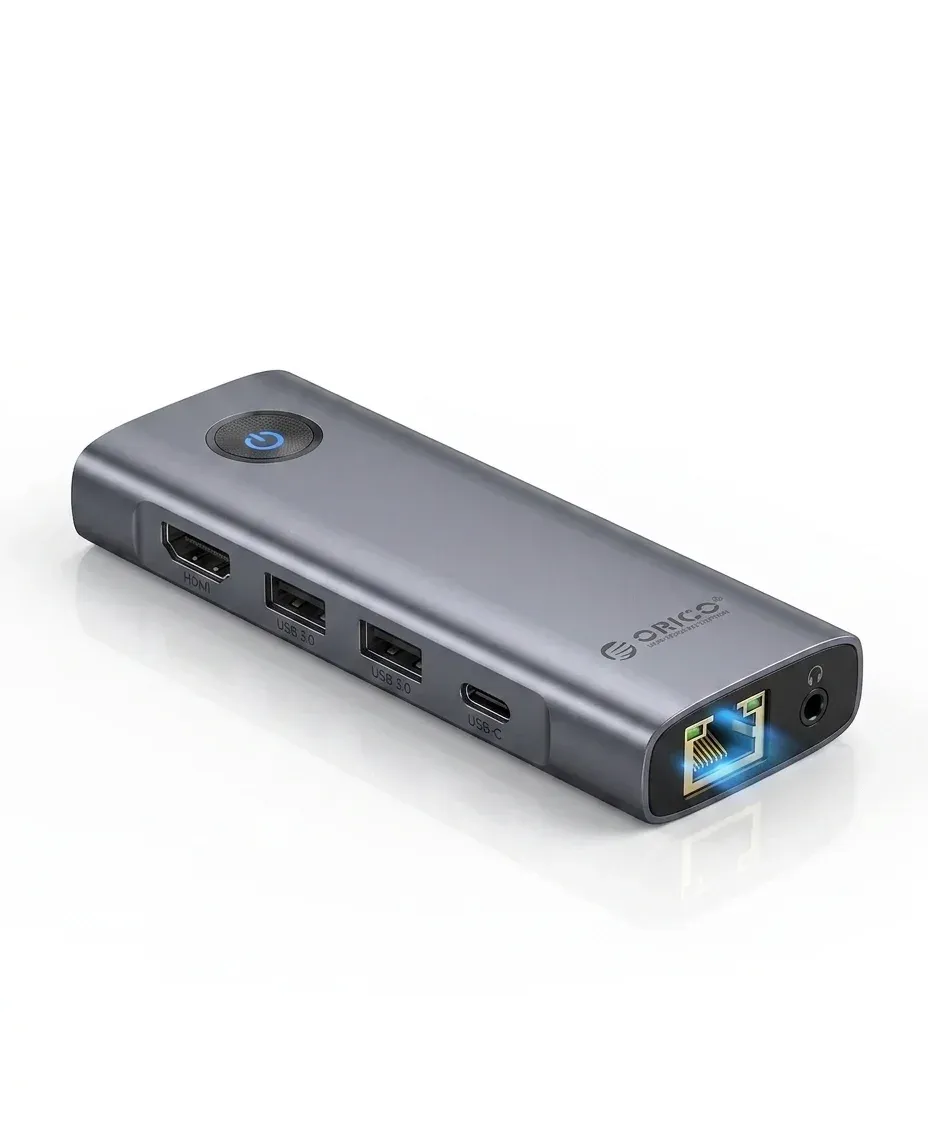
This is best suited to laptop users who want a compact expansion option for everyday office tasks, light content work, or travel. It is less compelling for power users who need SD card slots, Ethernet, or video output, because this model stays focused on USB expansion only.
- Good for adding multiple low-power USB accessories at once
- Useful for portable workstations and small desks
- Better than a basic splitter when transfer speed matters
- Separate power input helps with bus-powered drives
- Compact enough to live in a laptop bag

