














Stable wired networking for devices that dropped the port
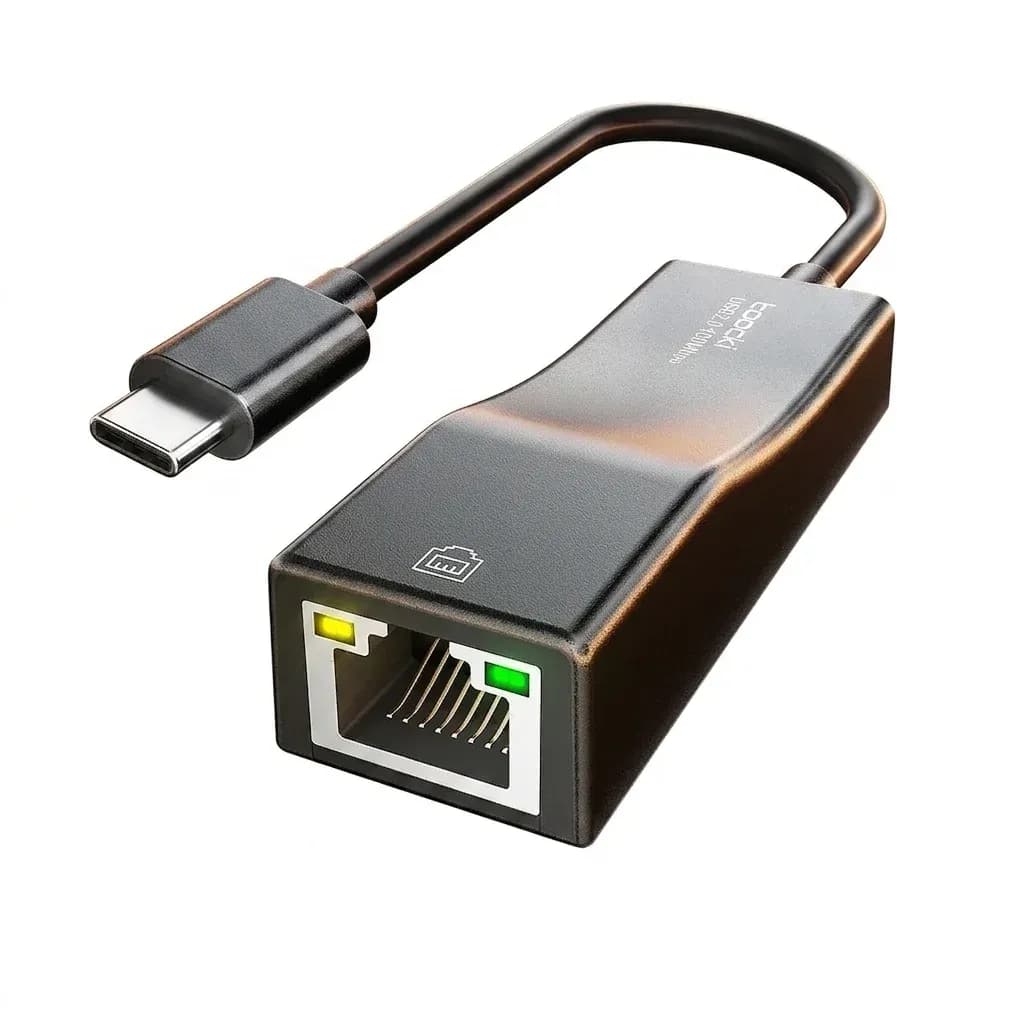
This adapter solves a familiar problem: thin laptops and tablets often need a reliable Ethernet connection, but no RJ45 socket is built in. Toocki keeps the design simple and practical, turning a USB-A or Type-C port into a 100Mbps wired link with very little setup.
In the AliExpress Singapore ecosystem, that matters because many buyers want a low-cost accessory that works immediately with mainstream devices. The small frame, LED indicator, and driver-free support on modern systems make it feel more like a utility tool than a gadget, so what does that mean in real use?
100Mbps speed: enough for everyday tasks, not heavy transfers
The 10/100Mbps ceiling is the key detail here, and it sets the right expectation. For web browsing, video calls, office work, streaming in standard quality, and console connectivity, the adapter is generally sufficient, but it will not match gigabit-class performance for large file transfers or fast local networks.
That limitation is not a flaw so much as a category decision, and it explains the low entry cost. If your internet plan or home network is already above 100Mbps, this adapter becomes the bottleneck, so users who need faster wired throughput should look at a gigabit model instead, which makes the next detail more important.
Driver-free setup on modern systems saves time
Toocki’s strongest convenience point is its plug-and-play behavior on Windows 11/10, Mac OS, iPad OS, and Nintendo Switch according to the product notes. That means fewer compatibility headaches and no hunting for drivers before a meeting or a travel setup.
Older systems such as Windows XP/7/Vista and Linux still need driver installation, so this is not a universal no-fuss solution. For most current users, though, the setup is close to instant, and that is exactly what makes it useful as a backup adapter in a laptop bag.
LED indicator and ABS shell give useful at-a-glance feedback
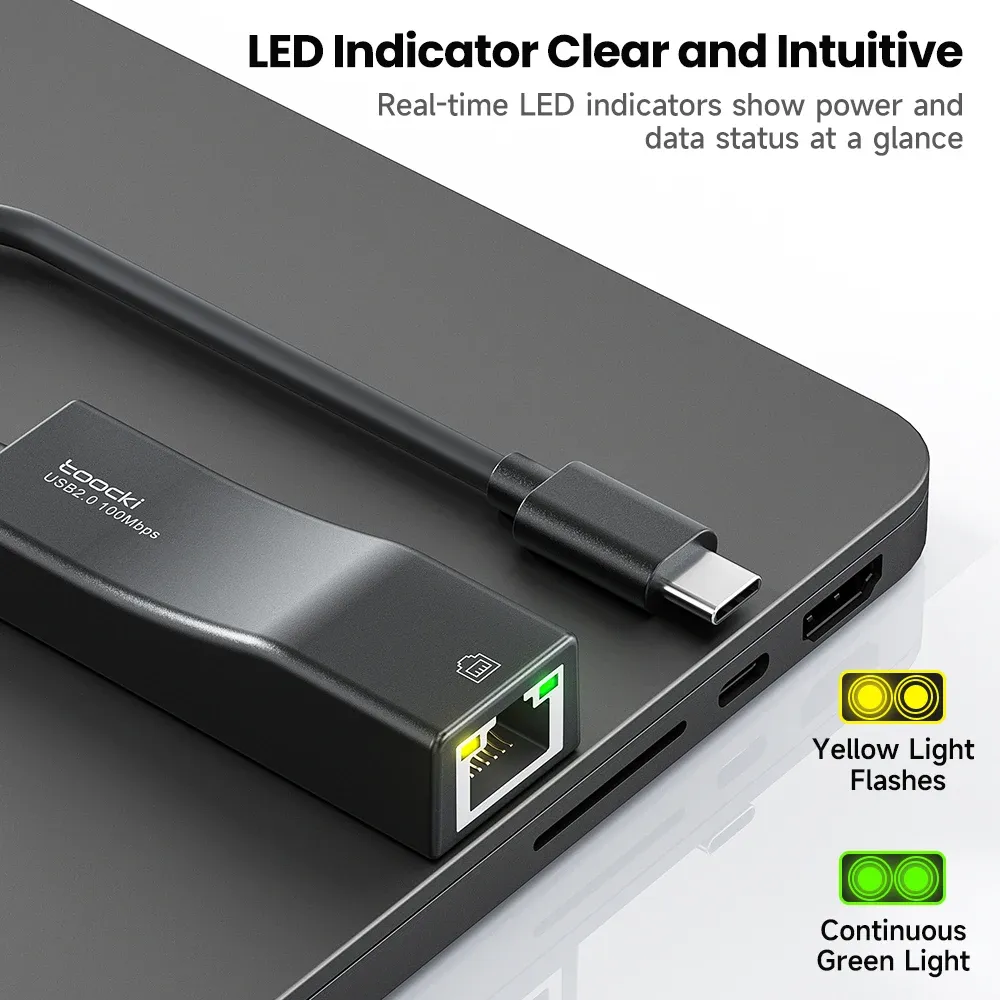
The bicolor LED is a small but meaningful feature because it confirms link activity without opening system settings. When a cable is seated properly, the light gives a quick visual check that saves time during troubleshooting.
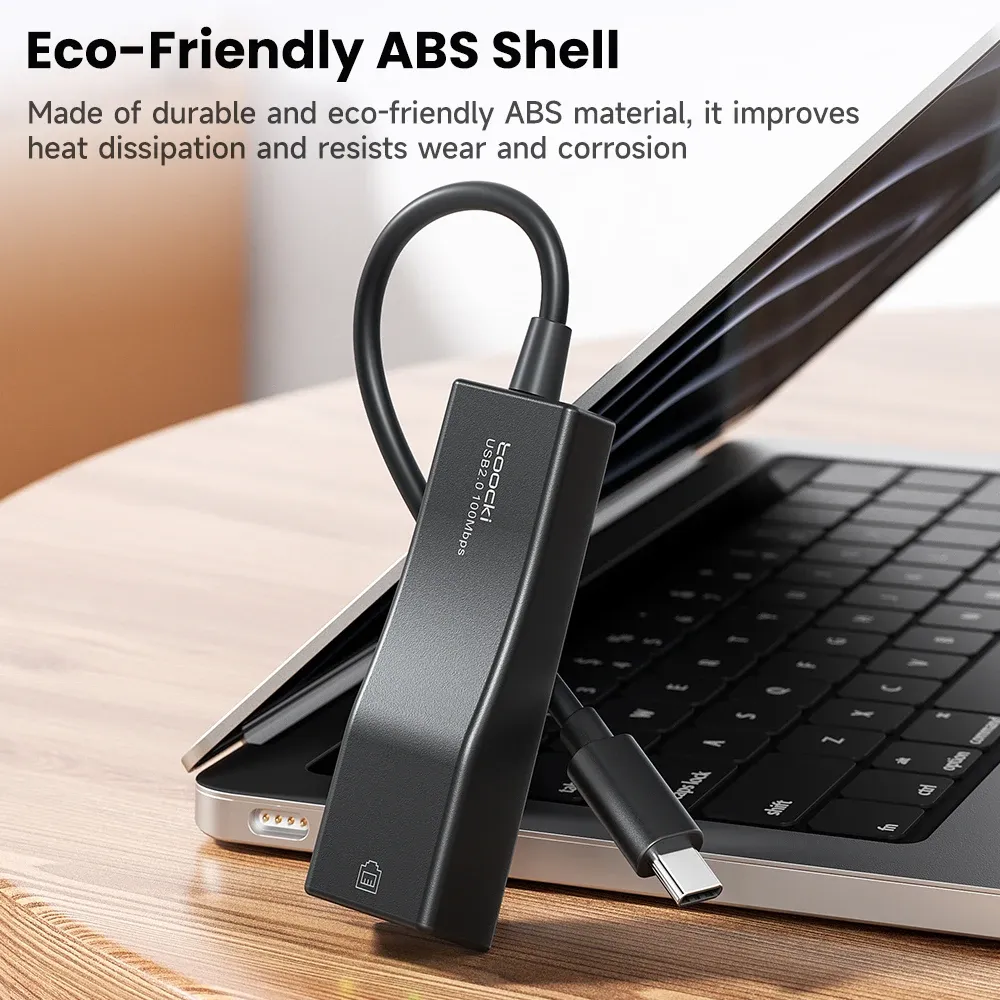
The ABS housing keeps weight down to about 22g while also helping with heat dissipation, which is useful during longer sessions. It does not feel premium in the metal-housing sense, but it does feel light, tidy, and easy to carry, and that portability is one of its real strengths.
Where this adapter fits best in a real setup
This model makes the most sense for users who want a dependable backup Ethernet path for work-from-home desks, hotel rooms, or travel kits. It is also a sensible add-on for tablets and handheld devices where wireless stability can vary, especially when a cleaner wired connection is preferred.
Customer feedback is limited but positive, with a small set of users giving it a perfect score, which aligns with its straightforward feature set. The pattern suggests satisfaction is driven less by premium extras and more by the fact that it simply does the wired basics well, so what are the trade-offs?
What to note before choosing it
- Best for 100Mbps networks, not gigabit or multi-gig internet plans.
- Modern systems get the easiest experience; older OS versions may need drivers.
- The short 168mm cable keeps desks tidy but gives limited placement flexibility.
- USB 2.0 design is practical for compatibility, not for maximum throughput.

