














Four bays turn scattered files into one manageable library
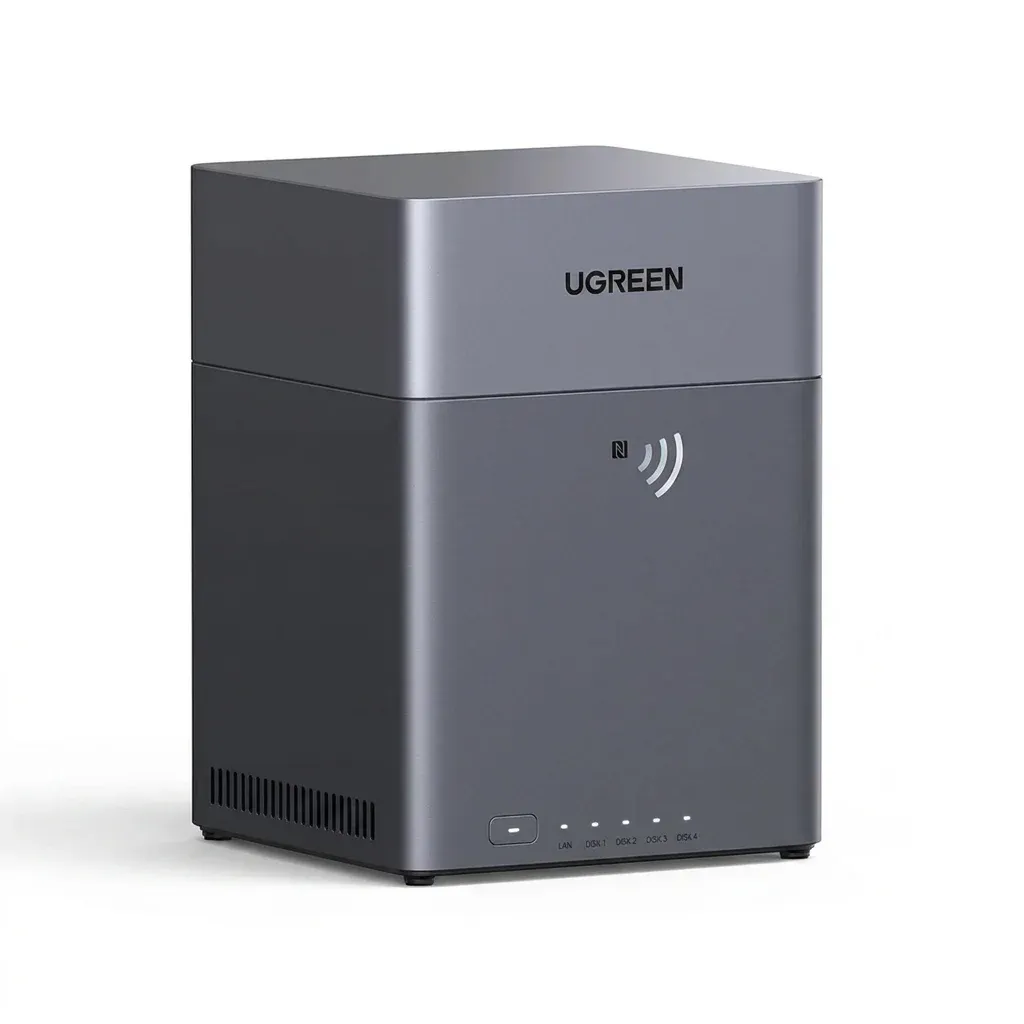
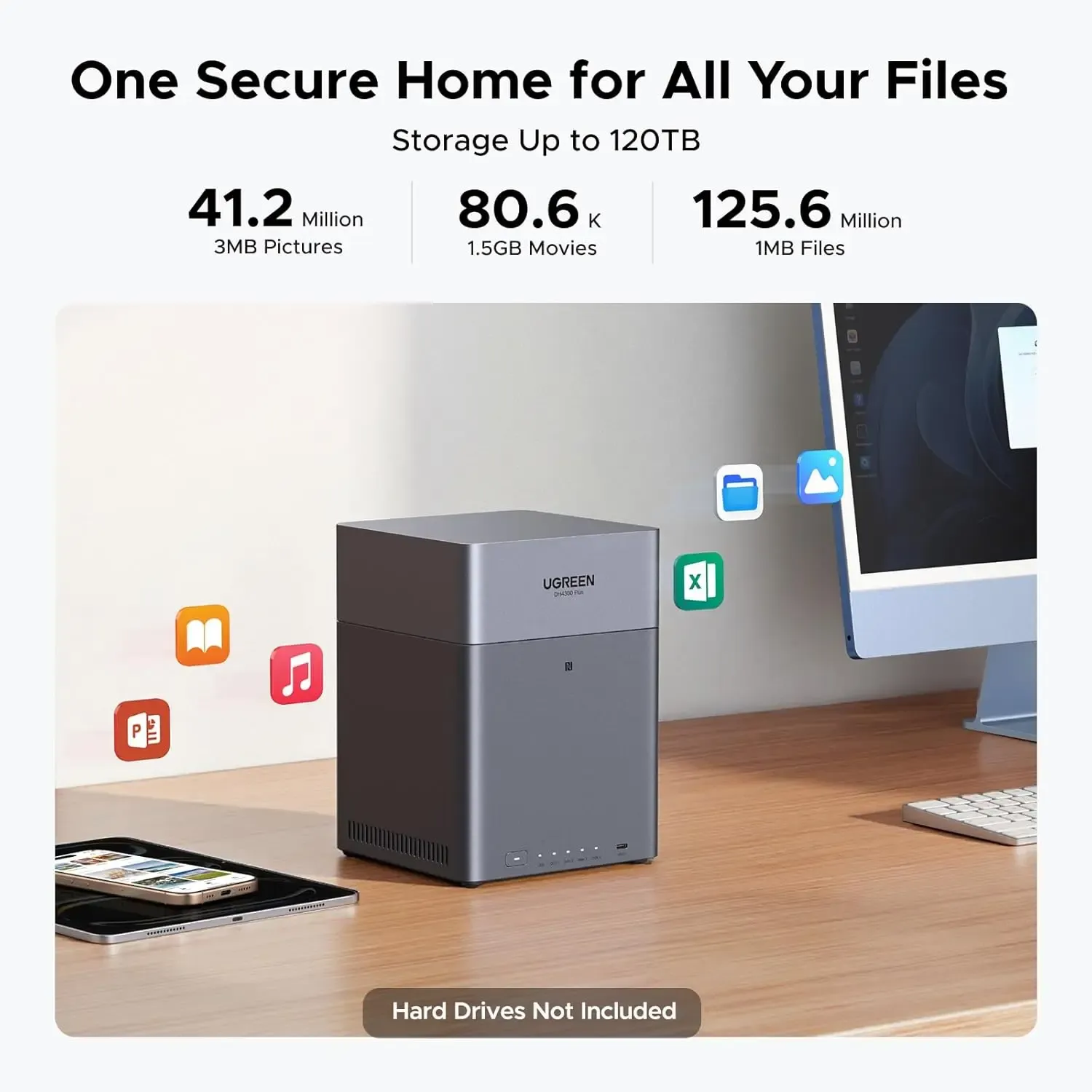
The DH4300 Plus solves a common AliExpress Electronics problem: too many drives, too many devices, and no clean way to keep everything organised. With four SATA bays and support for up to 120TB, it gives you one desktop box for backups, media, and shared storage without needing a full rack setup.
Its footprint is small enough to sit beside a router or monitor, yet the metal-and-plastic chassis still feels like a serious home server rather than a toy enclosure. That balance is what makes it interesting for users who want NAS convenience without moving into enterprise hardware, but how well does that translate into daily use?
8GB memory and a modern CPU: enough for real multitasking
UGREEN pairs the unit with 8GB LPDDR4X memory and an A55-A76 CPU configuration, which is a meaningful step up from entry-level single-purpose storage boxes. In practice, that should help the system stay responsive when multiple users browse folders, stream files, or run basic backup tasks at the same time.
This is not a workstation-class NAS, so heavy virtualisation and demanding container stacks are not its natural lane. For home labs and small office file serving, though, the hardware mix looks more practical than flashy, and that is usually where value starts to matter most.
2.5GbE changes the feel of large file transfers
The single 2.5GbE port is one of the most useful parts of the spec sheet because it lifts the ceiling above standard gigabit networking. That matters when you are moving video projects, photo archives, or large backup sets, where a faster link can save noticeable time over repeated transfers.
Users coming from USB drives will notice the biggest difference, because network storage becomes less of a waiting game and more of a background utility. If your router or switch is still gigabit-only, the NAS will work, but you will not unlock its full speed potential, so the network side deserves attention next.
RAID choices make the storage plan flexible
The DH4300 Plus supports JBOD, Basic, RAID 0, RAID 1, RAID 5, RAID 6, and RAID 10, which gives it room to match different risk and capacity goals. That flexibility is useful because a media archive, a family backup pool, and a small business share folder do not need the same layout.
For most buyers, RAID 1 or RAID 5 will be the practical starting point, since they balance usable space with fault tolerance. The important detail is that the enclosure is not forcing a single storage philosophy, so you can grow into it rather than replace it later, which leads naturally to the display and media side.
4K HDMI output makes it more than a silent file box
HDMI 2.1 with 4K@60Hz output gives the NAS a visible role on a desk or media setup, not just in the background on a network map. That makes it easier to manage files locally, check system status, or connect it to a display for a simple living-room media workflow.
It will not replace a dedicated media PC, but it does widen the use case for users who want direct access without relying on another computer. According to users, the setup experience is straightforward, and the software supports multiple languages, which is helpful when the next concern is remote access and account handling.
Remote access is convenient, but it asks for a proper setup
UGREEN requires account registration, email binding, and a UGREENlink ID for external network login, so the cloud-style access path is structured rather than casual. That is a good sign for organisation, yet it also means buyers should be comfortable with account-based access before they expect quick plug-and-play behaviour.
For households that share photos, documents, and backups across locations, this can be a real advantage because public network access is described as unrestricted geographically. The trade-off is clear: you get flexibility, but the first setup deserves a careful read, especially if you want to avoid avoidable admin friction.
What the early feedback suggests
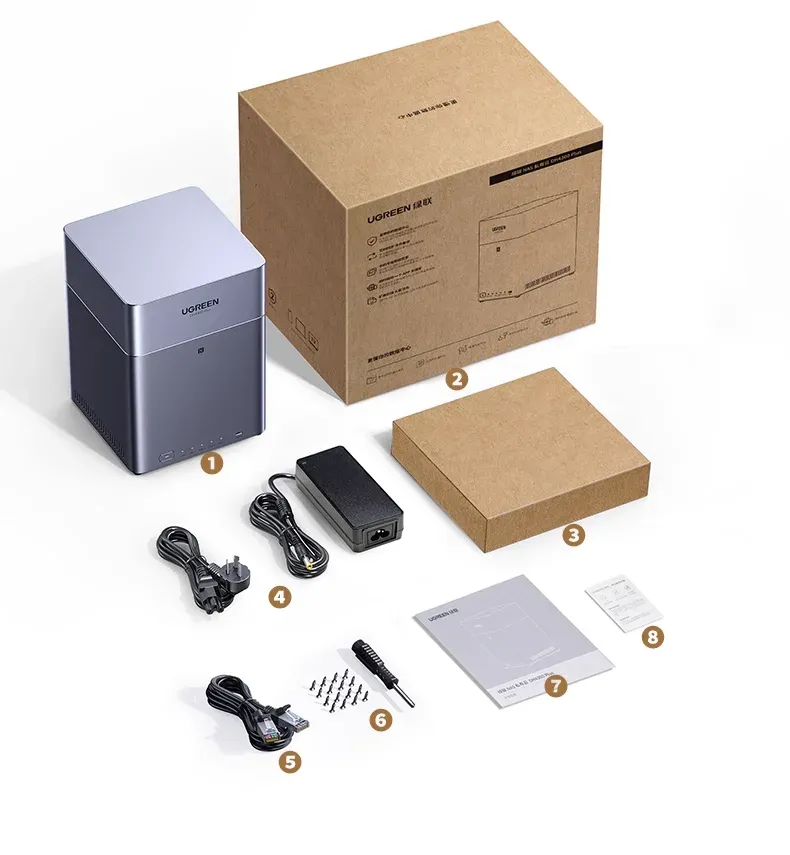
The current review pool is tiny, but it is clean: the listed customers feedback is fully positive, and one comment specifically notes that the unit arrived in good condition. That is not enough data for a broad reliability claim, yet it does suggest the seller and packaging process are at least doing the basics well.
At S$387.45, the value case depends on whether you will actually use the 4-bay layout, 2.5GbE networking, and RAID options together. If your storage needs are still growing, this looks like a sensible platform to build on rather than a stopgap, and the next step is deciding how much capacity you really want online at once.

