














Clean capture for consoles, cameras, and live streams
This device solves a familiar problem: getting HDMI video into a laptop, tablet, or desktop without turning the setup into a cable mess. It accepts up to 4K@60Hz input and converts it to 1080P@60Hz output, which is the sweet spot for smooth streaming and practical recording.
For users who want a simple bridge between a source and a computer, that conversion matters more than headline resolution. It keeps the workflow focused on content creation instead of driver hunting, so what does that mean when you are gaming or filming?
Why 1080P at 60FPS is the useful part
Many capture cards advertise high input numbers, but the real advantage here is the 60FPS output, which preserves motion better than basic 30FPS devices. That makes cursor movement, gameplay, and live demonstrations look more natural, especially when the footage is later edited or streamed.
Compared with cheaper USB capture sticks that often top out at softer frame rates, this UGREEN unit is built for a cleaner day-to-day experience. Users can expect the video file to feel more fluid on screen, which is noticeable the moment fast scenes or camera pans appear.
USB-A and USB-C support fits mixed-device setups
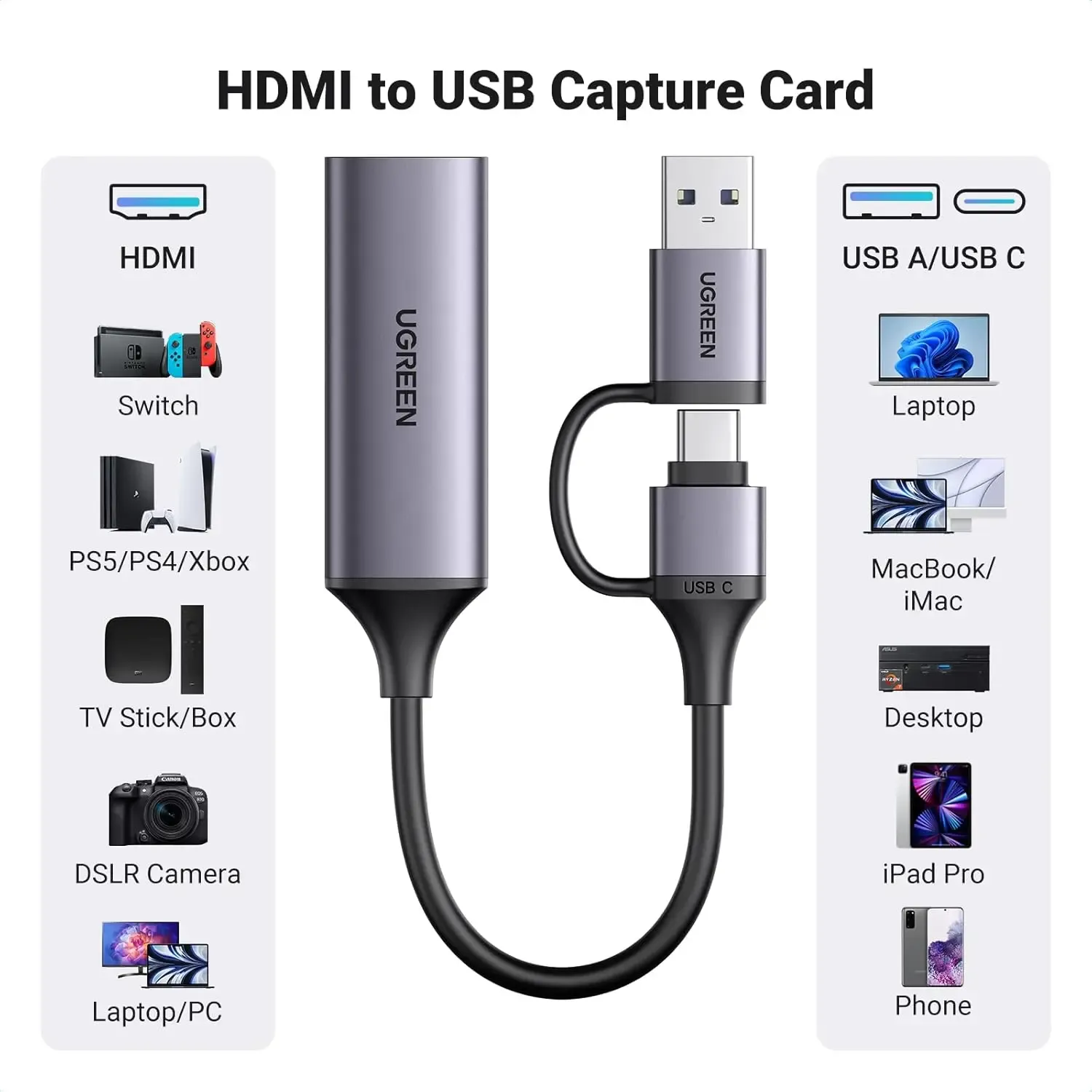
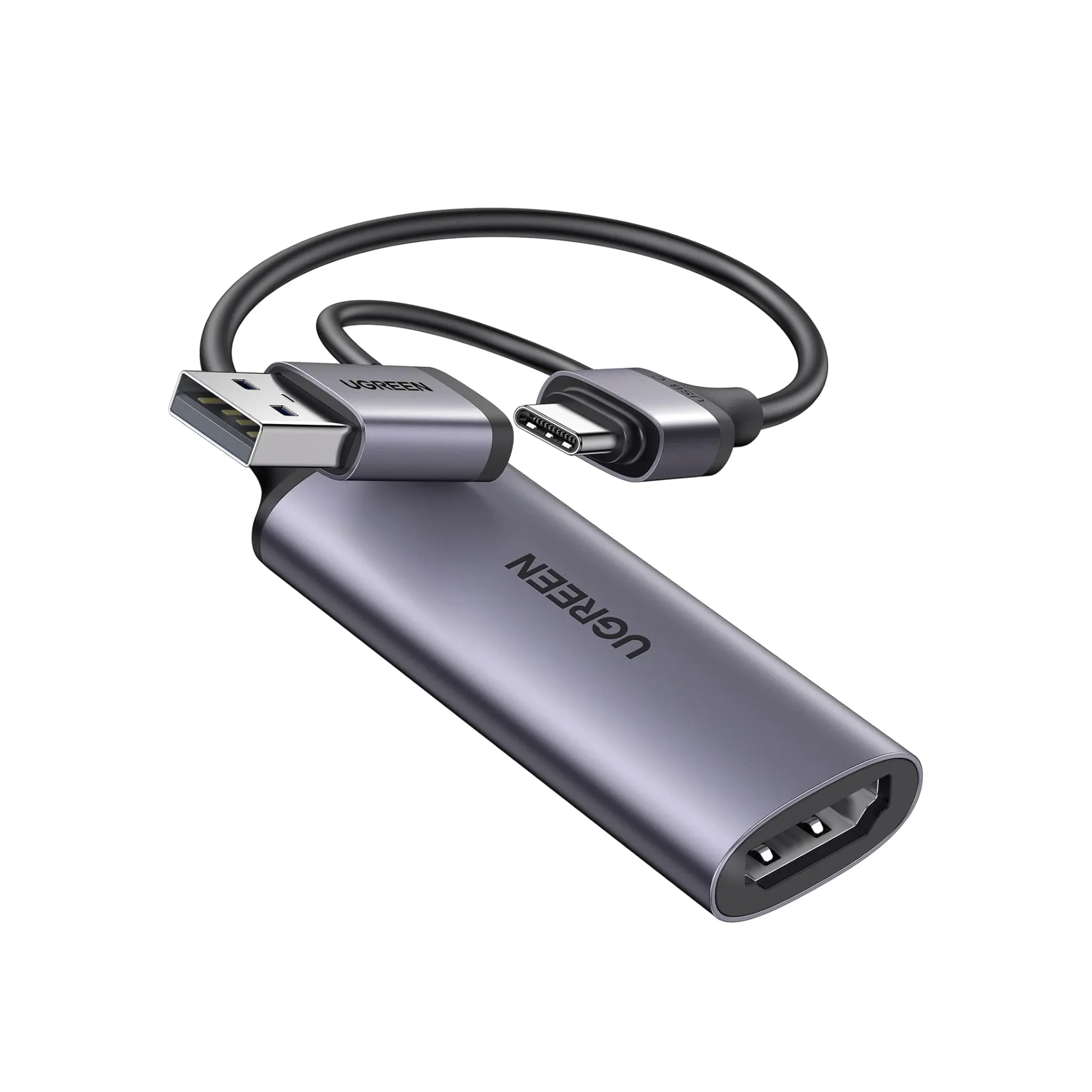
The dual USB-A and Type-C output is the practical detail that makes this model easier to place in modern AliExpress electronics carts. It works across Windows 8, Android, Linux, and PlayStation, so the same device can move between a gaming console, a creator laptop, and a mobile workflow.
That flexibility is useful for anyone recording gameplay from a PS setup one day and a teaching demo from a USB-C machine the next. The included compatibility range is broader than many low-cost alternatives, which usually force the buyer into one port type or one operating system.
Aluminum alloy body and dark gray finish
The aluminum alloy housing gives the capture card a more serious feel than the plastic shells common in this category. In hand, it should feel cooler and more rigid, which helps when the device sits near a hot console or a busy desk for long sessions.
The dark gray finish keeps it discreet rather than flashy, a sensible choice for stream desks where visual clutter matters. AliExpress Singapore readers who care about cable management will likely appreciate that the compact shape does not fight for space with other peripherals, so how does it behave in real use?
Audio and recording details that matter
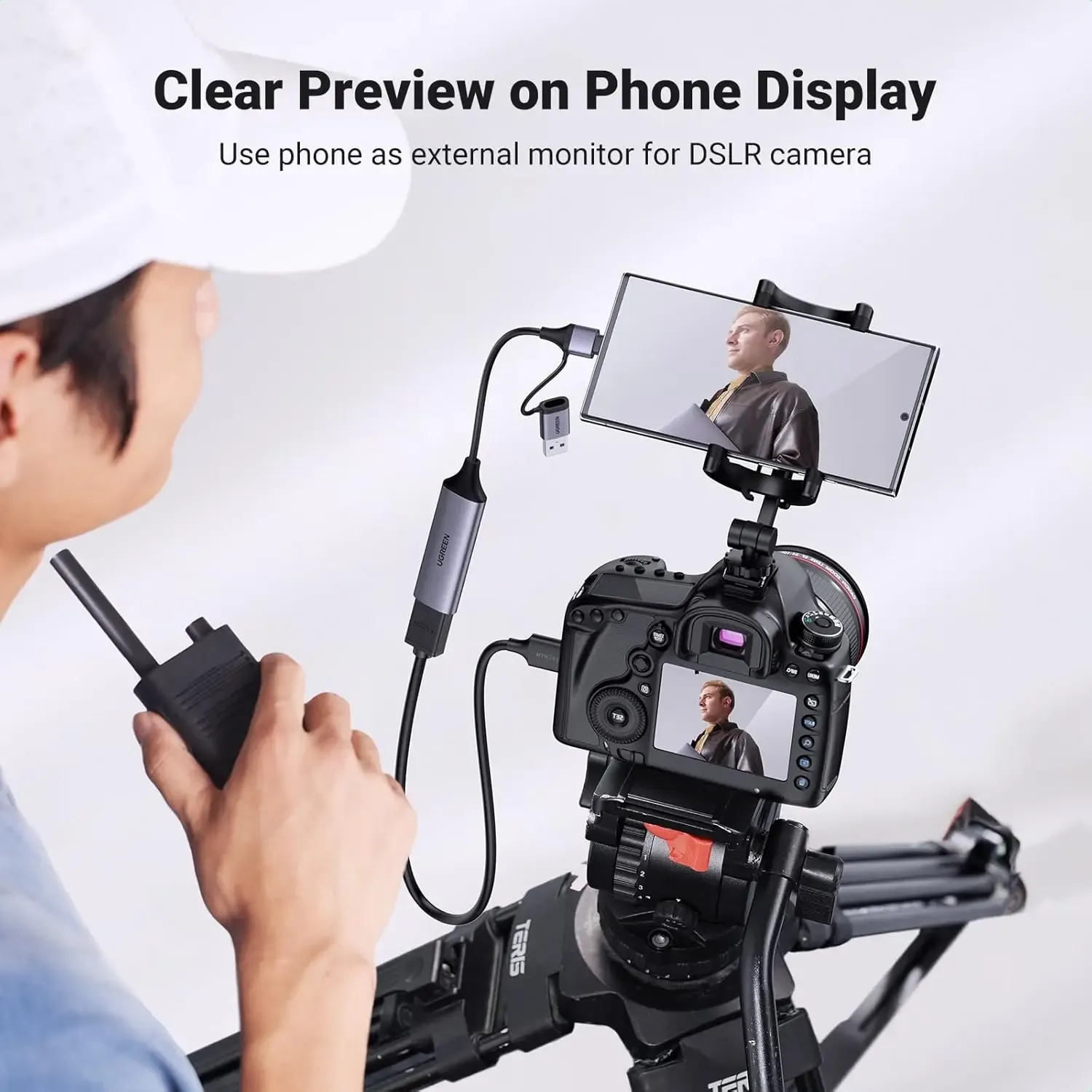
UGREEN lists AVI video recording support, with image formats including DCF, JPEG, and DPOF, which suggests the device is aimed at straightforward capture rather than heavy post-production workflows. That is a good fit for users who want dependable recording first and advanced editing later.
The HDMI input and USB output arrangement also keeps the signal path simple, which can reduce the number of failure points in a live setup. Customers have rated the product highly on the platform, and that usually points to stable everyday performance more than flashy extras.
Who should choose this capture card
This model makes the most sense for streamers, console players, and educators who need reliable 1080P capture without complicated setup steps. It is less compelling for users chasing 4K recording output, since the device is clearly positioned around 1080P delivery rather than high-resolution archival capture.
If your priority is smooth footage, broad compatibility, and a metal build at a sensible AliExpress electronics level, this card lands in a strong middle ground. The key question is not whether it can capture video, but whether its workflow matches the device you already use.

