














One port, five practical connections
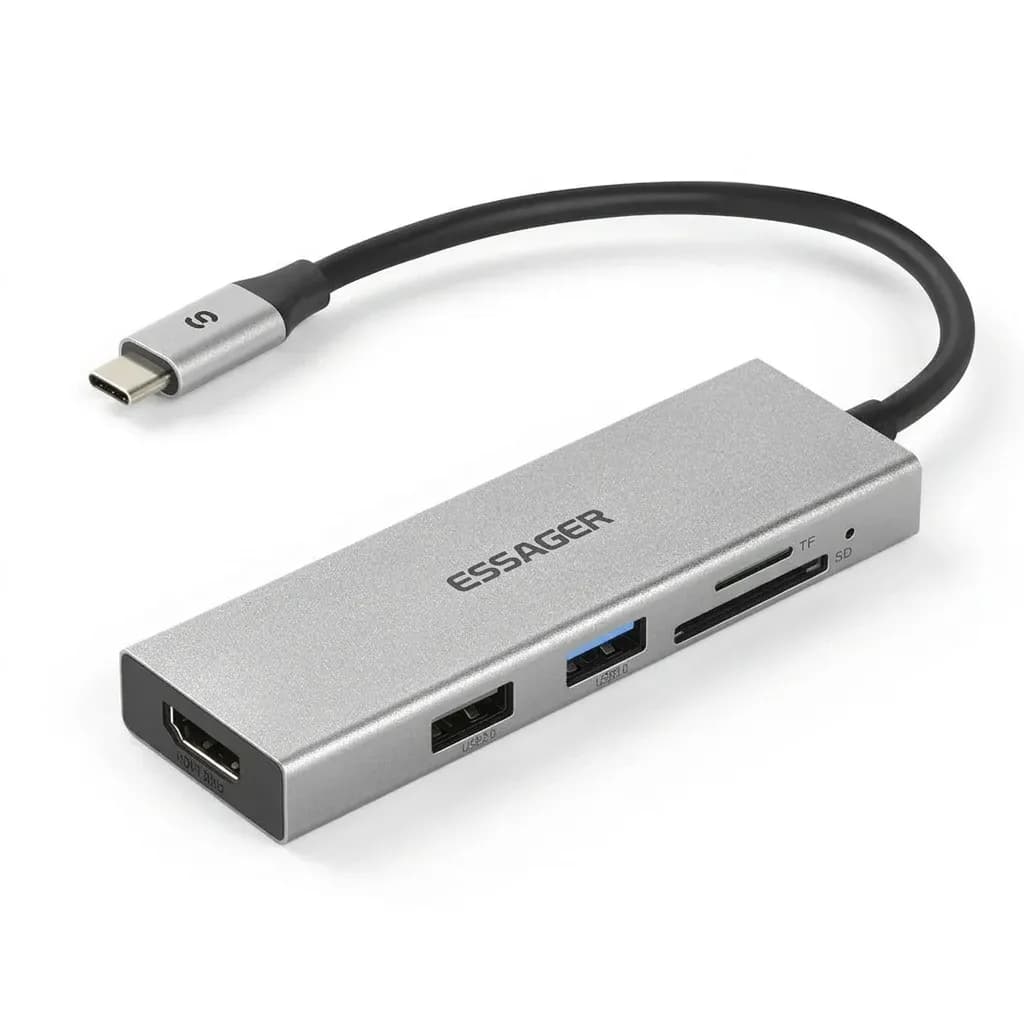
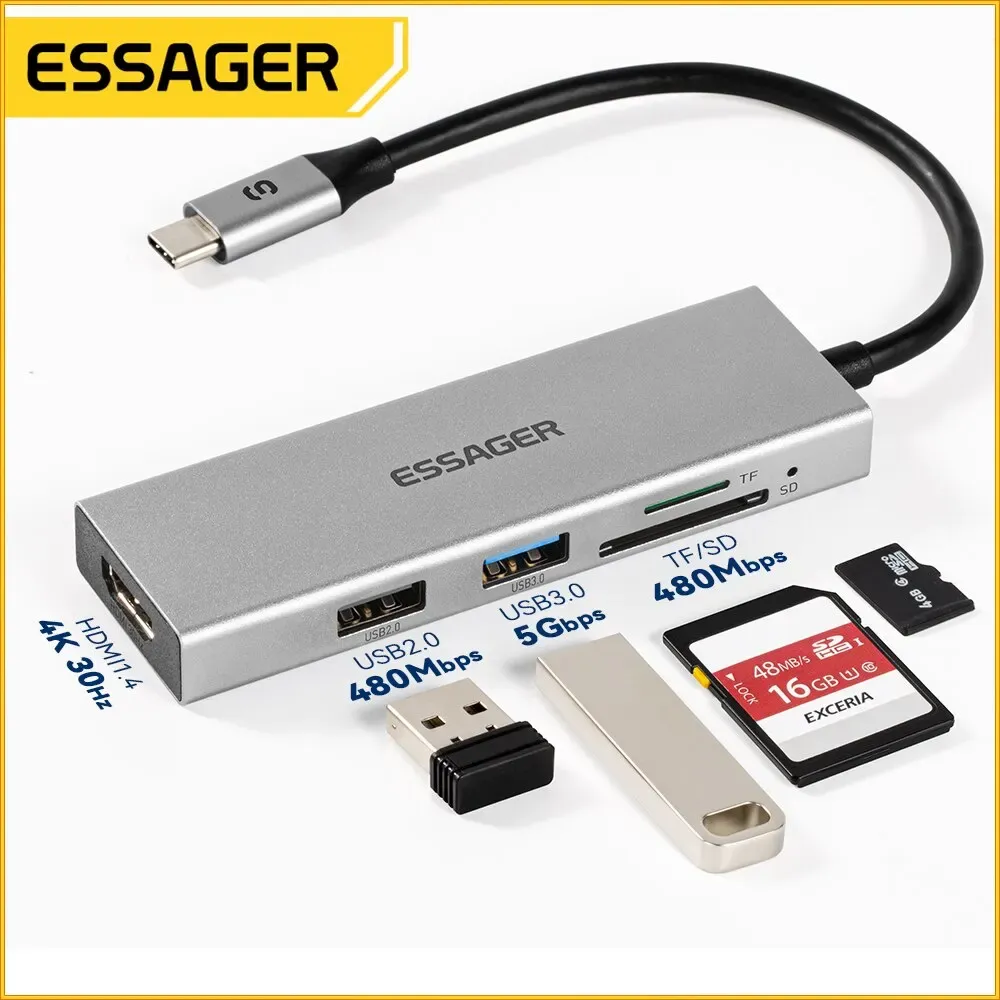
The problem this hub solves is simple: modern laptops and tablets often leave you with too few ports for work, travel, or a clean desk setup. This Essager 5-in-1 hub expands a single USB-C connection into HDMI, USB 3.0, and extra USB-C access, making it easier to run a monitor, plug in storage, and keep accessories connected.
For AliExpress Singapore shoppers, the appeal is not just the port count but the low-friction setup. It is the kind of accessory that disappears into a bag until you need it, then quietly turns a minimal laptop into a more usable workstation.
4K HDMI output for bigger-screen tasks
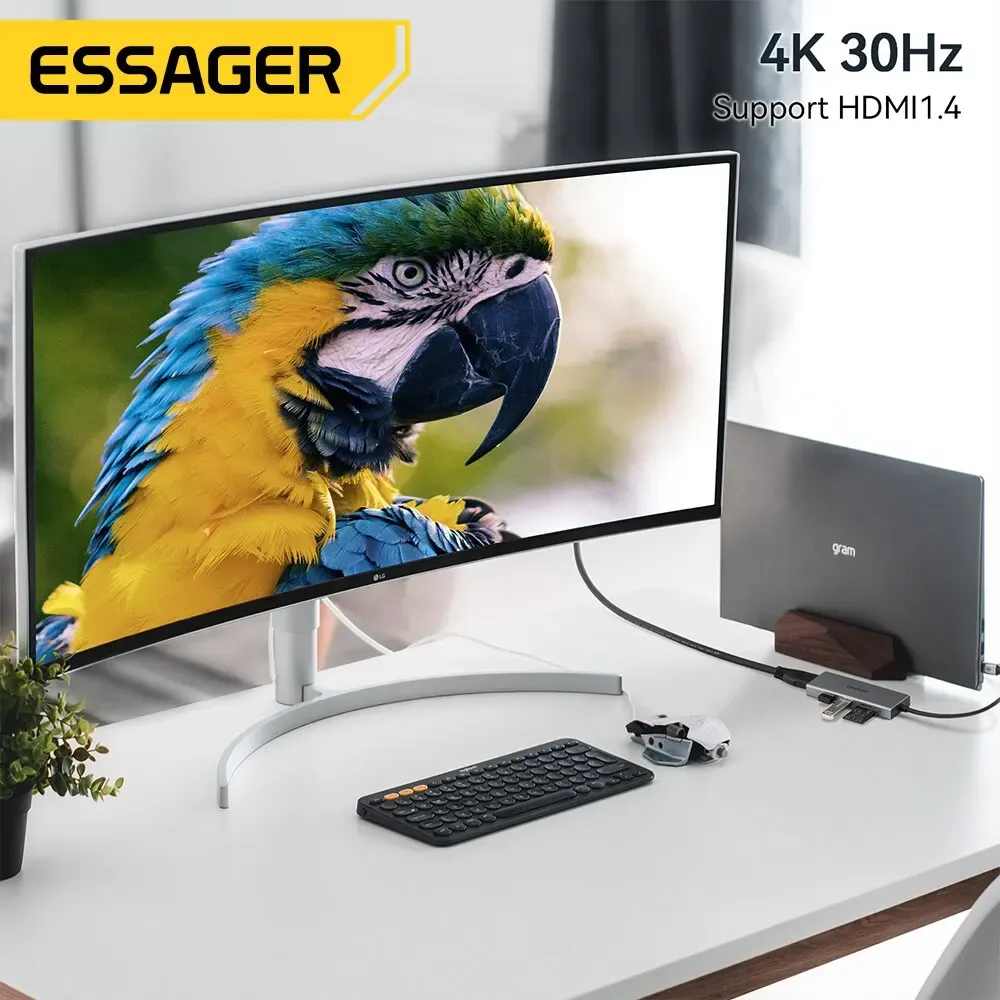
The HDMI port is the main reason many users look at this category, and here it is designed for external display use rather than casual novelty. In practice, that means a sharper, more comfortable second screen for spreadsheets, presentations, streaming, or a mirrored display during meetings.
At this level, the useful question is not whether it can connect a monitor, but how often you will use that extra screen once it is available. If you work across tabs, edit photos, or simply want a larger viewing surface, the hub makes the laptop feel less constrained.
USB 3.0 speed for drives and peripherals
The USB 3.0 port is the part that keeps the hub from being a one-trick display adapter. It is well suited to flash drives, card readers, wireless dongles, and wired peripherals, which matters when you need both screen output and file transfer at the same time.
Compared with cheaper multiport splitters that only focus on HDMI, this layout is more practical for everyday use. Users can keep a mouse, external storage, or a keyboard attached without constantly swapping devices, which is exactly where small hubs earn their place.
Built for light travel and desk use
The compact form factor is one of the strongest selling points here, especially for people who move between home, office, and café setups. It is small enough to carry with a laptop sleeve, yet functional enough to stay on a desk as a permanent expansion point.
According to users, the product has a good quality-to-cost impression, and that matters in a budget hub where expectations should stay realistic. The finish and connector layout suggest an accessory made for convenience first, with enough polish to feel more dependable than the lowest-tier generic splitters.
What to expect from a budget USB-C hub
At this segment, the smart approach is to treat the hub as a practical expansion tool rather than a high-end docking station. It is best for everyday peripherals, external displays, and simple file workflows, not for heavy multi-display or pro-grade workstation demands.
The Samsung compatibility note is useful for users who want a straightforward Type-C accessory for mobile and laptop setups, while the CE certification adds a basic layer of product confidence. If you need a compact, low-cost way to recover missing ports, this hub lands in the right part of the market without pretending to be more than it is.

