














One port becomes a workable desk setup
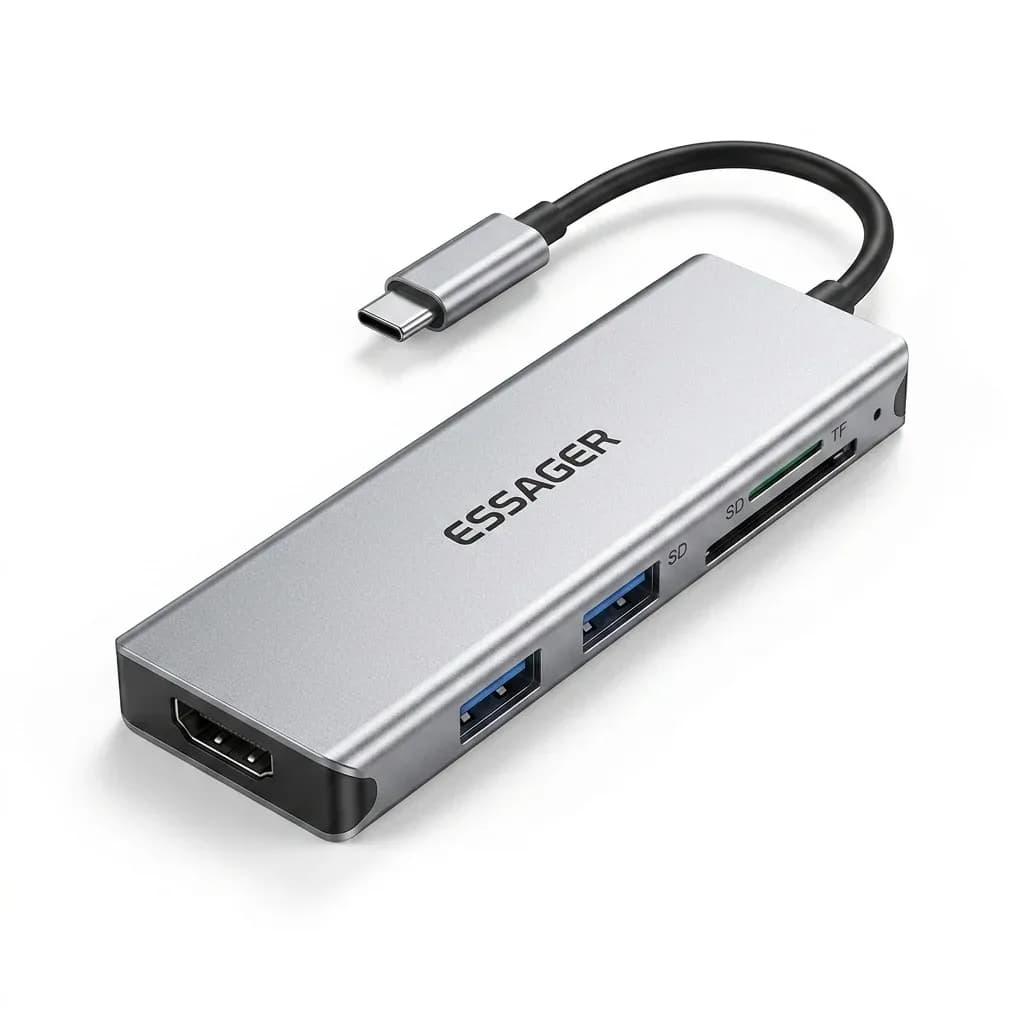
This hub solves a familiar USB-C problem: too few ports when you need a monitor, a mouse, and a flash drive at the same time. Essager has built a reputation in the AliExpress Singapore niche for making low-cost accessories that focus on the basics first, with CE certification and a clean, no-frills design approach.
At this level, the value is not in luxury finishes but in whether the adapter behaves predictably under daily use. That is where a small hub like this matters most, because a flaky connection can slow down an entire work session, so what does the port layout actually mean in practice?
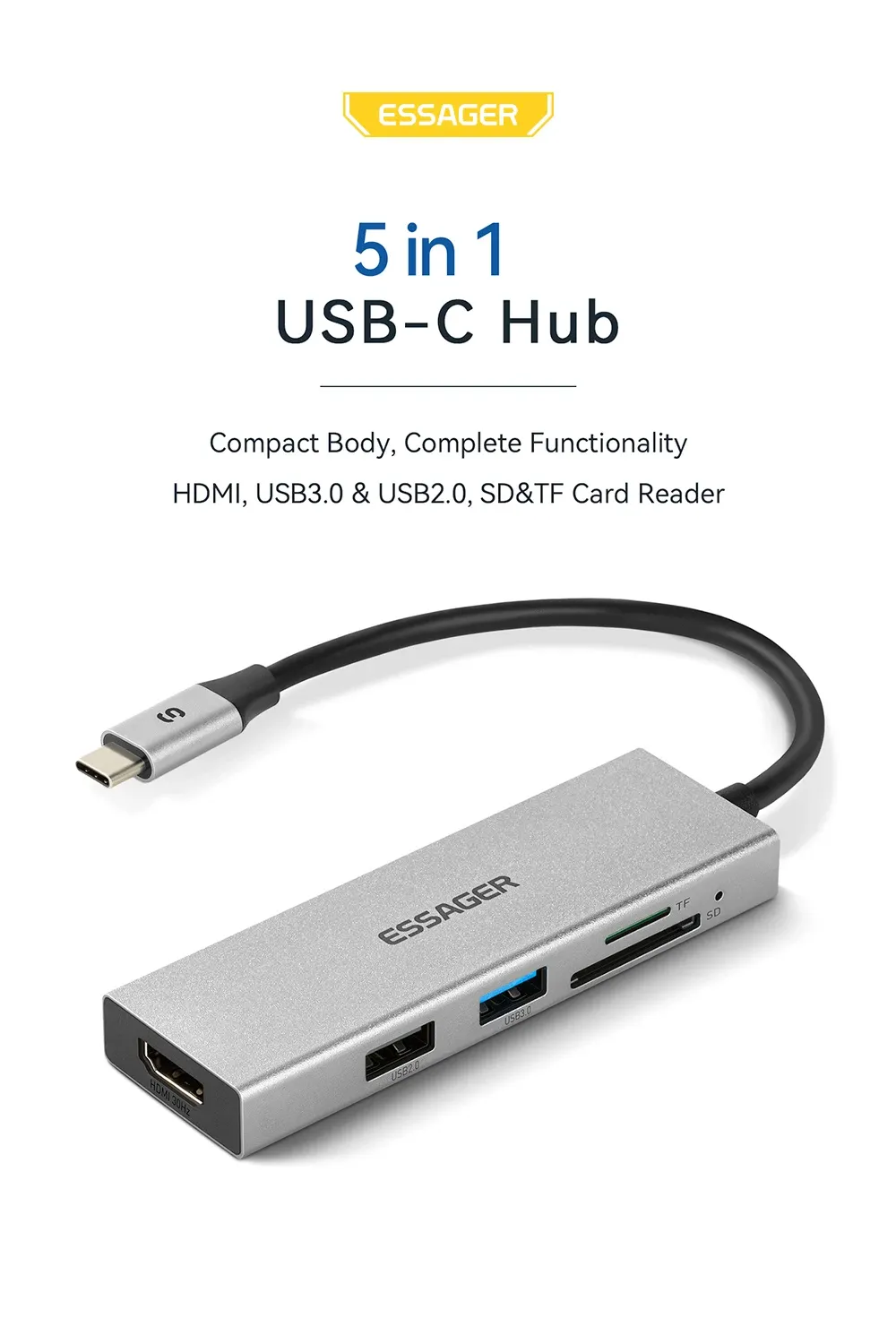
4K HDMI output for a larger screen workflow
The HDMI port is the headline feature, and it is the reason many users will reach for this model instead of a plain USB splitter. For presentations, a second screen, or Samsung DeX-style desktop use, the benefit is immediate: you can move from a cramped laptop display to a larger monitor with a single cable.
Real customer feedback points in that direction, with users reporting that Samsung DeX works and that the hub connects quickly. One review also noted a monitor image issue, which is a useful reminder that display output quality can depend on the device, cable, and resolution settings rather than the hub alone.
USB 3.0 expansion for peripherals that need speed
The USB 3.0 port is the practical part of the package, because it gives you room for a mouse receiver, keyboard, card reader, or thumb drive without juggling adapters. Compared with slower USB 2.0 hubs, this matters when you move files often or want a mouse that feels responsive on a laptop desk setup.
For users who work from cafés or shared desks, that extra port can be the difference between a tidy setup and a cable mess. It is also useful for phone-to-accessory workflows, since one user reported a mouse working through a smartphone connection, which hints at broad device flexibility when the host supports it.
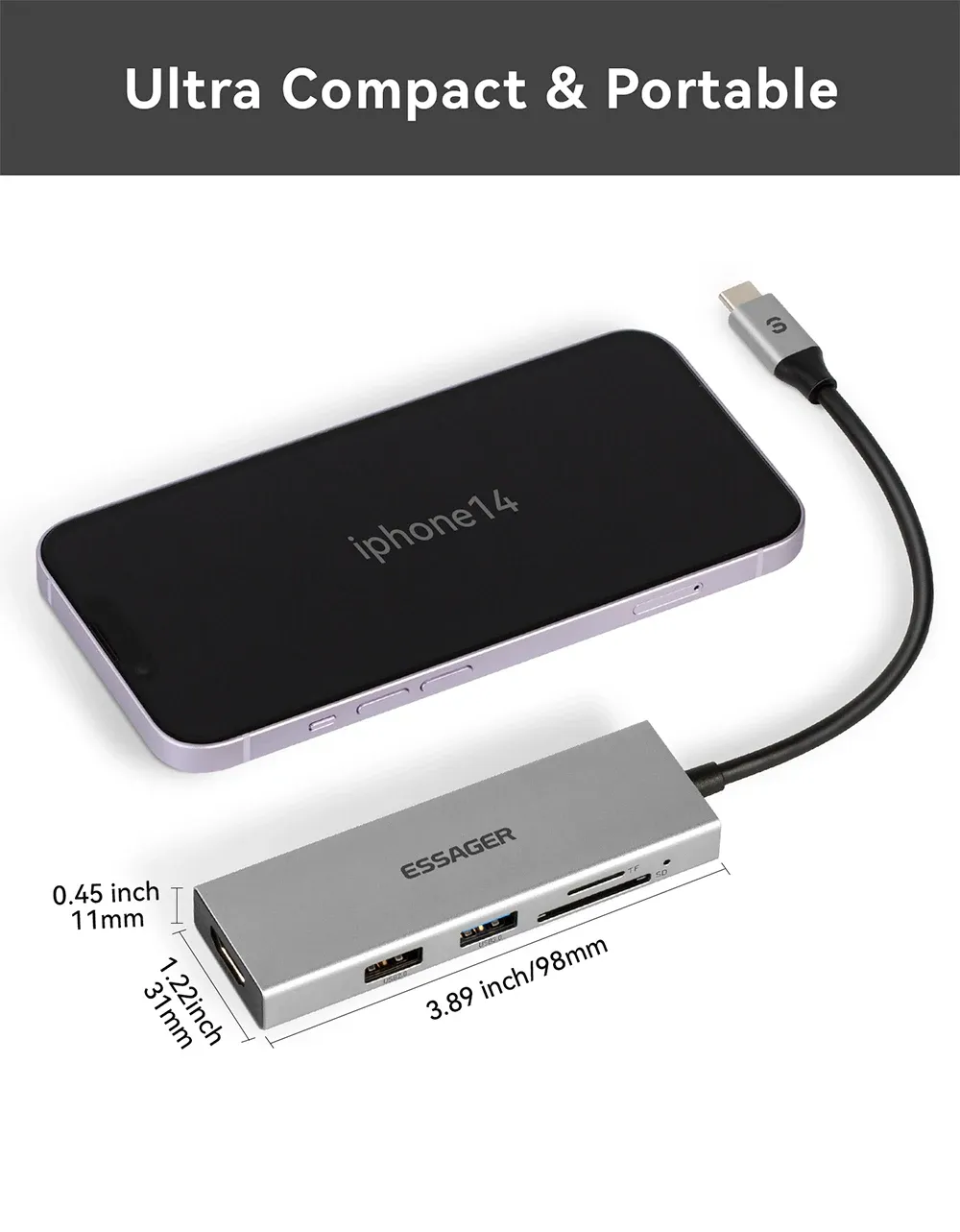
Compact build that suits travel bags and tight desks
With no bulky dock body or external power brick in sight, this is the kind of hub that disappears into a sleeve or laptop pouch. That portability makes it a sensible companion for commuters, students, and anyone who only needs a small expansion dock for short sessions rather than a permanent workstation hub.
The trade-off is obvious: a small hub like this is designed for convenience, not for heavy multi-device charging or a full office dock replacement. If your setup is mostly monitor plus one peripheral, it fits the job well, but if you want more ports or power delivery, the next step up is worth comparing.
What users should expect from a budget hub
The review profile is strong for the segment, with a 4.8 average rating from 20 reviews and a 95% positive rate. That suggests users mostly get what they want from it: simple expansion, quick delivery, and a low-cost way to unlock HDMI and USB on a single Type-C port.
The most credible way to judge it is as a utility accessory, not a premium docking station. If your priority is dependable everyday expansion for a MacBook, Samsung device, or USB-C laptop, this Essager hub offers a sensible entry point, and the next question is whether its feature set matches your exact workflow.

