













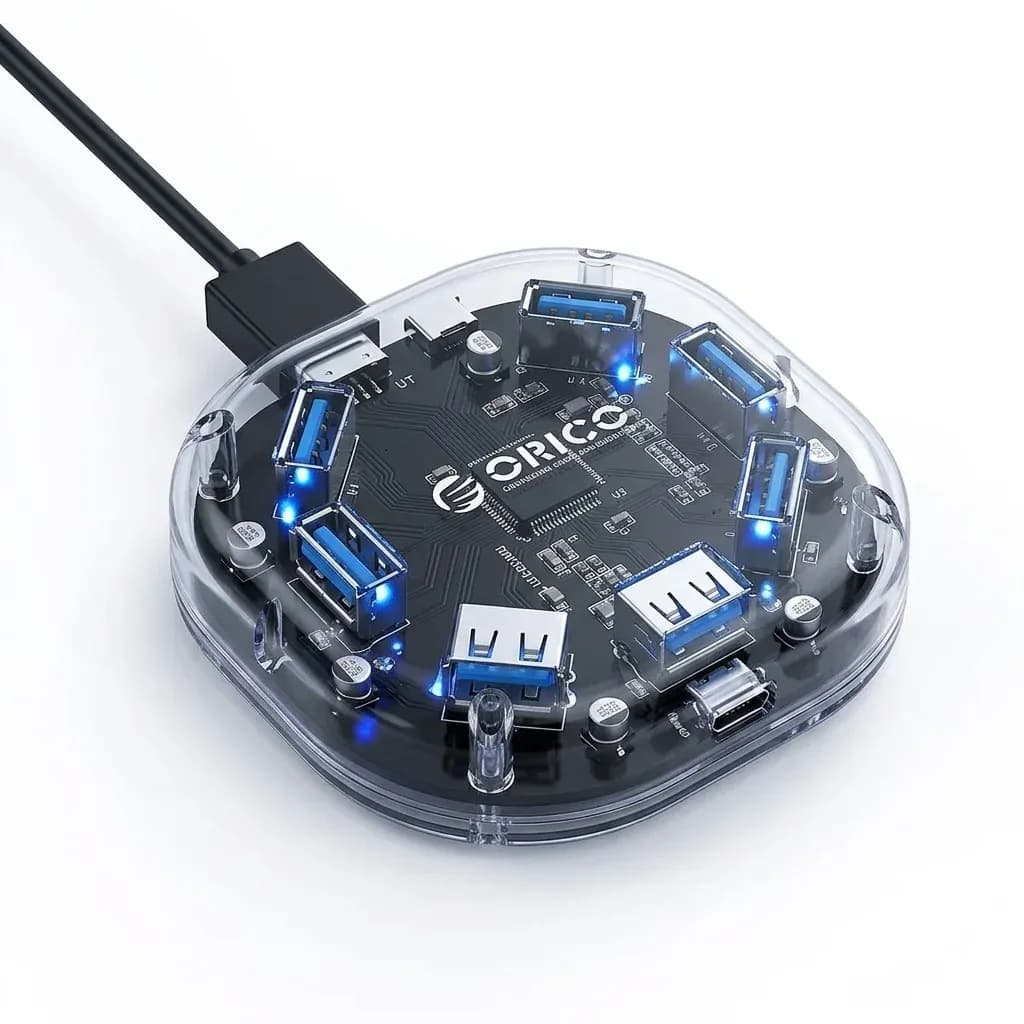

Unused DVD bay space becomes useful storage
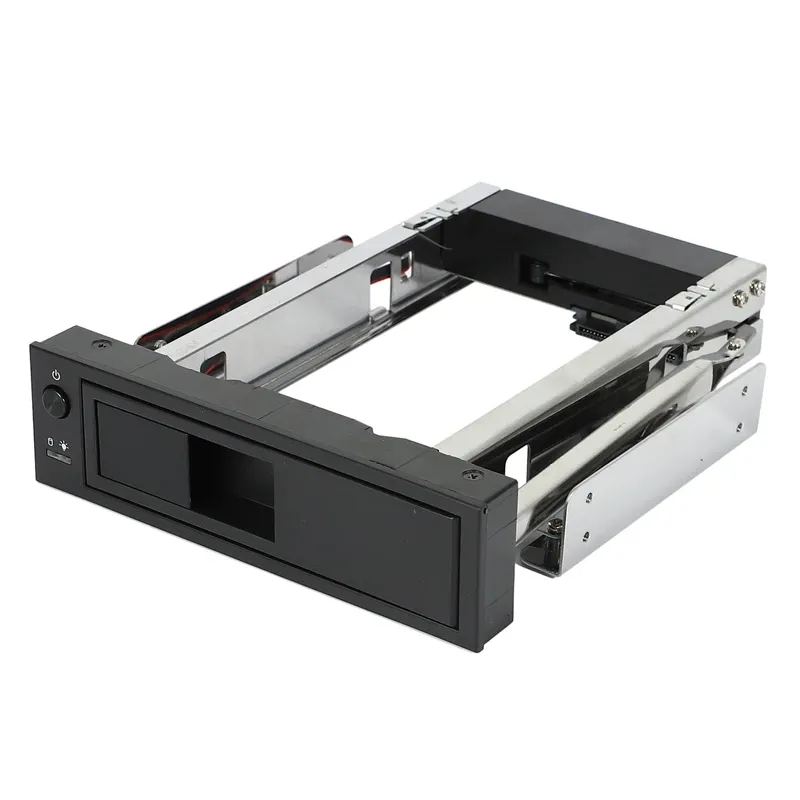
This Orico mobile rack solves a simple problem: many desktop towers still have a dead CD-ROM bay, while storage needs keep growing. By converting that empty 3.5-inch slot into a SATA drive bay, it gives older cases a second life without forcing a full chassis upgrade.
That matters most for users who want a clean internal setup rather than an external USB enclosure sitting on the desk. The idea is straightforward, but the benefit is real: one more drive inside the case, with a front-access design that keeps the build tidy.
Aluminum frame feel and the first-fit reality
The frame uses aluminum alloy, which gives it a firmer, cooler feel than many plastic drive adapters in the AliExpress niche. It also helps the rack sit with a more premium finish in silver, though the real test is how well it aligns inside the bay.
According to users, the fit can be a little stiff at first, which is not unusual for a metal mobile rack. Once installed, the mechanism becomes smoother, so this is the kind of accessory that rewards a careful first setup rather than rushed assembly.
SATA 3.0 support for everyday desktop storage
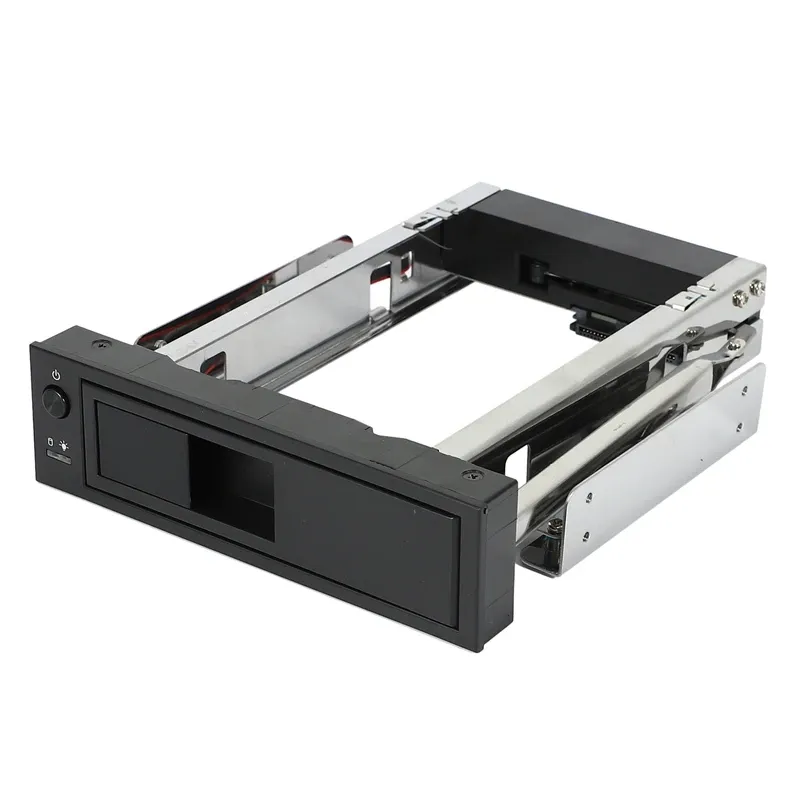
The rack supports SATA 3/2/1 and is rated for up to 6TB, which makes it suitable for bulk storage, backups, media libraries, and game archives. It is not trying to be a performance accessory for NVMe speeds; it is about giving a conventional 3.5-inch hard drive a proper internal home.
For most desktop users, that means stable capacity at a sensible cost, with no driver installation required. If your goal is to add a large secondary drive for files that do not need SSD-level speed, this approach is more practical than an external adapter, so what does the front switch add?
Power control and status lights make daily use easier
The ON/OFF switch is one of the most useful details here because it gives you control over drive power without opening the case. That is helpful for hot-swap workflows, troubleshooting, or simply reducing wear when a drive is not needed all day.
The blue power light and red access indicator also make the rack easier to read at a glance. In a dim room, that small visual feedback tells you whether the drive is active, which is more useful than it sounds when you are managing multiple disks.
Tool-free swapping, with one caveat
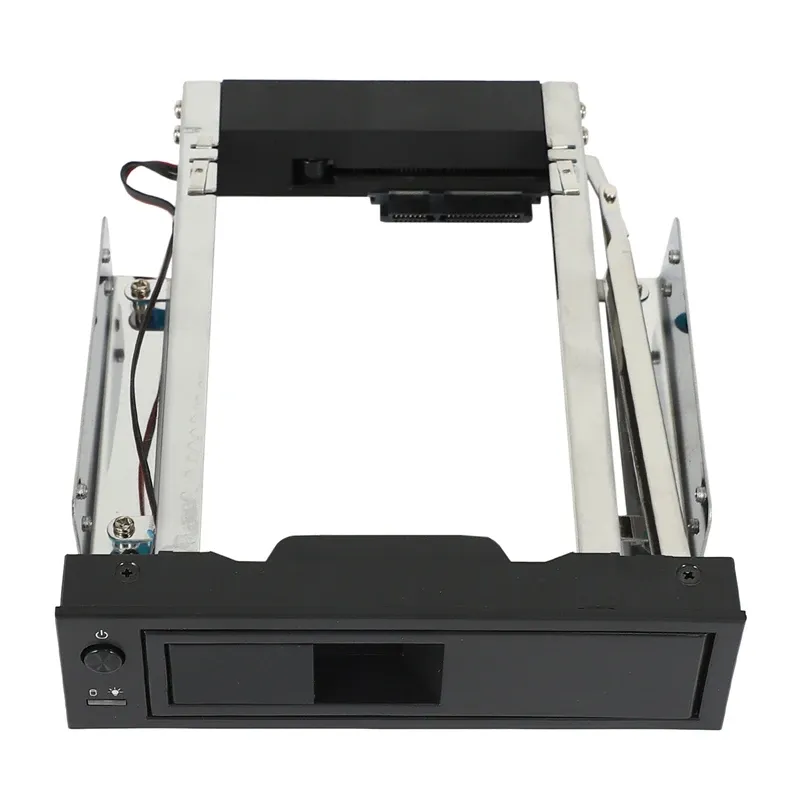
Orico says the tray allows a drive change in about three seconds, and the design does support fast access once the mechanism is familiar. The practical advantage is clear for users who rotate backup drives or test hardware regularly.
The trade-off is that the first insertion can feel tight, so this is not the most forgiving option for people who want a loose, effortless slide-in experience. Still, once the rack settles in, the mechanics become more predictable, which is exactly what the single customer review also hinted at.
Who this rack suits best in a desktop build
This is most appealing for users with older full-size towers, home servers, or office PCs that still have an unused optical bay. It is less relevant for compact modern cases, where internal bay space is often missing entirely.
At S$22.34, it sits in the practical upgrade zone rather than the premium one, and that matches the feature set well. If you want a neat internal SATA expansion from a recognised brand like Orico, this rack is a sensible way to reclaim wasted space before moving on to more expensive storage changes.

