













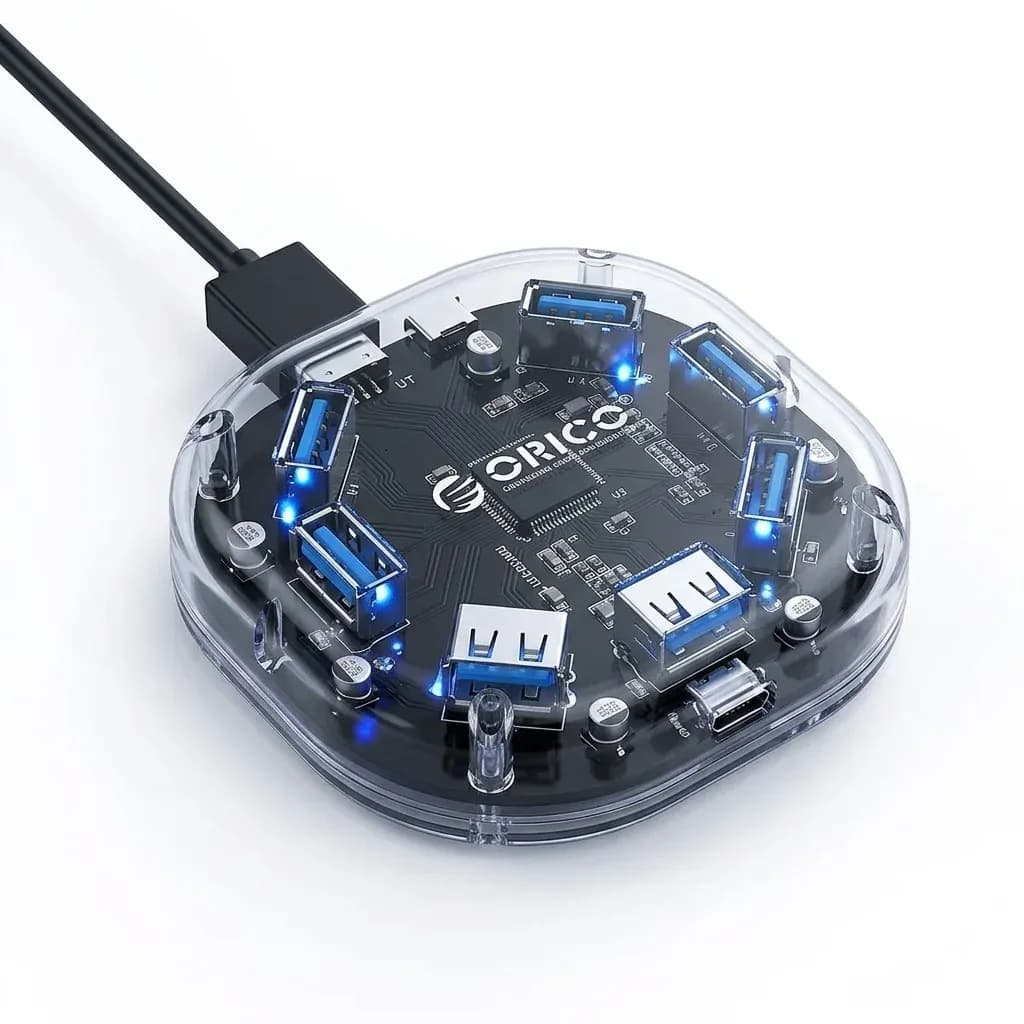

One USB-C port, four practical connections
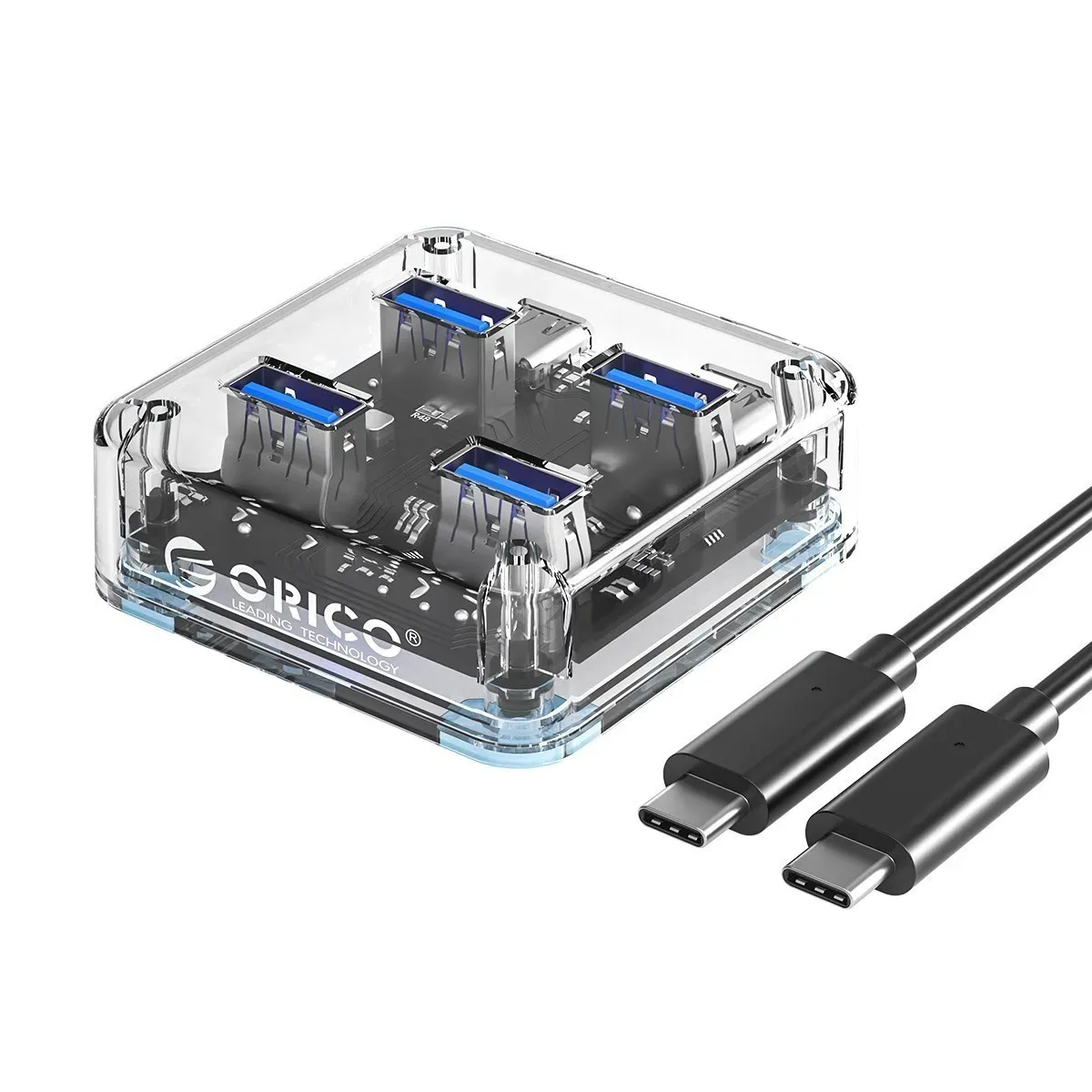
This hub solves a common laptop problem: too few USB ports for drives, keyboards, and accessories. Orico keeps the layout simple with four USB 3.0 ports, so one Type-C connection can handle a small workstation without clutter.
At this size and S$9.81, the appeal is less about extras and more about utility. It is the kind of expansion piece that makes a thin laptop feel more usable the moment you plug it in, which is exactly where the next detail matters.
5Gbps speed for everyday file movement
The USB 3.1 standard and 5Gbps transfer rate are the main reasons this hub stands out in the budget segment. In practice, that means moving photos, documents, and compressed project folders feels far quicker than on older USB 2.0 hubs, especially when you are handling several files at once.
Users who connect flash drives or external SSDs should still expect real-world speed to depend on the source device, but the hub itself is not the bottleneck here. That makes it a better fit than slower multi-port splitters when time matters, so how does it behave under load?
Stable multi-device use without desk drama
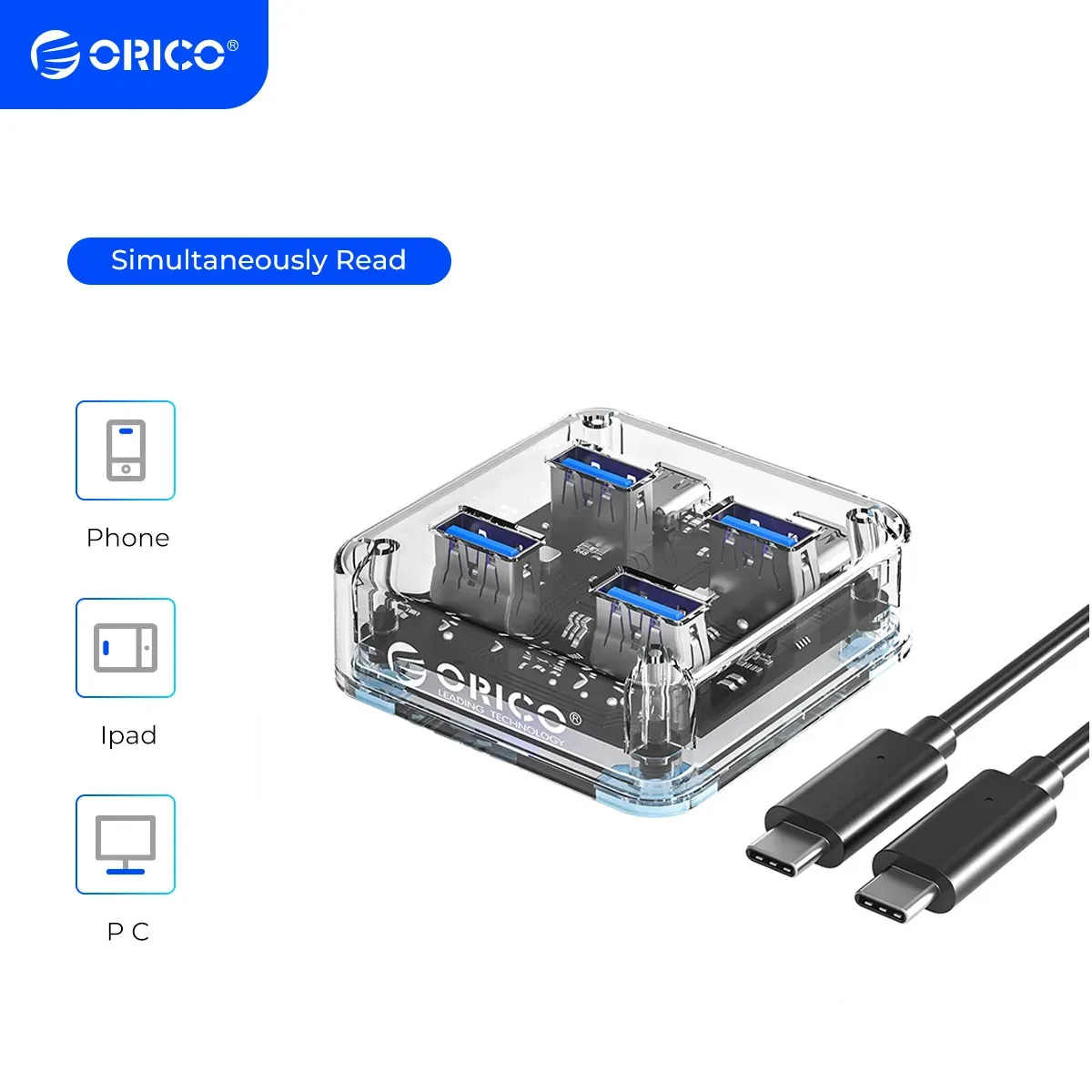
Orico positions the MH4UC around stable transmission and simultaneous reading, which is the right priority for a hub meant for office and study use. The benefit is simple: a mouse, keyboard, thumb drive, and card reader can stay connected without constant swapping.
The design also aims to dissipate heat more efficiently, which matters when several ports are active for long sessions. It should not be treated like a full docking station, but for light multitasking it offers the kind of dependable behavior that users usually want from a compact hub.
Transparent shell with a practical purpose
The transparent body gives the hub a more technical, finished look than the usual plain plastic accessory. It also makes the internal structure visible, which suits buyers who like their desk gear to feel more engineered than disposable.
That visual style is not just cosmetic, because the compact footprint keeps it easy to pack beside a laptop or travel mouse. If you need a portable expansion piece rather than a permanent desk dock, that difference becomes important.
Best for laptops, travel kits, and light desktop setups
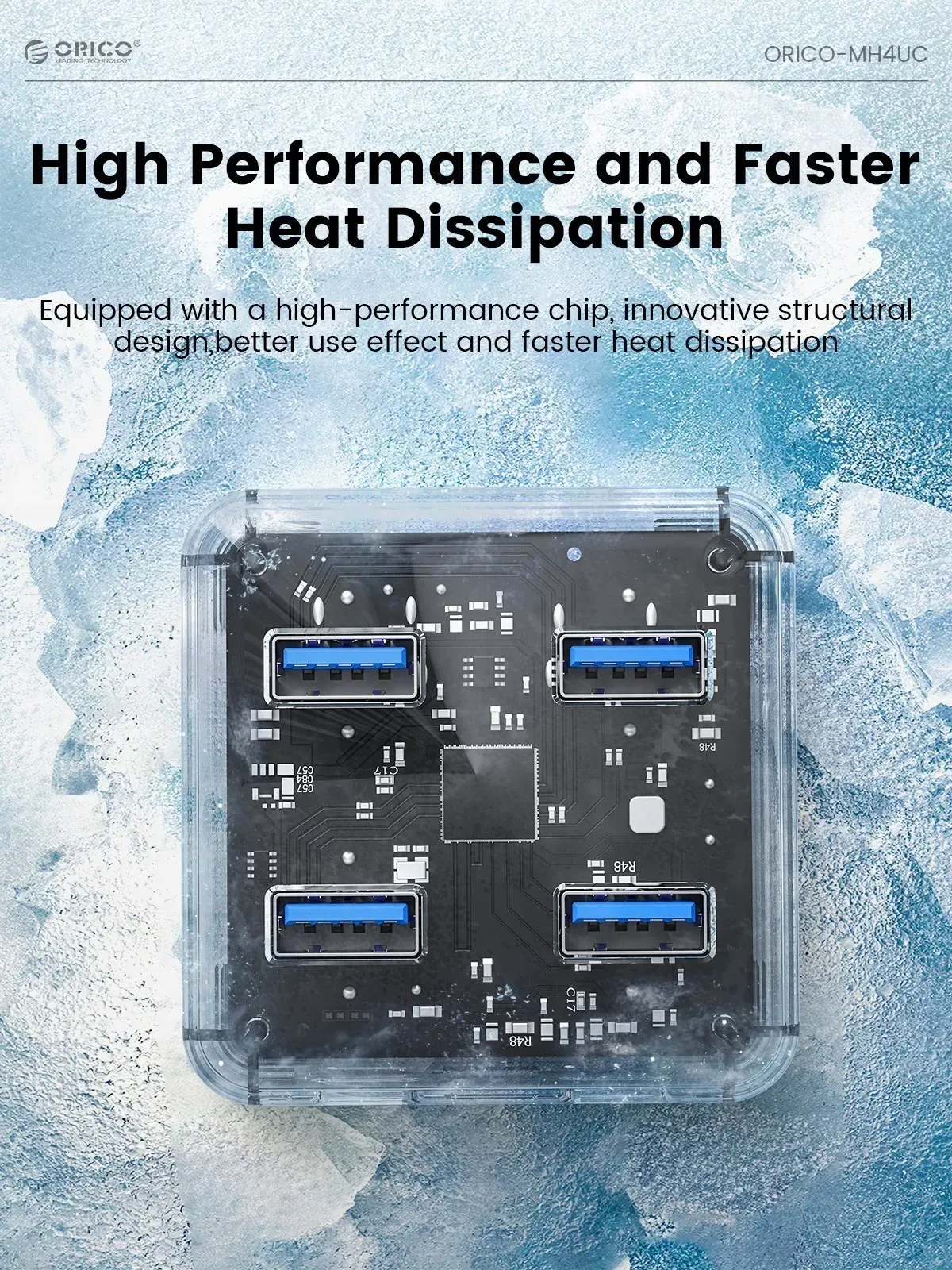
This hub makes the most sense for users who need a simple port multiplier for work, school, or travel. It is especially useful on newer laptops and Mac-style setups where USB-A ports are limited and one Type-C port has to do more work.
According to users, this type of Orico accessory tends to be valued for predictable day-to-day use rather than flashy features. If you want a compact way to connect several peripherals without moving up to a larger docking station, this is the kind of product that fits that brief.
What to check before you add it to your setup
The listing does not specify an included power adapter or advanced charging function, so this is best treated as a data hub rather than a power hub. That means it is ideal for peripherals and storage devices, not for replacing a dedicated charging dock.
It also uses a USB Type-C upstream connection, so buyers should confirm their laptop or tablet supports USB-C data output. Once that is in place, the hub becomes a straightforward way to expand a minimal port selection without overspending.

