













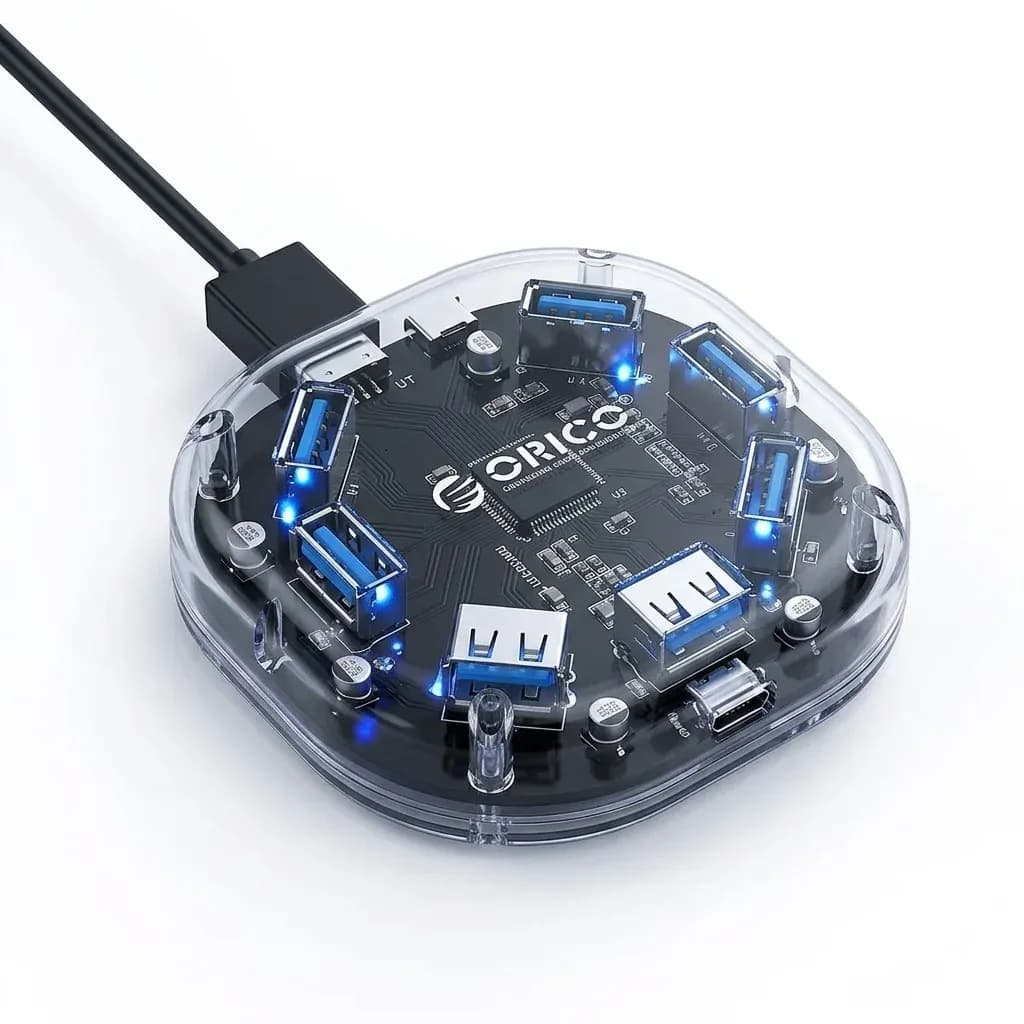

One cable, fewer compromises at the desk
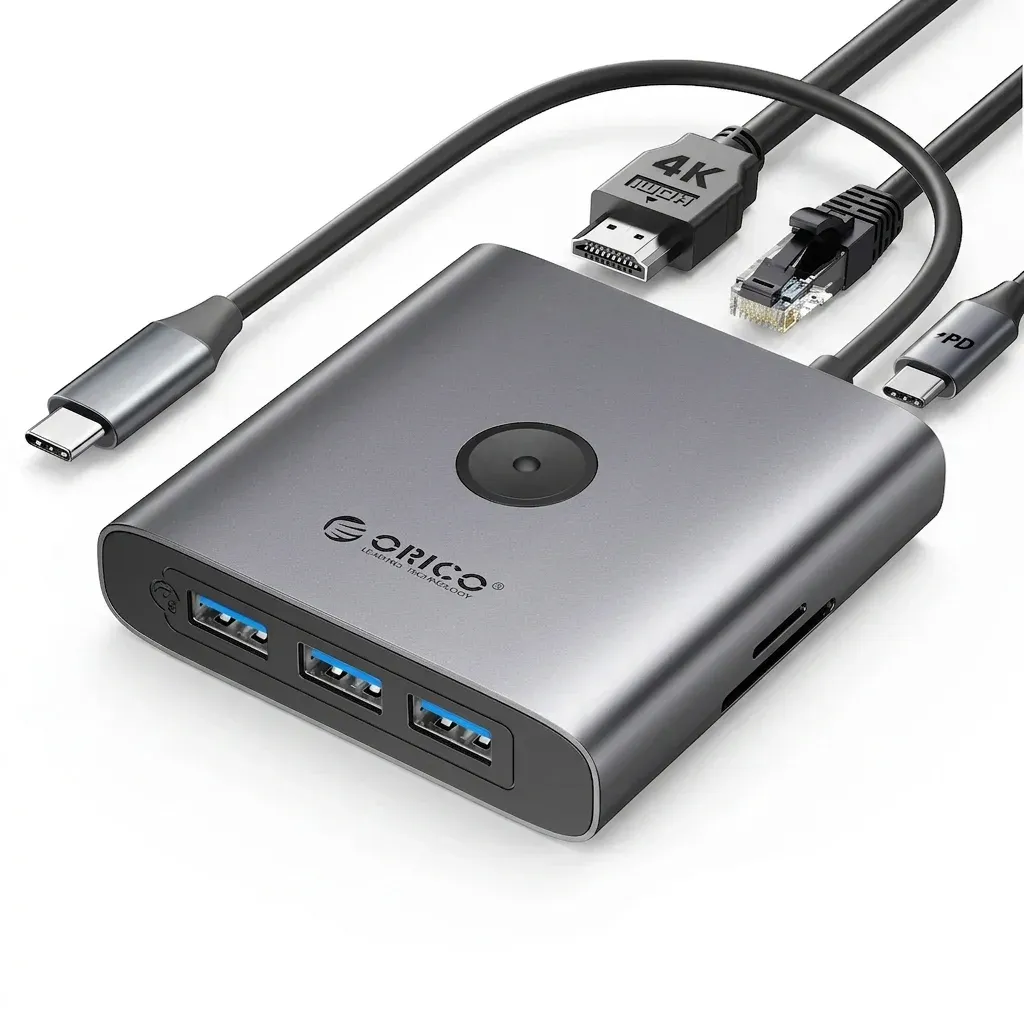
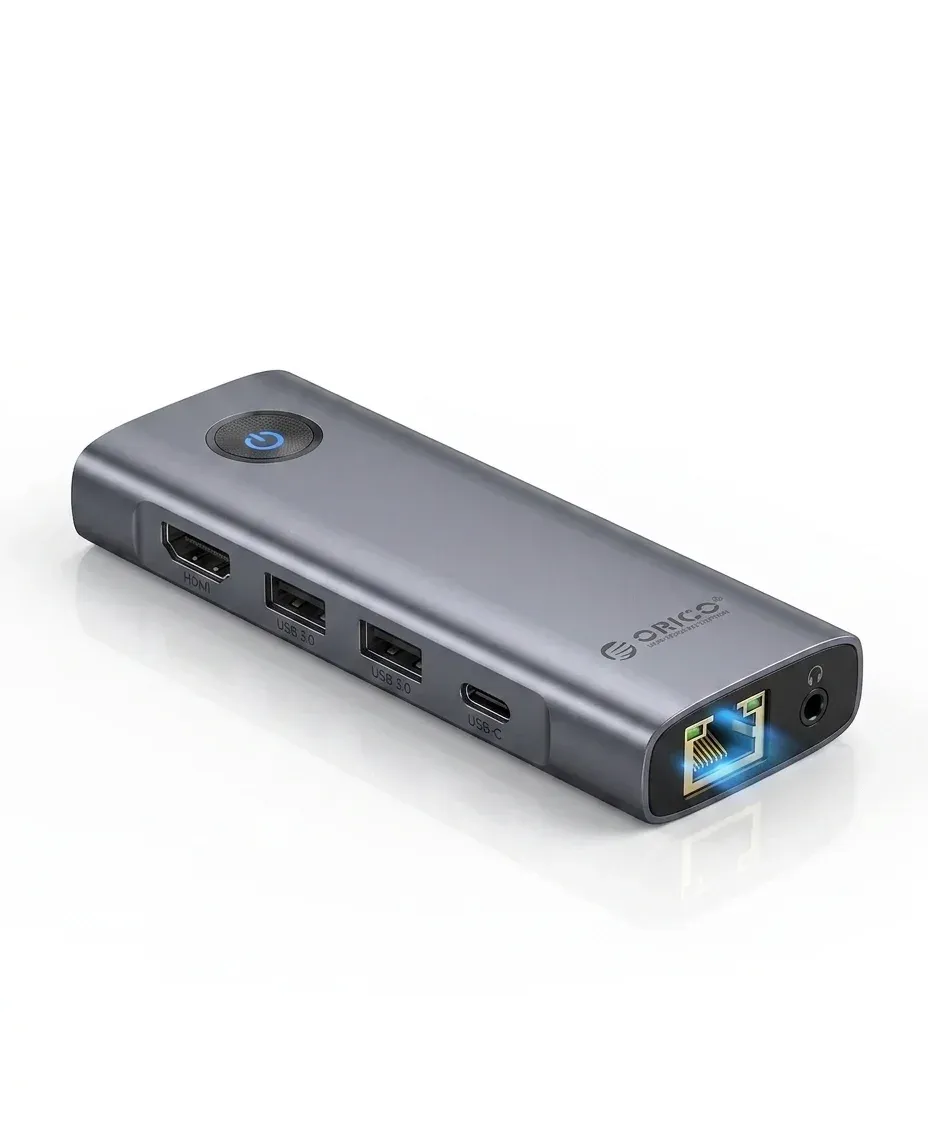
The real problem this hub solves is simple: modern laptops and tablets often have too few ports for work, media, and charging at the same time. Orico answers that with an 8-in-1 USB-C dock that expands a single Type-C connection into display output, network access, card reading, and peripheral support.
For AliExpress Singapore readers, that makes it a practical desk upgrade rather than a flashy accessory. The appeal is not raw novelty, but the way it reduces adapter clutter while keeping the setup compact enough to travel with, so what does each port actually deliver in daily use?
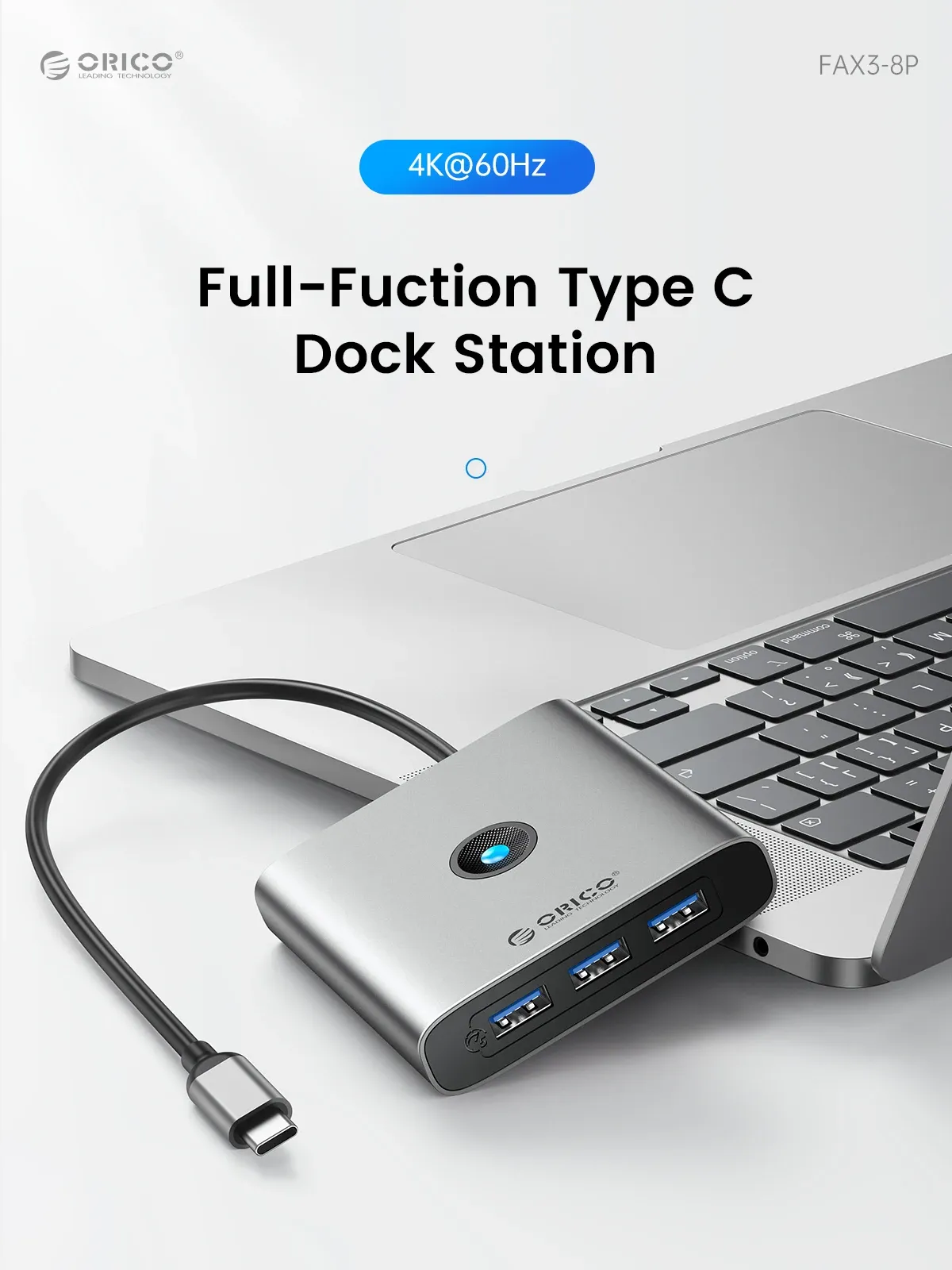
4K60Hz HDMI for sharper external displays
The HDMI-compatible output is the headline feature because 4K at 60Hz is a meaningful step up from basic 4K30Hz hubs. In practice, that means smoother cursor movement, clearer motion in video playback, and a more comfortable external-monitor experience for editing, spreadsheets, or split-screen work.
This matters most on MacBook, iPad, and USB-C laptops that support full-function video over Type-C. If the host device does not support video alt mode, the display output will not work, which is a useful reminder before pairing it with a budget notebook.
Gigabit Ethernet for steadier work sessions
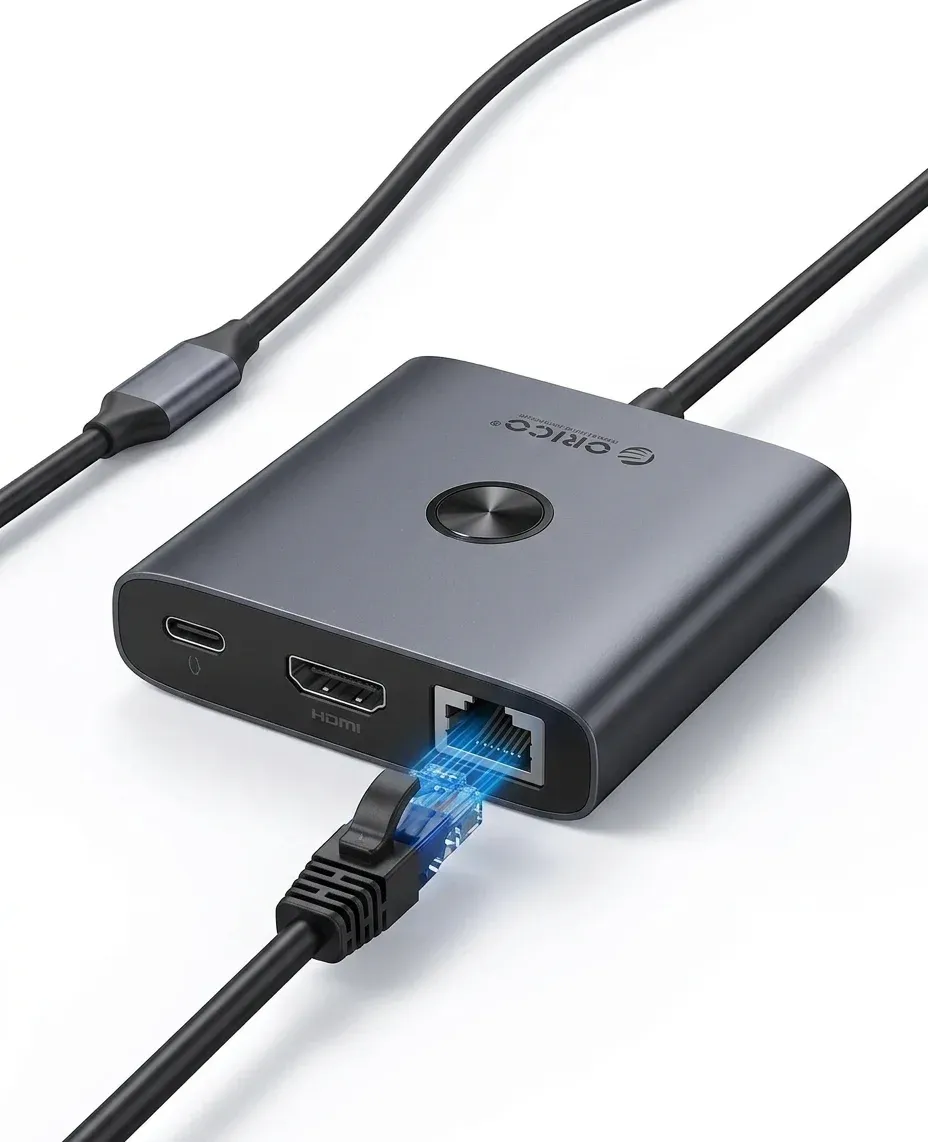
The RJ45 port is one of the most useful parts of the dock because wired internet is still more stable than crowded Wi-Fi, especially in shared apartments or office corners. A 1000Mbps link is enough to make downloads, cloud sync, and video calls feel less dependent on signal strength.
Users who stream large files or work from a fixed desk will notice the difference quickly, while casual users may only reach for it when Wi-Fi becomes unreliable. That contrast is exactly why docking hubs with Ethernet remain relevant, so how does the rest of the port layout support that idea?
USB 3.0 and card readers for everyday accessories
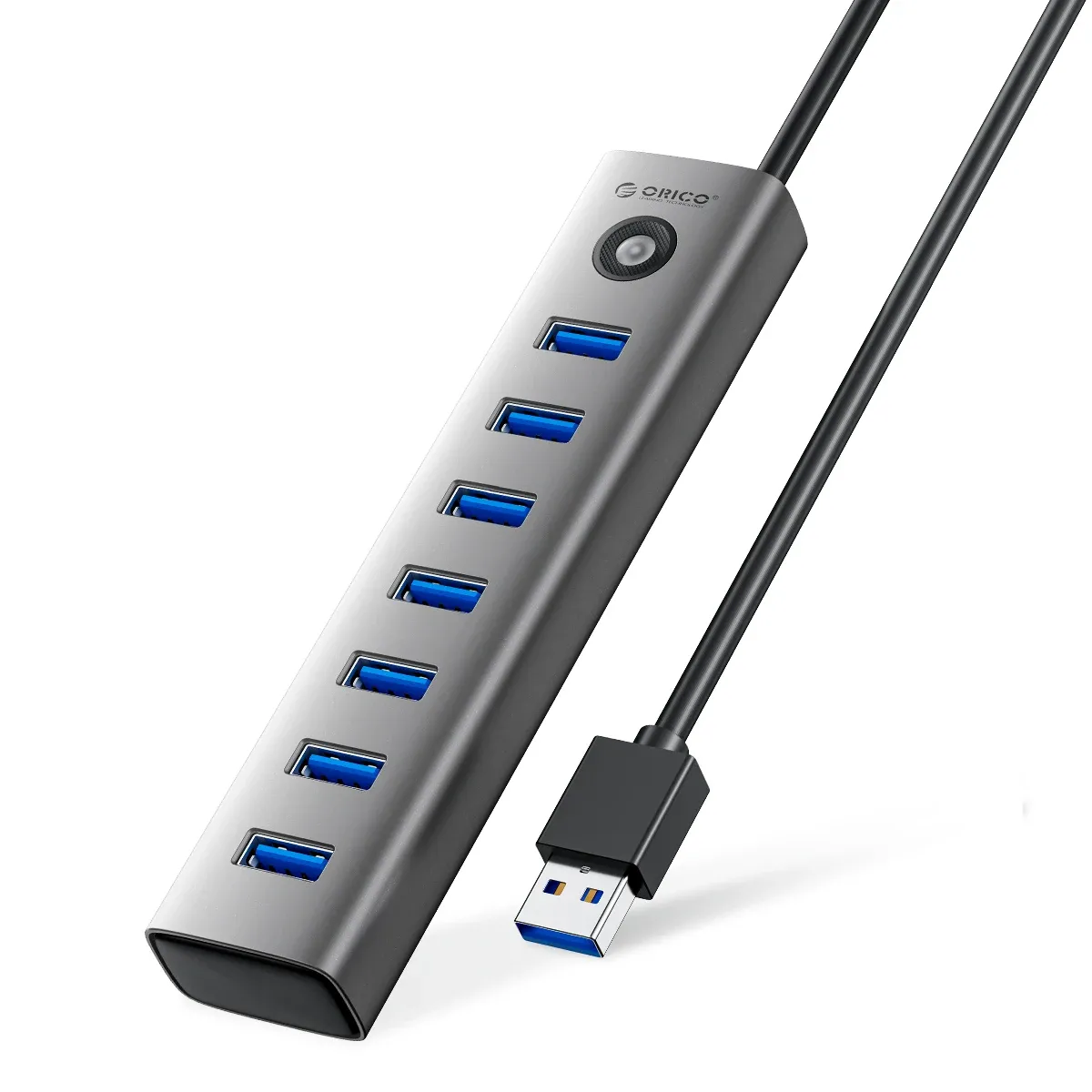
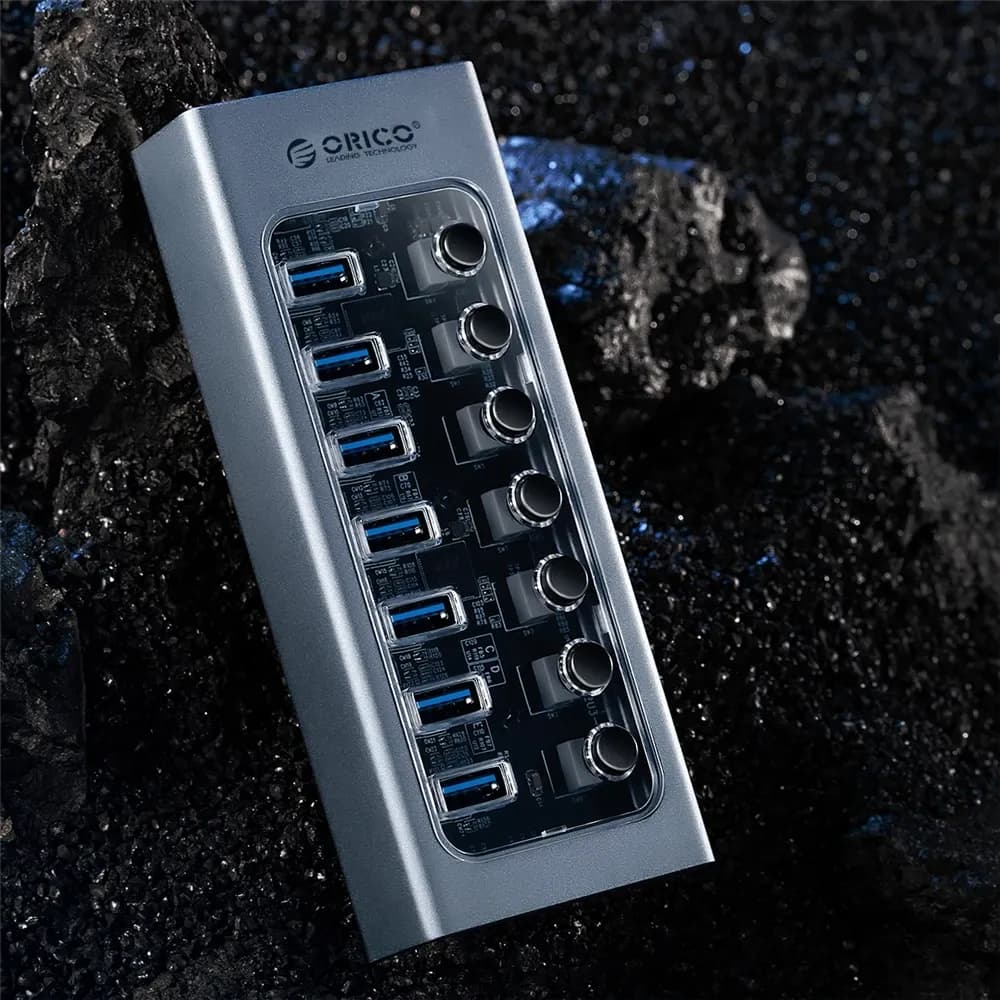
The three USB 3.0 ports are useful for the devices people actually keep connected: a mouse, keyboard, thumb drive, or external SSD. With 5Gbps-class bandwidth, they are suitable for fast file transfers, not just low-speed peripherals, which gives the hub more flexibility than cheaper USB 2.0 splitters.
The SD and TF card reader adds convenience for photographers, content creators, and anyone moving files from a camera or action cam. It is the kind of small workflow shortcut that saves time every week, especially when you no longer need a separate reader on your desk.
PD charging keeps the laptop powered while everything else is connected
USB-C docks often become frustrating when they occupy the only charging port, but this unit includes PD support so the laptop can stay powered while the hub handles the rest. The stated 100W capability gives headroom for many portable setups, though the final charging rate still depends on the charger and the host device.
That makes the dock more suitable for long work blocks than a simple passive hub. The compact 0.2m cable also keeps the setup tight, which helps reduce strain on the laptop side port and keeps the desk looking cleaner, but there is one important compatibility catch.
Compatibility depends on the laptop’s USB-C port
Orico is clear that the host device must support the needed USB-C functions, especially video and charging. If the built-in USB-C port is not fully featured, HDMI and PD may not operate as expected, so checking the laptop specification is part of the purchase decision.
That warning makes the product feel more honest than many generic hubs, because the hardware is only as capable as the port it plugs into. According to users, that clarity helps avoid disappointment, and it is the main reason this dock suits informed buyers rather than first-time guesswork.
Who gets the most from this dock?
It fits best with people who want a compact desktop station for work, study, or travel. If your routine includes an external monitor, wired network, and a couple of USB accessories, this hub covers the essentials without asking for a full-size docking brick.
It is less compelling for users who only need one extra USB port or who do not have USB-C video support on the laptop. In that case, a simpler hub may be enough, but for a more complete desk setup, this model offers a much broader set of connections.

