















Why this stand matters on a crowded desk
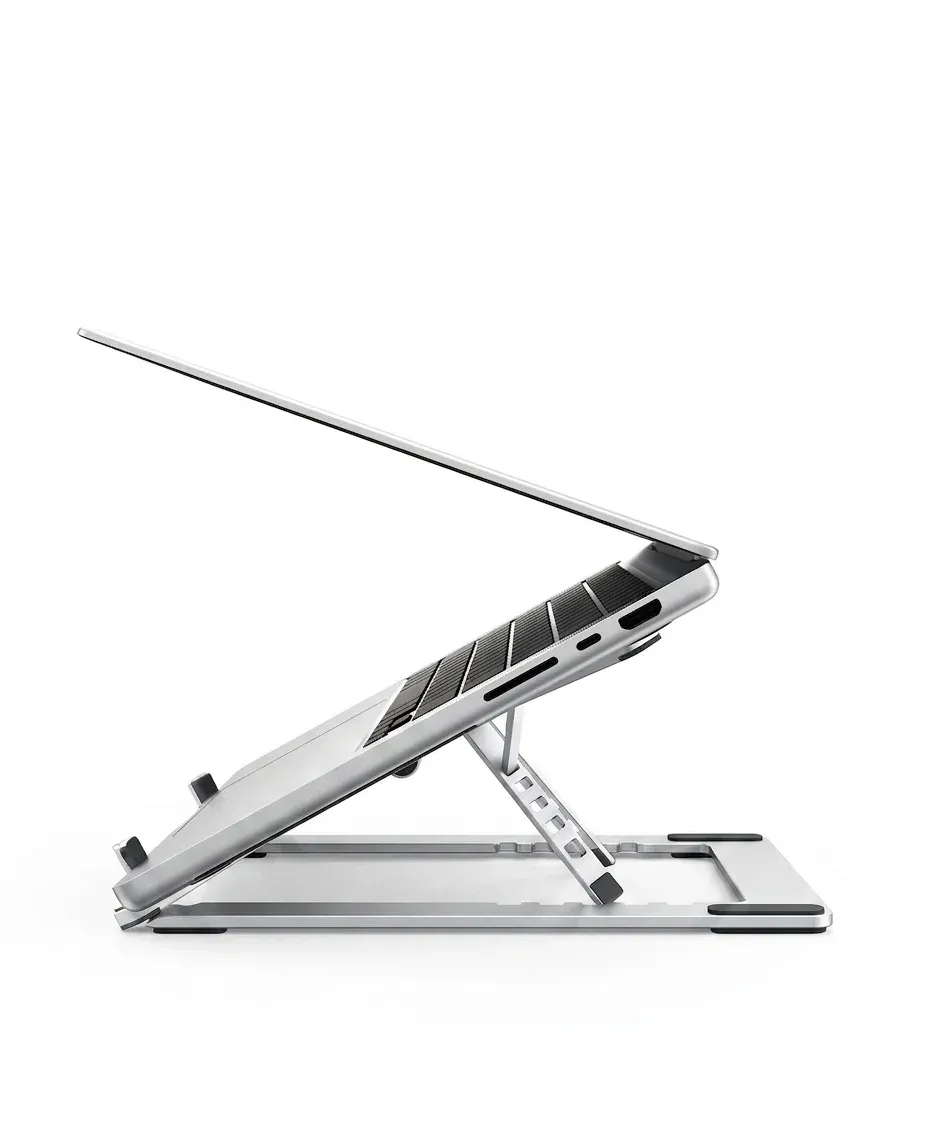
A laptop stand solves two problems at once: it clears desk space and puts the screen where your eyes expect it. This Orico model leans into both jobs with a vertical aluminum design that is easy to place beside a monitor, docking setup, or keyboard tray.
Because it comes from Orico, the build approach feels more like a practical accessory than a decorative one. The brand has built a solid reputation in the AliExpress Singapore niche for functional desktop gear that focuses on fit, finish, and everyday reliability, so the concept here already starts from a credible base.
Aluminum alloy construction and what it changes in daily use
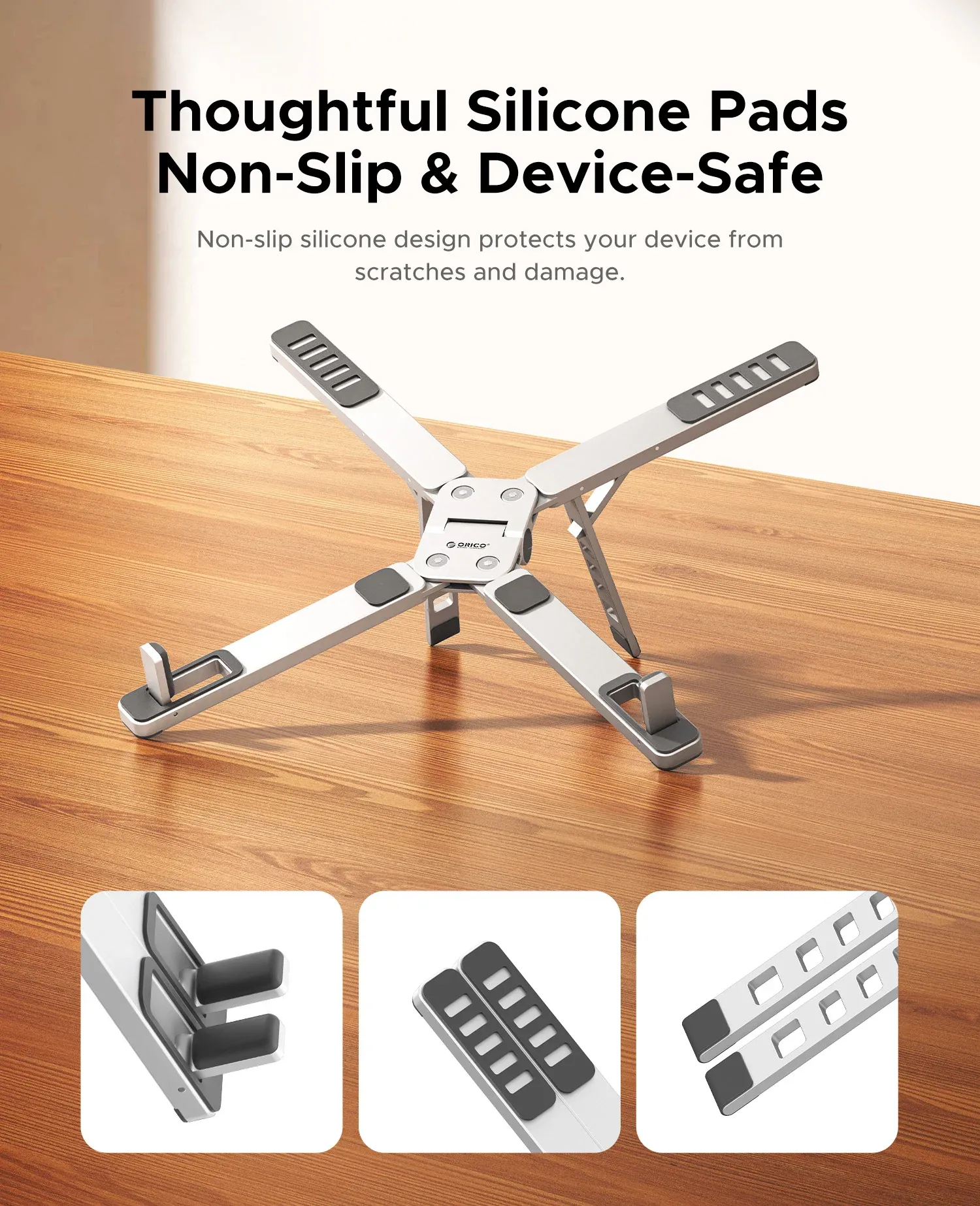
The aluminum alloy body should give the stand a cooler touch and a more rigid feel than plastic alternatives. That matters when you slide a laptop in and out repeatedly, because a firmer cradle usually keeps the device aligned without wobble.
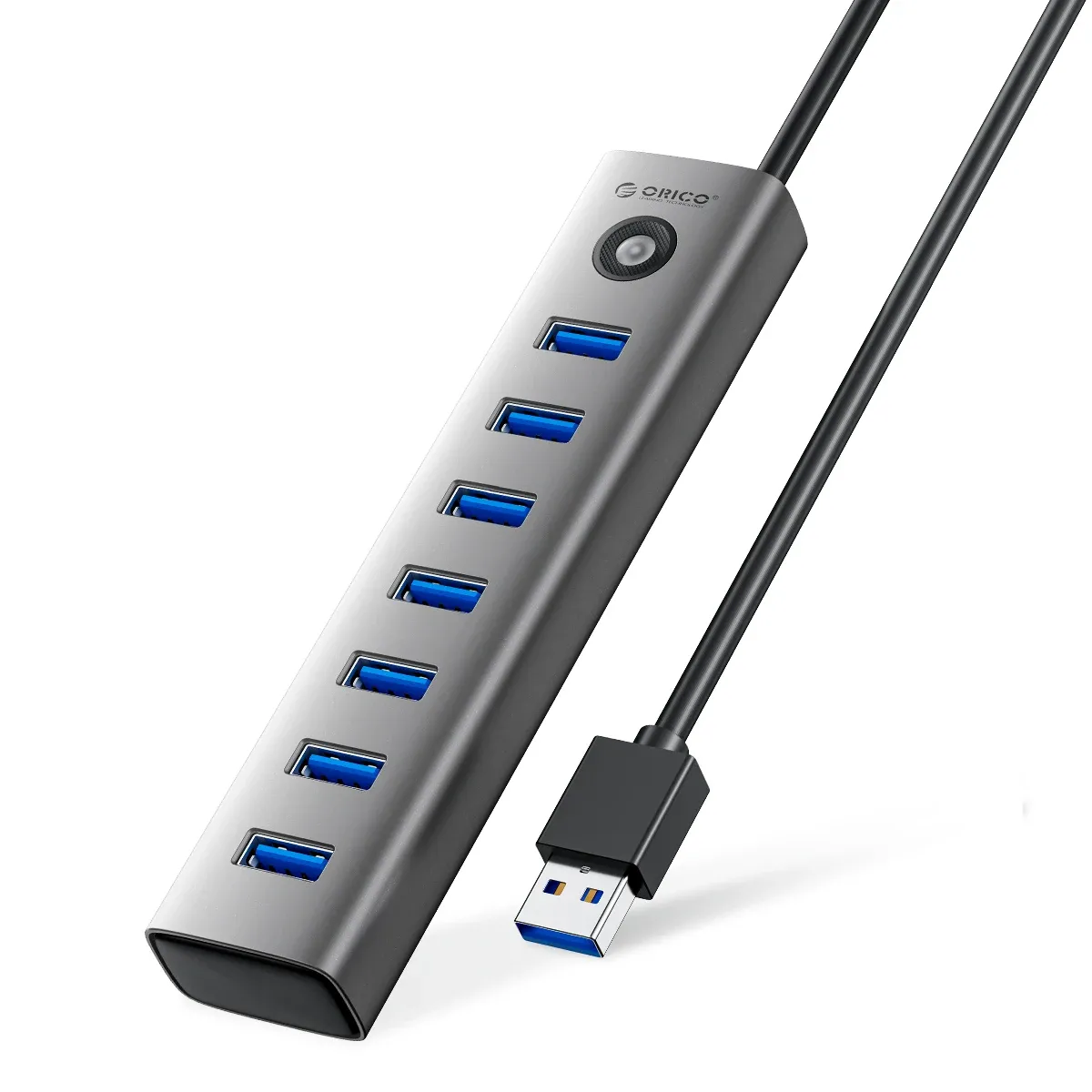
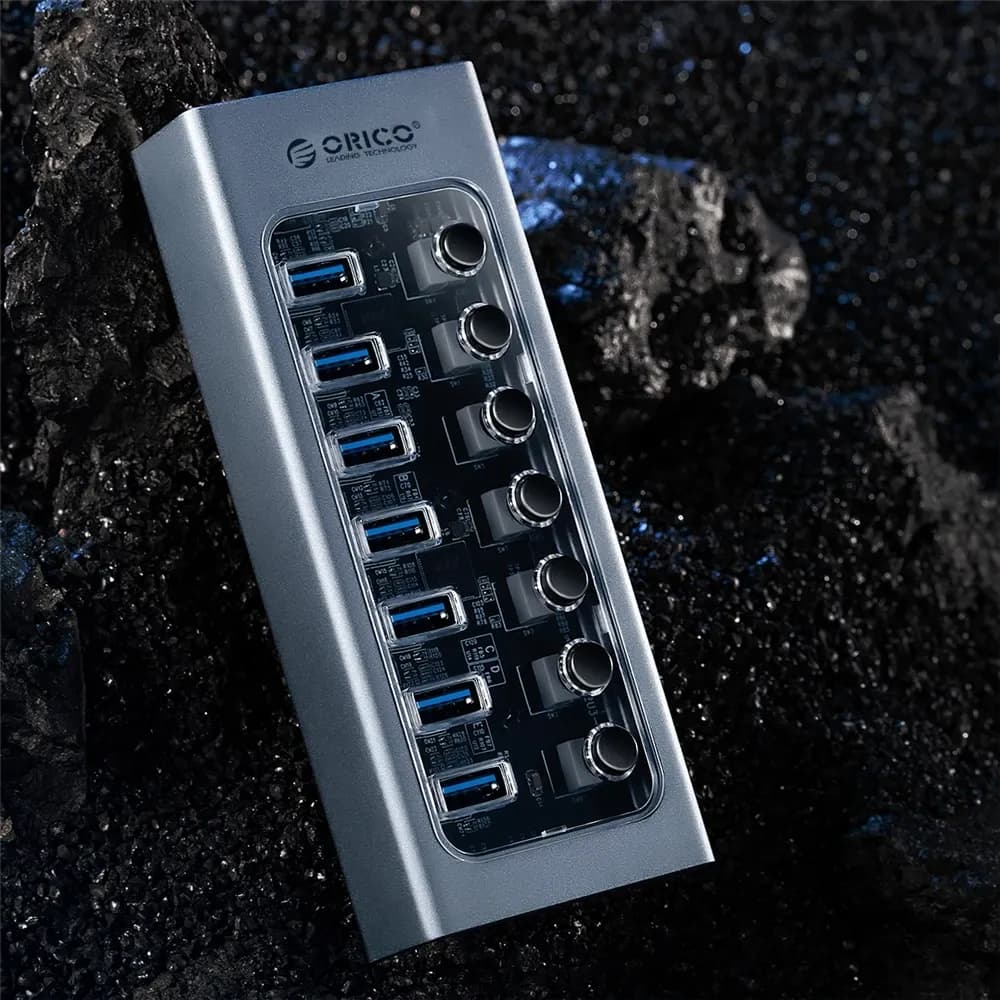
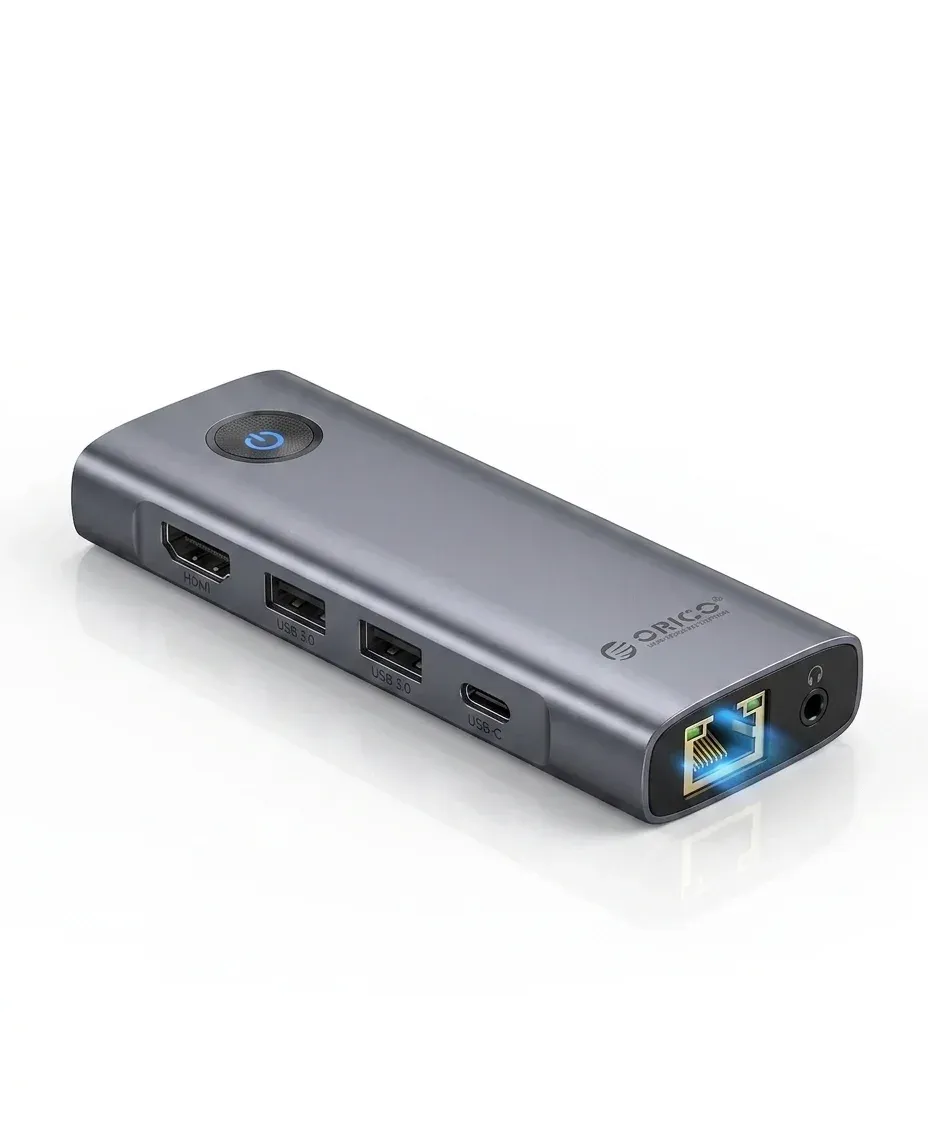
Metal also helps the stand blend in with MacBook-style setups, where brushed surfaces and clean edges matter visually. If your desk already has a hub, external drive, or monitor arm, this kind of finish keeps the whole station looking coordinated rather than improvised.
Vertical storage for a cleaner workflow
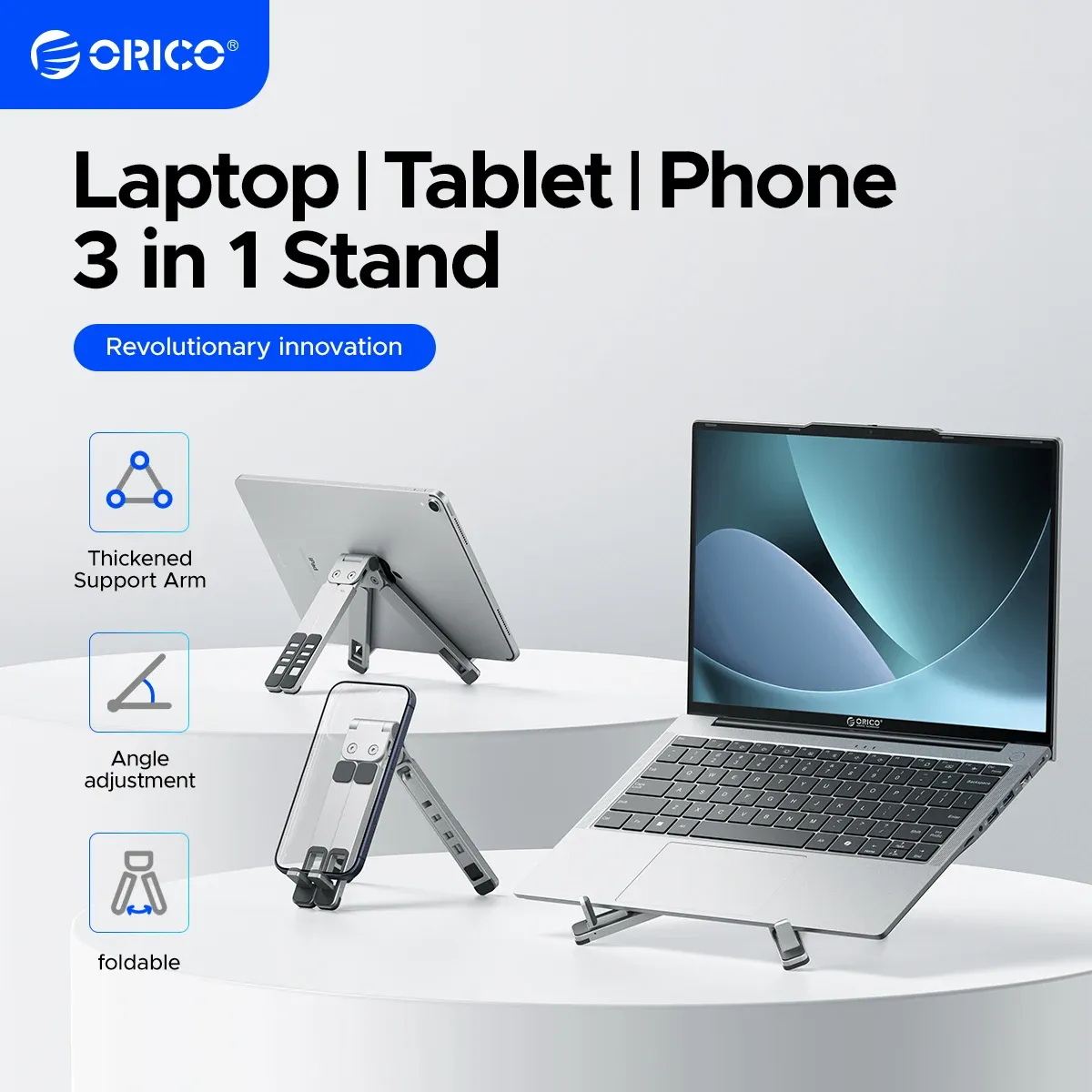
The main benefit is vertical placement, which is ideal when you use an external display and want the laptop off the work surface. That setup can make a small desk feel noticeably less cramped, and it also reduces the habit of stacking cables, chargers, and notebooks around the machine.
For hybrid workers, the vertical stance is useful between meetings because the laptop can stay connected and ready without taking over the keyboard area. It is a simple change, but it can make a workspace feel calmer and easier to reset at the end of the day.
MacBook, tablet, and phone support in one accessory
The product is positioned as a support stand for laptops, tablets, and phones, so it is more versatile than a single-device dock. That flexibility is useful if you switch between a notebook for work, a tablet for reading, and a phone for calls or content monitoring.
Users who keep multiple devices on the same desk will appreciate that the stand can serve as a stable parking spot instead of a permanent laptop-only accessory. It is the kind of tool that becomes more valuable the more devices you rotate through a day, which raises an obvious question about fit and stability?
What the review data suggests
Real customer feedback is limited, but the available reviews are fully positive, with a 5/5 average from two customers. That is a small sample, yet it does support the impression that the stand is delivering the basics cleanly: solid presentation, practical use, and no obvious complaints in early feedback.
When review volume is low, the safest reading is to focus on design logic rather than broad claims. Here, the combination of aluminum construction, vertical storage, and brand consistency makes the asking level feel reasonable for a desk accessory in this category.
Who gets the most value from it
This stand makes the most sense for MacBook users, remote workers, and anyone building a compact desktop with a hub, monitor, and external keyboard. It is less about flashy features and more about removing clutter while keeping the laptop accessible and protected from desk spillover.
If your current setup leaves the laptop lying flat under papers or beside cables, the improvement is immediate and visible. The real question is whether you want a stand that simply holds a device, or one that helps the whole desk feel more intentional?

