













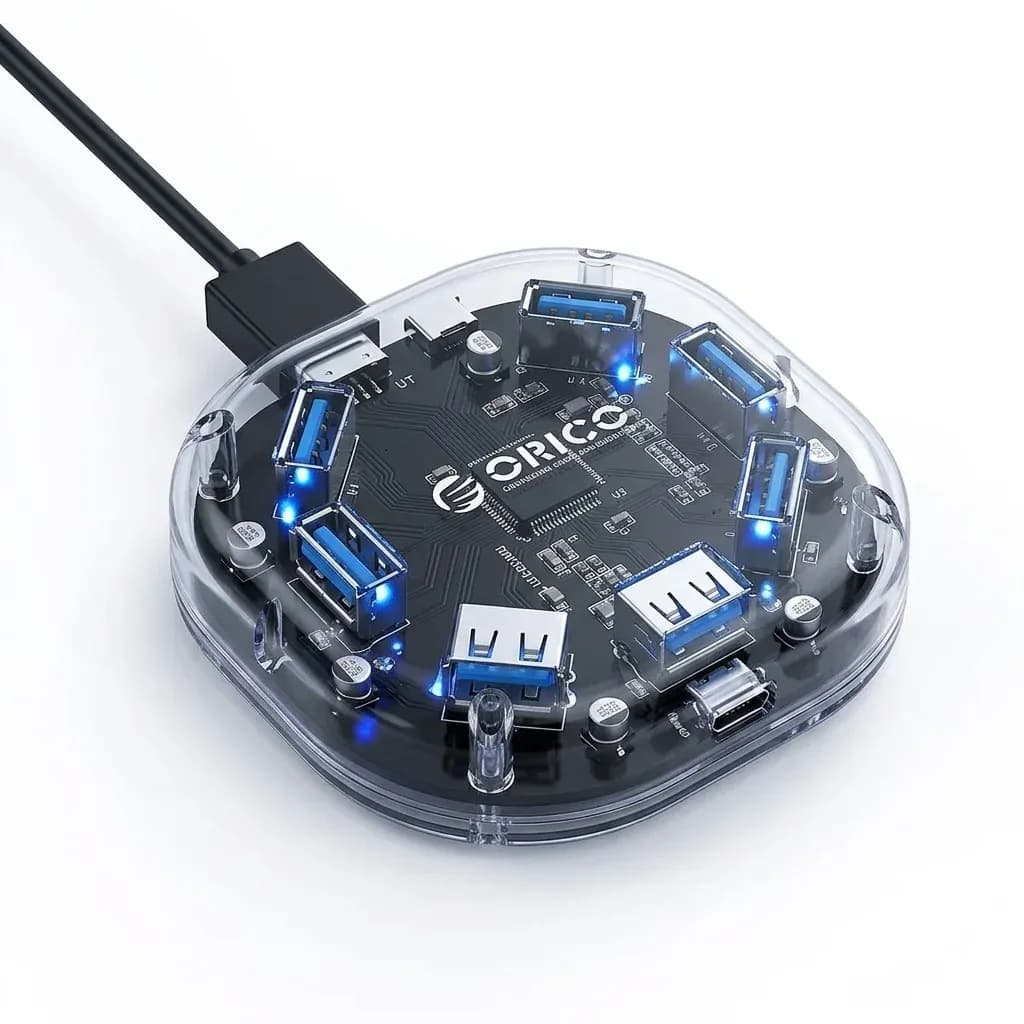

A neater Mac Mini setup with fewer cables
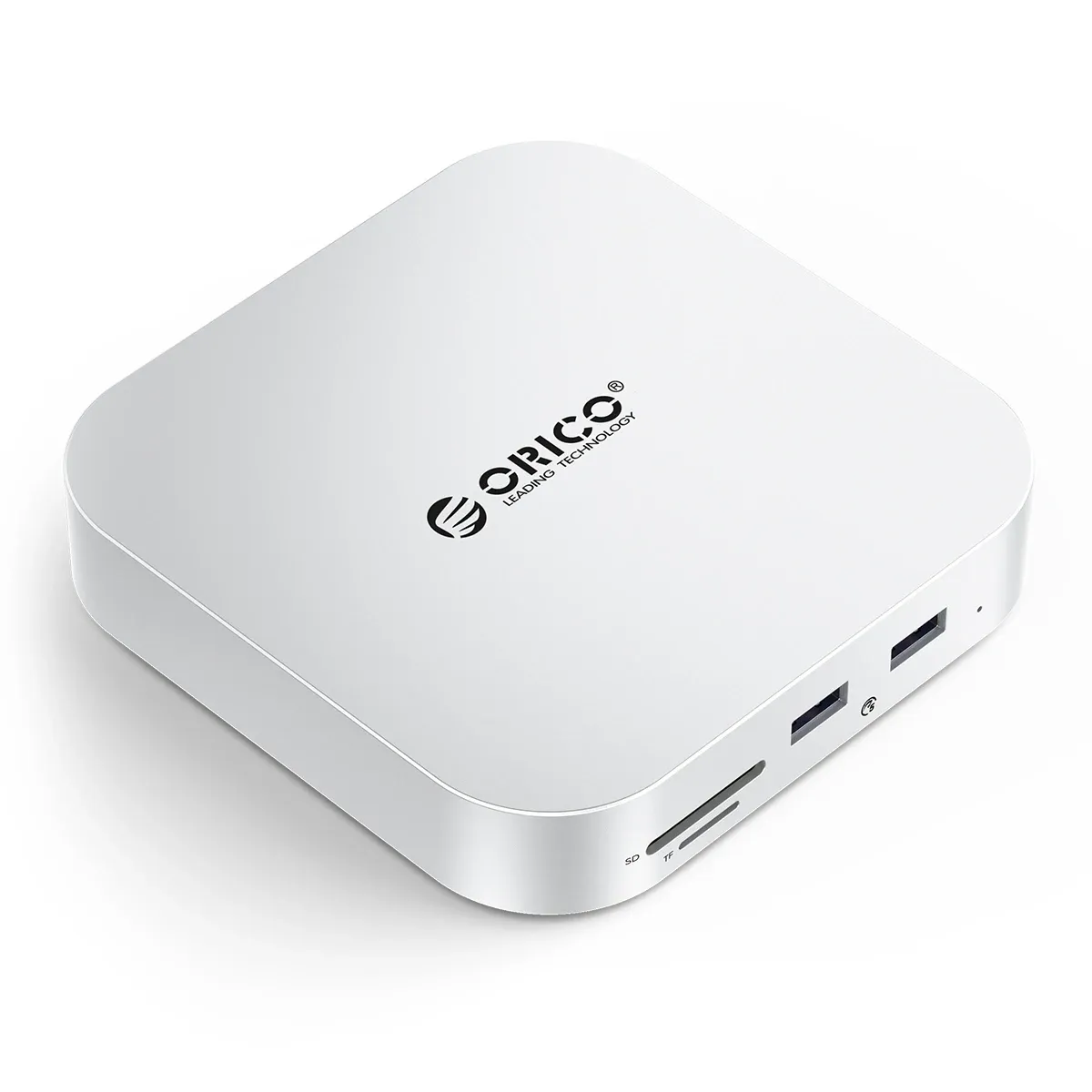
The main problem this dock solves is simple: the Mac Mini M4 is compact, but the moment you add cards, drives, and peripherals, the desk starts to look crowded. Orico’s bracket-style hub keeps the computer anchored while moving the useful ports to the front and sides, which makes daily access feel much smoother.
That design choice matters more than it first appears, because a desktop hub is not only about expansion but also about ergonomics. If you constantly swap SD cards, connect flash drives, or plug in accessories, having everything within reach saves time and reduces desk clutter, so what does the port layout actually deliver in use?
USB 3.0 speed for everyday transfers
The hub uses USB 3.0, which is a practical fit for file transfers, card readers, and routine peripherals rather than heavy workstation expansion. For photographers moving image sets or users syncing external storage, the benefit is straightforward: quicker transfers than older USB 2.0 docks, without adding complexity.
It is worth noting that this is not a Thunderbolt-class dock, so it is best matched to accessories that do not need extreme bandwidth. That makes it a sensible choice for general Mac Mini setups, especially when the goal is stable connectivity instead of pushing multi-display or high-end pro workflows, which is where the M.2 slot becomes more interesting.
M.2 support changes it from hub to storage base
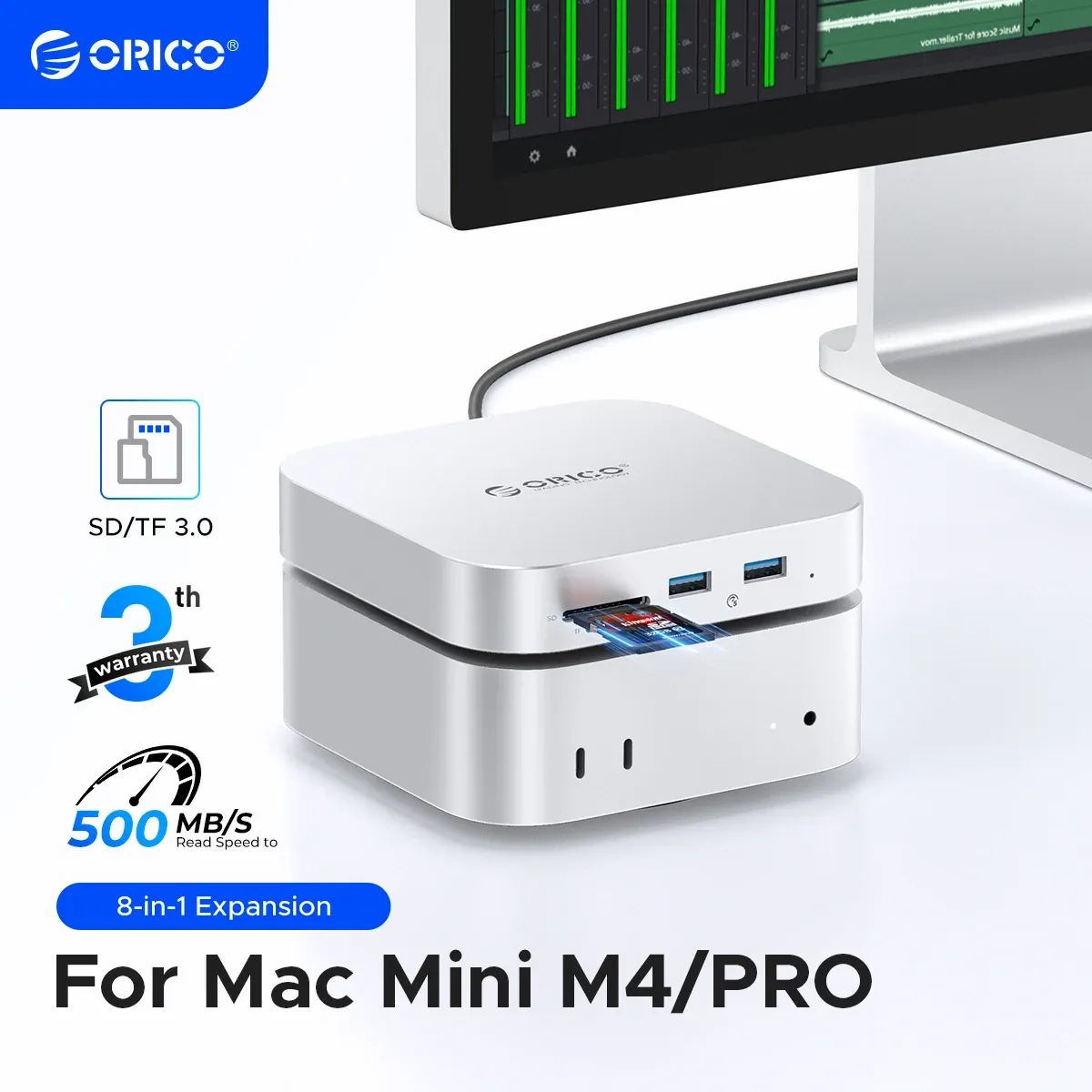
The built-in M.2 slot is the feature that separates this model from basic USB hubs. It gives the Mac Mini a more integrated storage expansion path, which is useful if you want a tidier desktop with external storage kept close to the machine instead of sitting loose on the table.
In practical terms, this can help users who want a fast scratch drive, project storage, or a dedicated media library attached to the desk setup. The caveat is that the actual drive performance will depend on the installed SSD and the host connection, so the dock is best seen as an organized storage platform rather than a pure speed upgrade.
Card readers and USB ports for creator workflows
The SD and TF card support makes this particularly relevant for camera owners, content creators, and anyone who still moves files from portable media. According to users, the unit feels stylish, compact, and practical, which lines up well with the kind of desk-friendly accessory that disappears into a setup while doing the work.
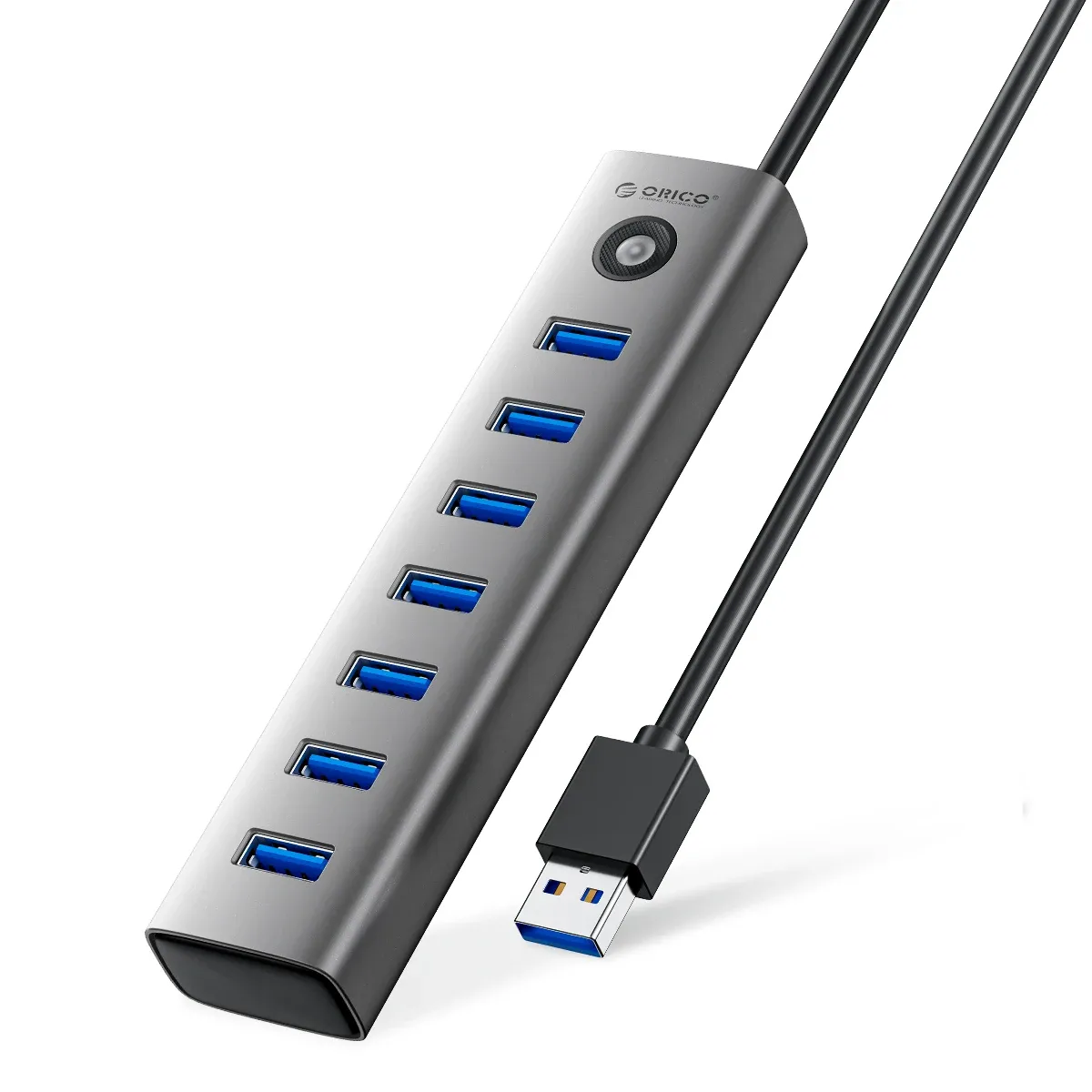
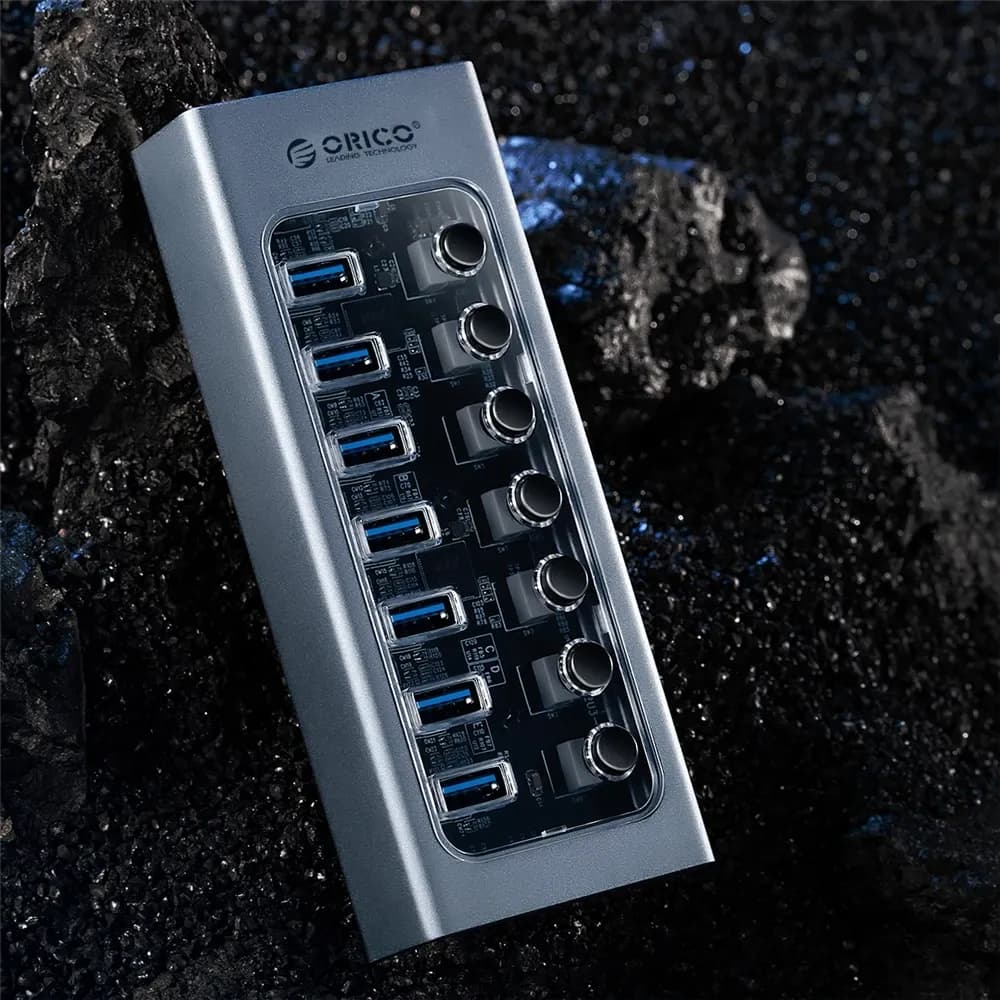
The eight-port layout also gives enough room for a mouse receiver, keyboard, card reader use, and one or two drives without constant swapping. If your Mac Mini is doing double duty as a home office machine and a media station, this kind of port density is what keeps the workflow from feeling cramped, but how solid is the build?
Compact build that matches the Mac Mini footprint
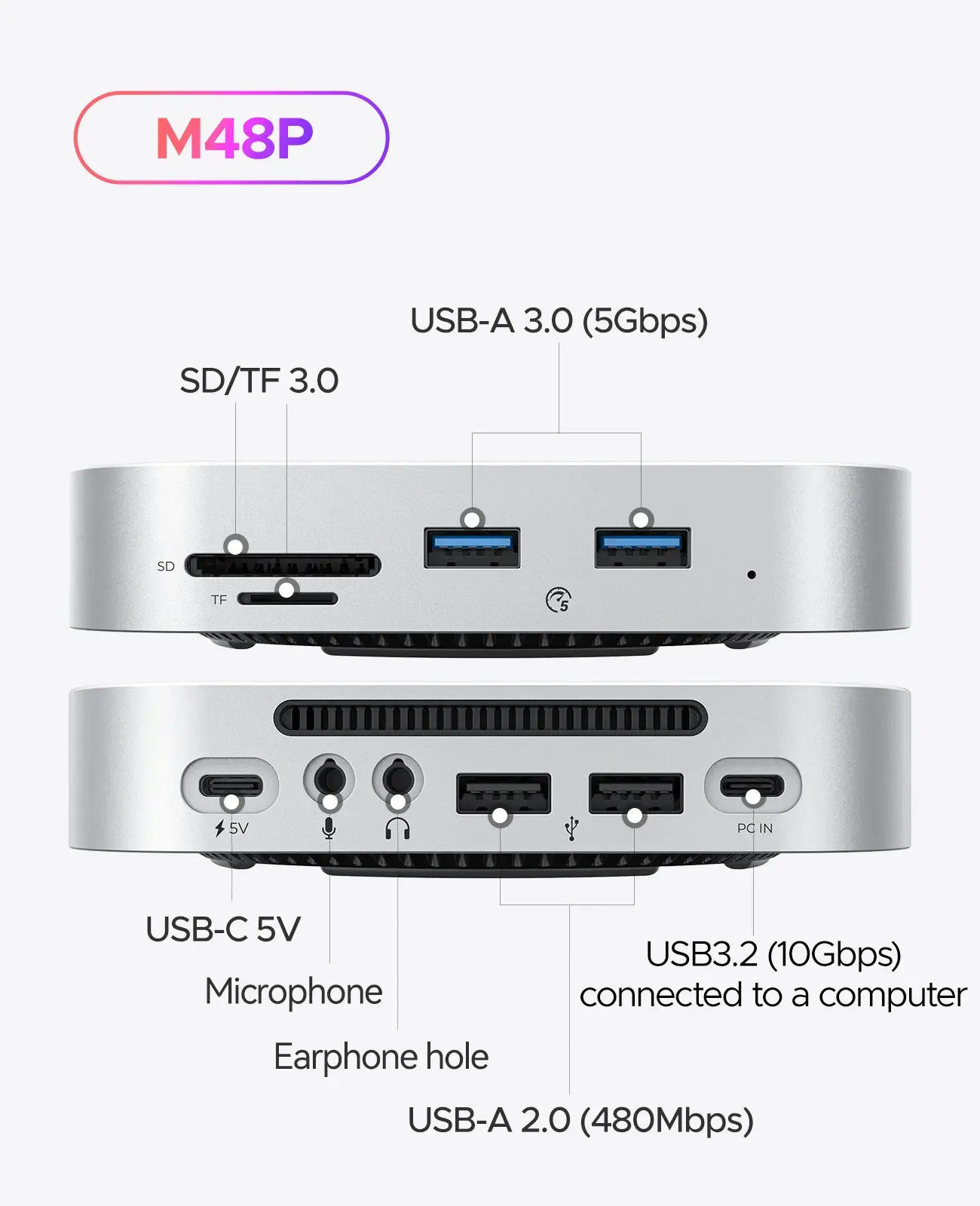
Orico’s strength in the AliExpress Singapore market is consistency: the brand tends to focus on clean industrial design, sensible port layouts, and accessories that feel made for real desktop use rather than novelty features. That reputation shows here in the bracket form factor, which aims to look like part of the computer rather than an add-on.
Users describe the materials as high quality, and that matters for a dock sitting under a machine that gets handled often. The CE certification and lack of high-concern chemicals add a layer of reassurance, while the Mainland China origin is typical for this category and not unusual for a desktop hub at this feature set, so what should buyers watch before choosing it?
Who it suits best
This dock makes the most sense for Mac Mini M4 and M4 Pro owners who want a cleaner desk, frequent card access, and a compact expansion block that stays visually matched to the computer. It is also a strong fit for Windows, macOS, and Linux users who need a versatile USB 3.0 hub with reader functions and occasional M.2 storage use.
It is less compelling for buyers who want top-tier transfer ceilings or advanced workstation connectivity, because the USB 3.0 standard defines the ceiling here. For everyone else, the appeal is the balance: a tidy bracket, useful ports, and a design that turns the Mac Mini into a more complete desktop hub without overwhelming the desk.

