













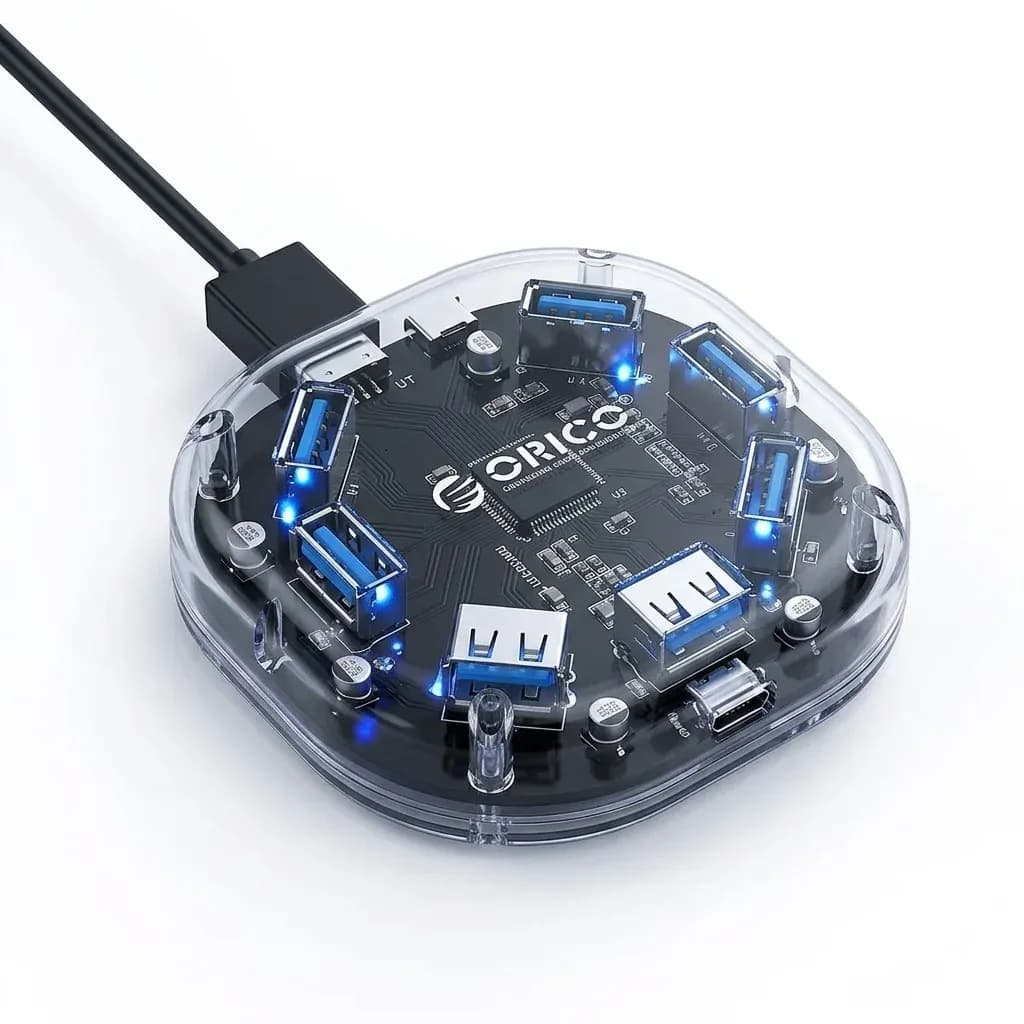

Turns an older Windows PC into a wireless-ready machine
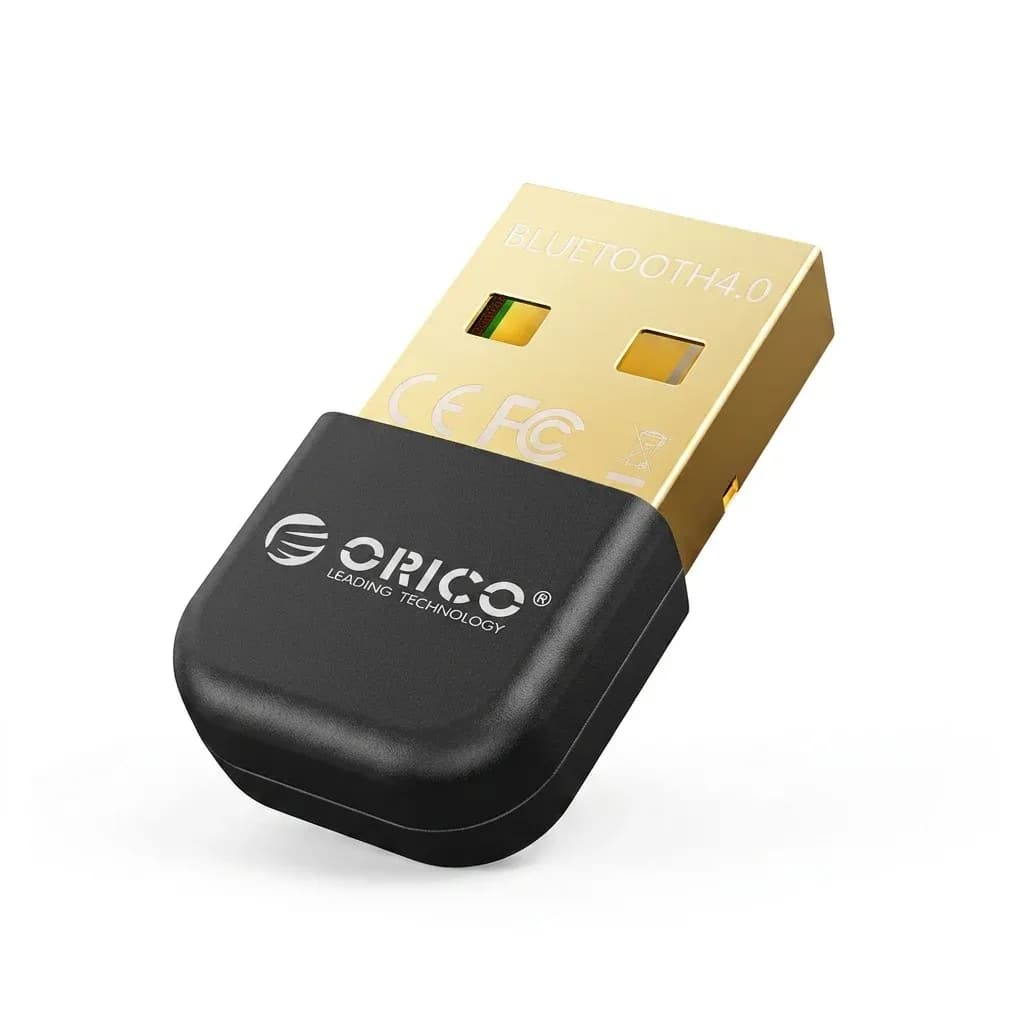
This adapter solves a simple problem: a desktop or laptop without built-in Bluetooth can still connect to wireless peripherals. Orico has a strong reputation in the AliExpress niche for making practical, hardware-first accessories that focus on core function rather than flashy extras, and this dongle fits that approach.
At this level, the appeal is not luxury packaging but utility. If you want to pair a Bluetooth mouse, speaker, or controller on a Windows 7 to Windows 8-era system, this is the kind of small add-on that can change how the machine feels at the desk.
Bluetooth 4.2 in real use: enough for peripherals, not a modern feature set
The listed Bluetooth 4.2 standard is well suited to low-bandwidth accessories where stability matters more than headline speed. Users report that it can work cleanly with devices such as mice and audio gear, though one review notes that changing the USB port improved results, which is a useful reminder that placement can affect reception.
For everyday office use, that means fewer cables and a cleaner workspace. It is not aimed at advanced multi-device ecosystems or newer operating systems, so the value comes from compatibility with legacy Windows setups rather than broad platform support.
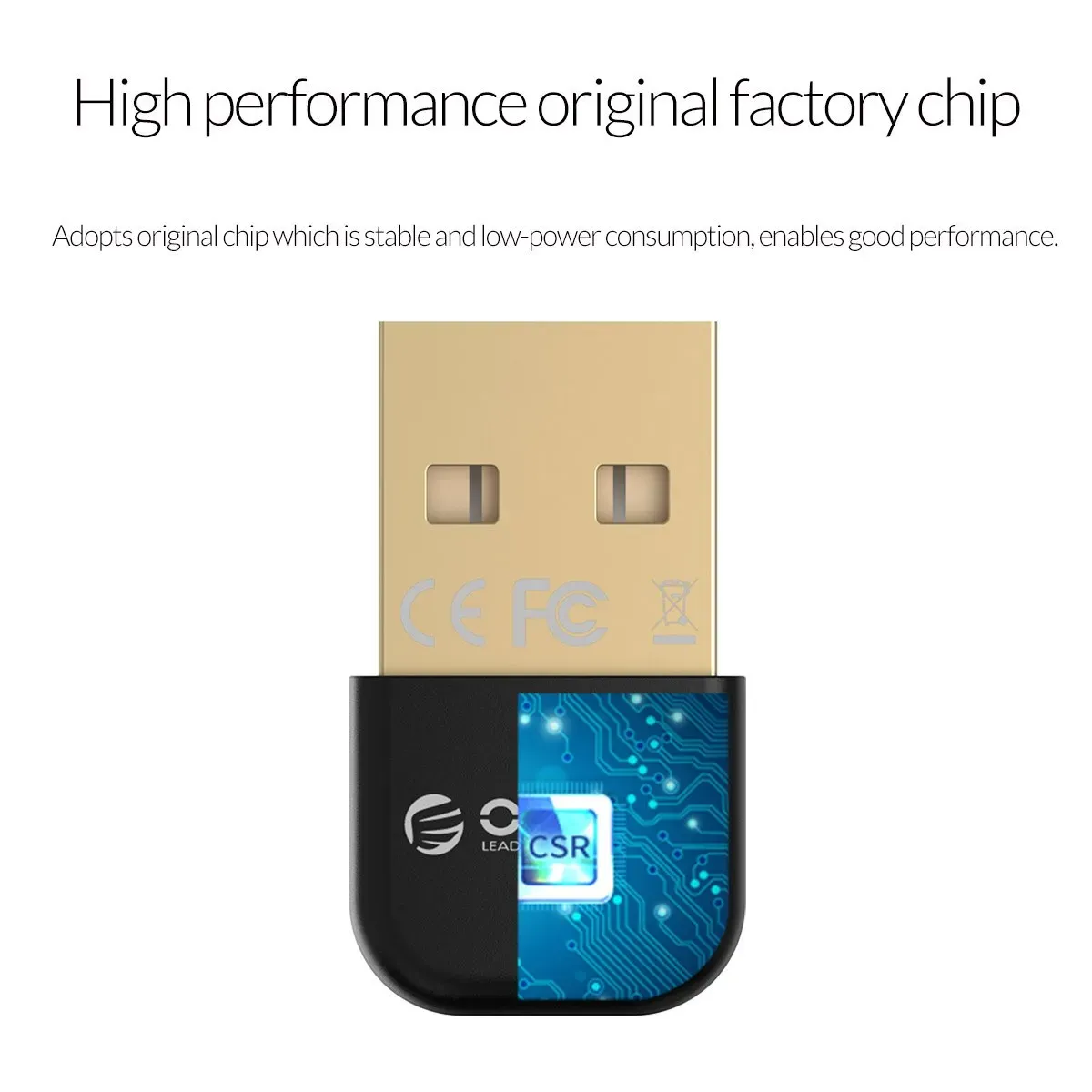
Why the tiny body matters on a crowded USB row
The mini ABS shell keeps the adapter discreet, so it does not block nearby ports or look awkward on a slim laptop dock. The internal antenna design also keeps the profile compact, which is helpful if the dongle will stay inserted permanently in a rear USB port.
That small size does come with a trade-off: compact adapters can be more sensitive to interference than larger units with external antennas. If your PC sits under a desk or beside metal surfaces, a short USB extension or a different port can make the connection feel more reliable.
Best fit: older Windows systems and simple wireless tasks
The strongest use case is a Windows 7, Vista, XP, or Windows 8 machine that needs basic Bluetooth support for speakers and input devices. Based on the available user feedback, the adapter is doing the job it promises for that narrow audience, and the overall rating of 4.7 from 19 reviews suggests consistent satisfaction.
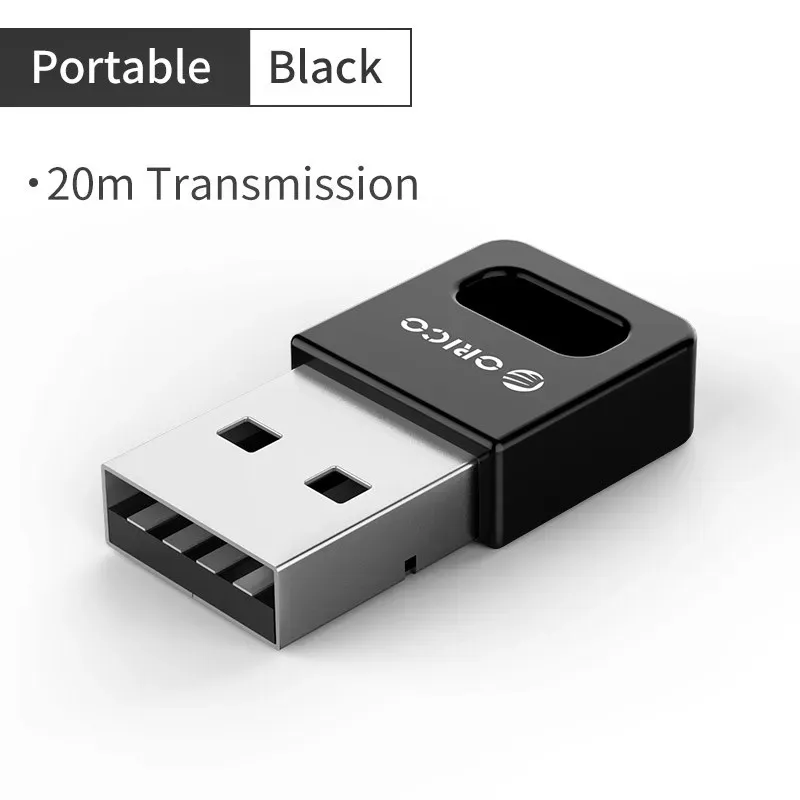
It is less convincing as a universal dongle because the listing clearly says it does not support Mac OS and warns about OS system limitations. If you need cross-platform flexibility or modern driver convenience, this is not the safest pick, so the next question is whether the low-cost simplicity outweighs those limits.
What to check before you get it
- Confirm your PC runs a supported Windows version before installing.
- Use a rear USB port or a short extension if signal stability matters.
- Expect best results with mice, speakers, and other low-demand Bluetooth devices.
- Do not plan on Mac compatibility or broad system support.
For the right setup, this is a straightforward way to add wireless convenience without replacing the whole machine.

