













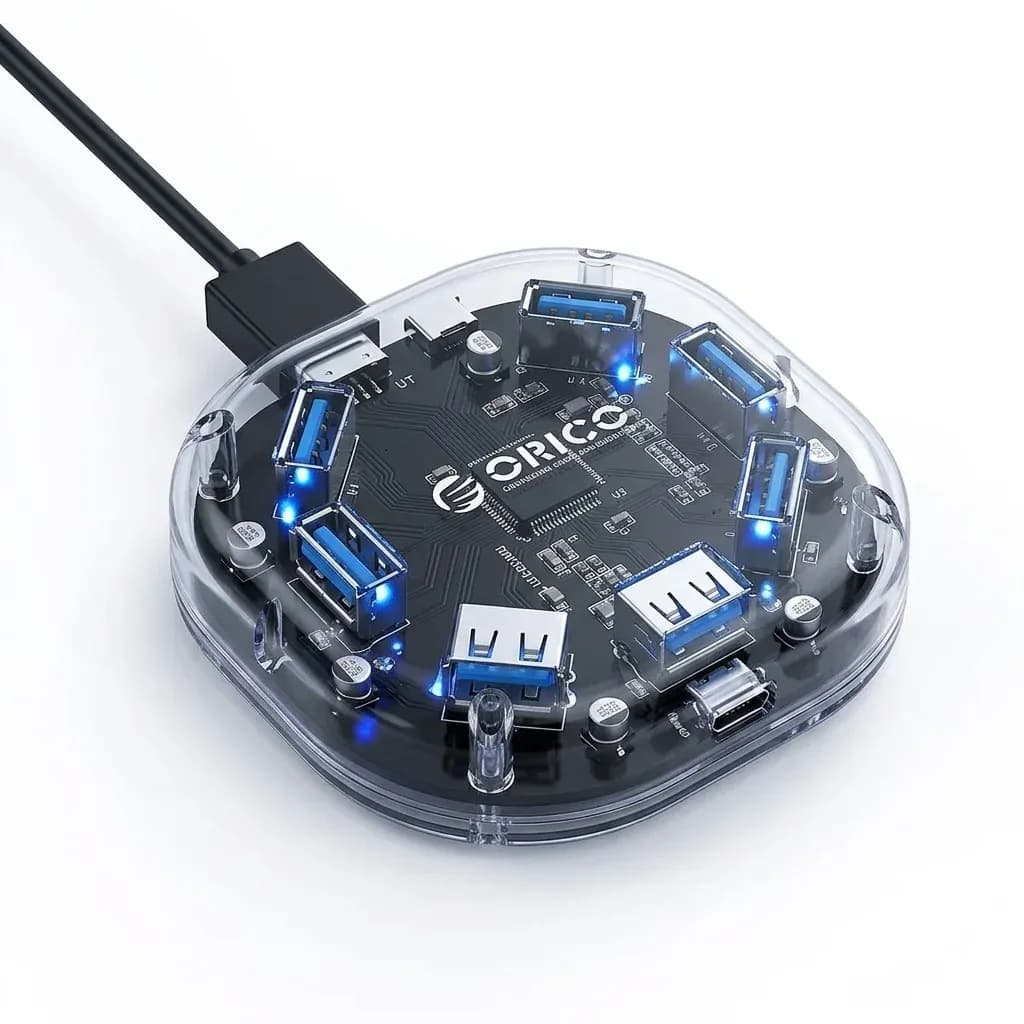

A hub that solves the “one port, too many devices” problem
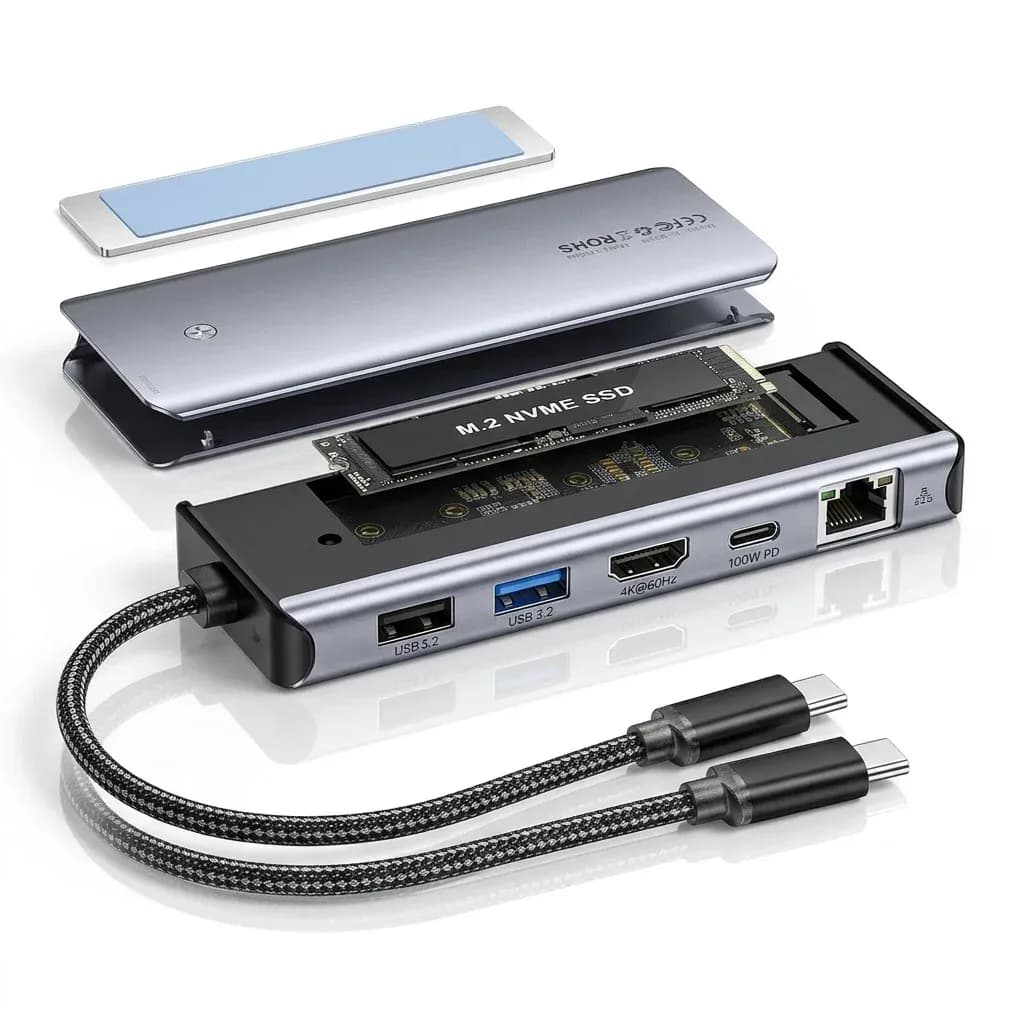
This Essager unit is aimed at users who want both a USB-C hub and an M.2 SSD enclosure without carrying two separate accessories. In a single desktop-friendly box, it turns one port into charging, display output, data transfer, and storage expansion, which is exactly the kind of all-in-one setup AliExpress Singapore readers tend to look for.
Essager has built a solid reputation in the AliExpress niche by focusing on practical accessories with better-than-average fit and finish for the segment. The brand’s products usually lean toward useful engineering rather than flashy extras, and this model follows that same pattern, so the question becomes how well the enclosure and hub functions work together in daily use.
10Gbps storage expansion without a separate enclosure
The M.2 slot is the headline feature because it lets the hub double as an external SSD case, which is useful for editing, backup, and large file transfers. Real user feedback points to a JMS583-based design, and that matters because it is commonly associated with stable NVMe performance in compact enclosures.
In practice, this means the drive can sit beside your laptop as a fast scratch disk instead of a dangling USB drive that slows down under heavier workloads. The thermal pad and aluminium heat spreader reported by customers also suggest the enclosure is built to handle sustained transfers better than bare-plastic rivals, so how does the rest of the hub section hold up?

Power delivery that keeps a laptop working while the ports stay busy
The PD100W pass-through port is the feature that makes this more than a simple SSD dock, because it allows charging while other peripherals remain connected. Users report that it charges a MacBook reliably, which is the kind of detail that matters when you are running a monitor, storage, and a mouse from the same side of the laptop.
That said, the charging port is primarily for power, not a high-speed data lane, so it should be treated as a pass-through solution rather than a general-purpose USB-C connector. If you need a cleaner desk for work-from-home or a portable setup for travel, this design keeps the cable count low without forcing compromises on laptop uptime, but the display output is where expectations should stay realistic.
HDMI and USB ports for everyday desk work
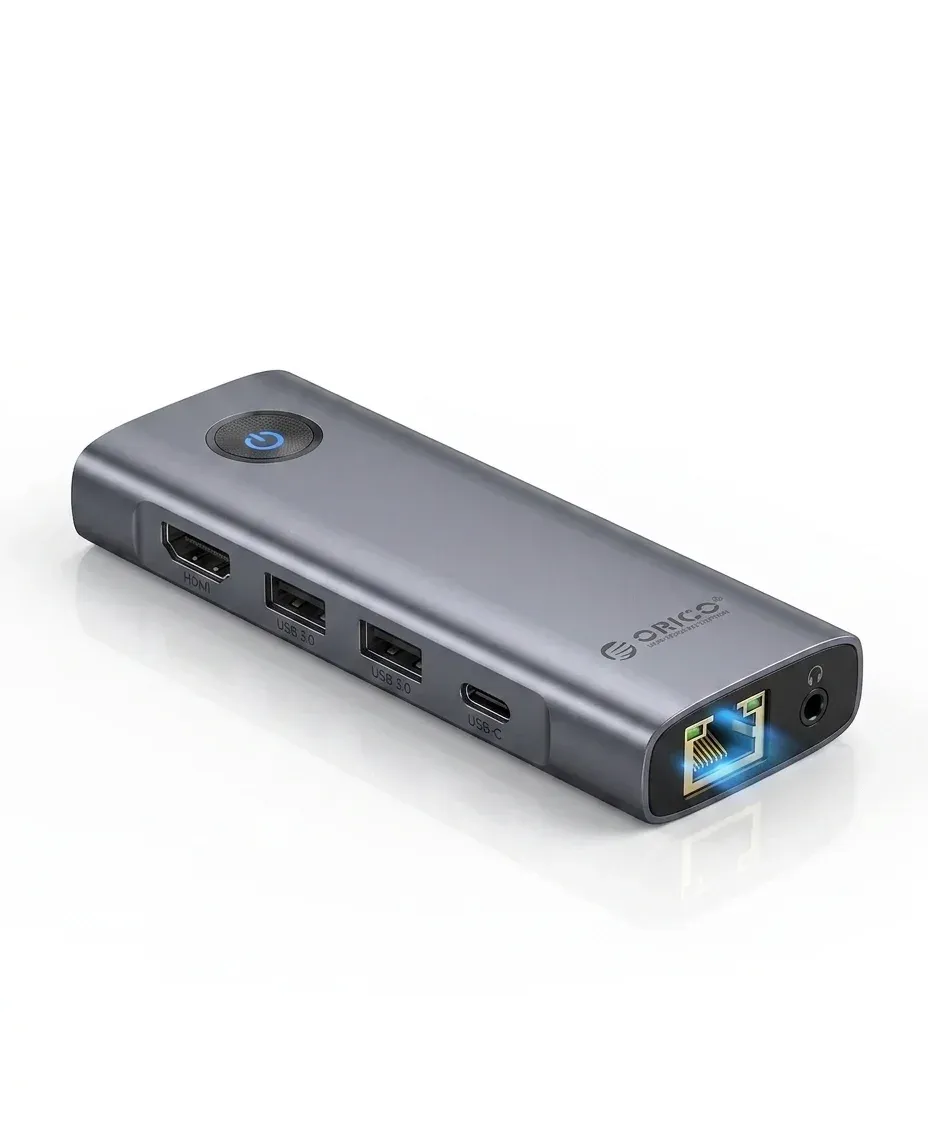
The HDMI output is included on the 7-in-1 version, which makes a real difference for people who want an external monitor without adding another adapter. Customer feedback suggests the ports function as expected, with the Type-A data ports delivering their stated speed tiers and the USB-C 10Gbps port behaving like a proper high-speed lane.
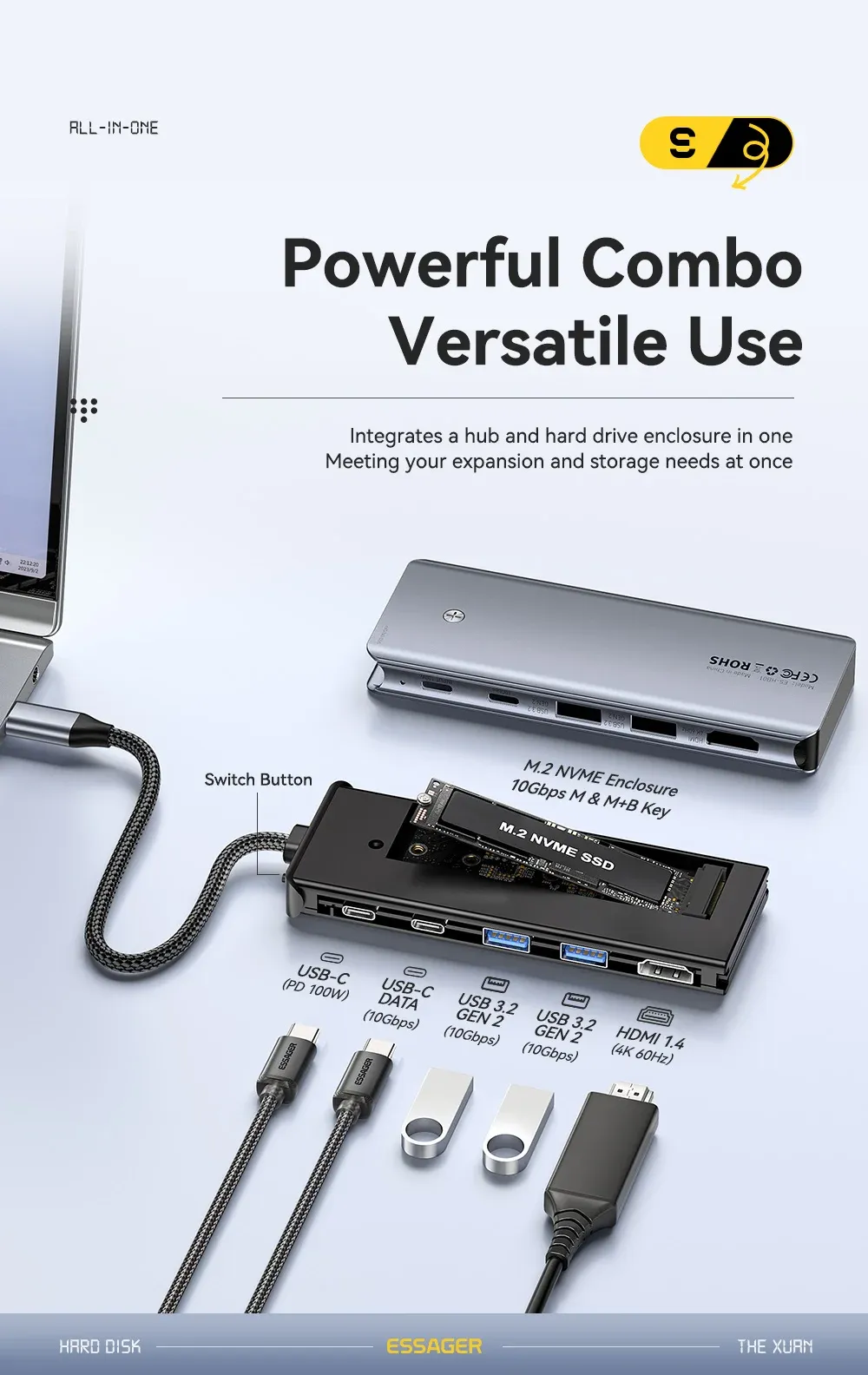
This is the sort of hub that fits a mixed-use desk: one screen, one SSD, one keyboard, and one charging cable. If your workflow includes SD card dumping, fast file movement, or quick monitor mirroring, the layout is more useful than a barebones dongle, and the only real question is where the weaknesses show up.
What users should watch before choosing it
Real reviews are mostly positive, with a 4.6/5 average across 70 reviews, and users often mention that the device works well out of the box. One practical note from feedback is that performance can depend on port type and host device, so USB4 compatibility is not guaranteed and the SD reader may need a replug to wake up at full speed in some setups.
That makes this a strong fit for MacBook Pro, MacBook Air, and compatible USB-C laptops, but not a universal cure-all for every high-end workstation. If your priority is a compact hub that can also house an NVMe drive, the feature mix is unusually efficient for the S$26.18 class, and the final buying decision comes down to how you plan to use the enclosure day to day.

