













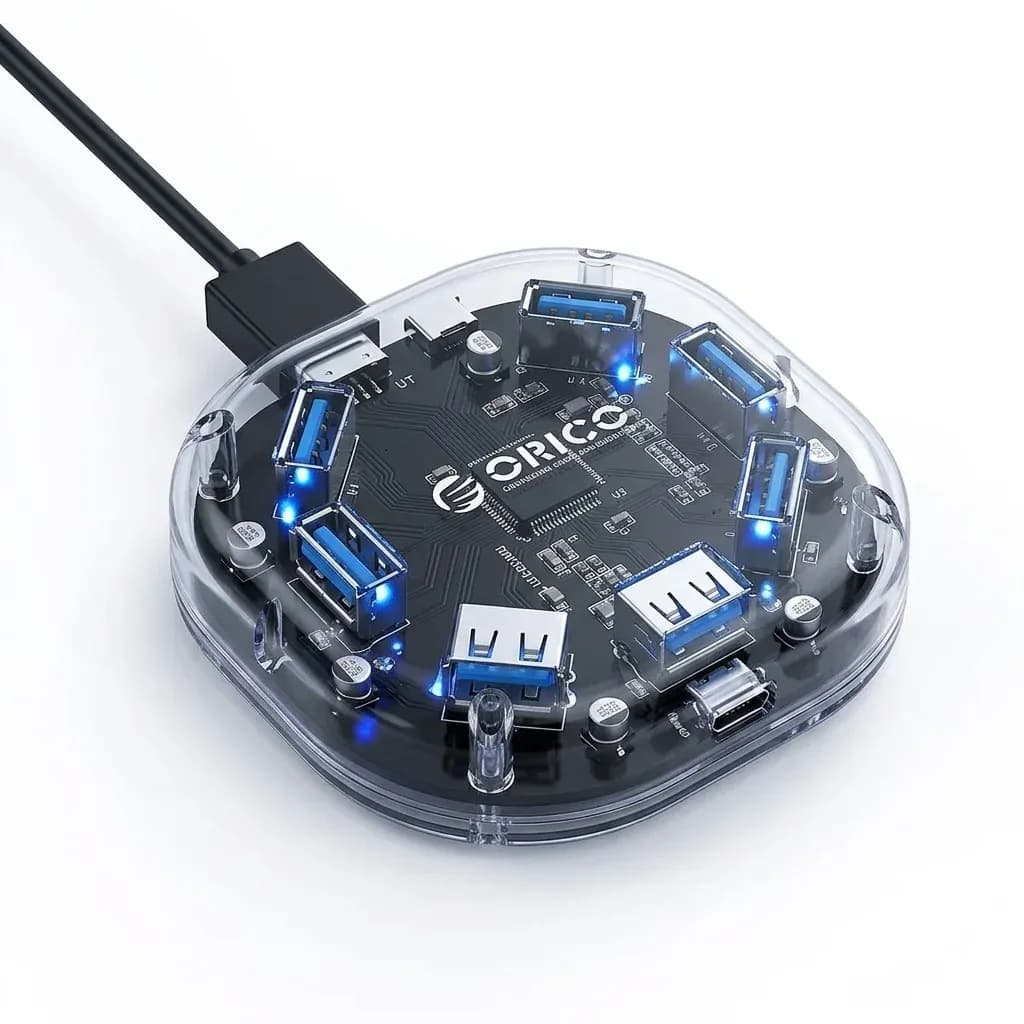

One port, two jobs, less cable juggling
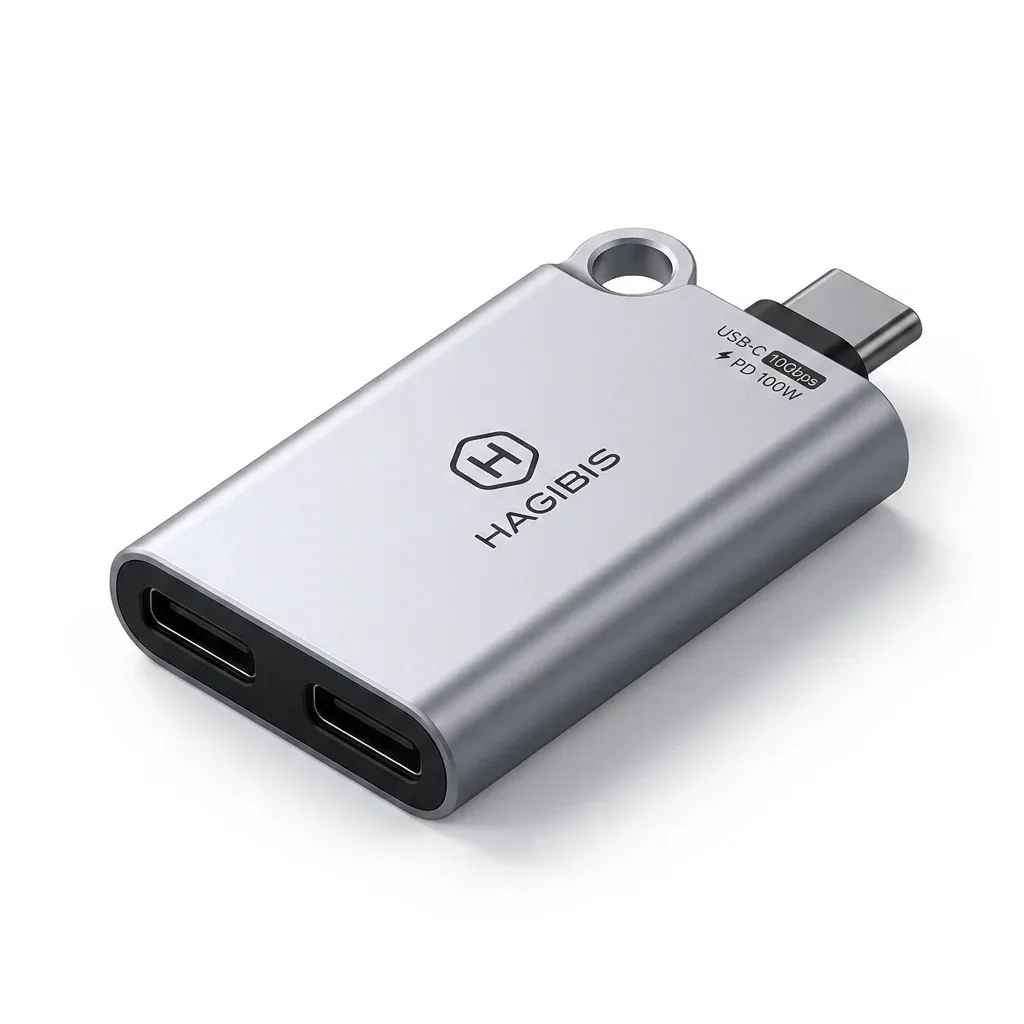
This adapter solves a familiar USB-C problem: modern devices often have too few ports for charging, audio, and accessories at once. Hagibis turns one Type-C connection into a pass-through charging path and an extra USB-C data branch, which is useful when your tablet or laptop is already running low on ports.
The appeal is not just convenience, but workflow. If you are listening through a USB-C headset, moving files from a flash drive, or connecting a controller, the adapter keeps the main device powered while the accessory stays active.
What 100W pass-through means in daily use
The 100W Power Delivery claim matters most on laptops and tablets that draw serious power during long sessions. In practice, it means you can keep a MacBook or iPad topped up while using a peripheral, though the adapter itself will slightly reduce the power that reaches the host device because of its own energy loss.
That trade-off is normal for compact splitters, and it is better than draining the battery while working. Users also note that power delivery is generally stable, which is the detail that separates a useful hub from a frustrating one.
10Gbps transfer speed for real accessory work
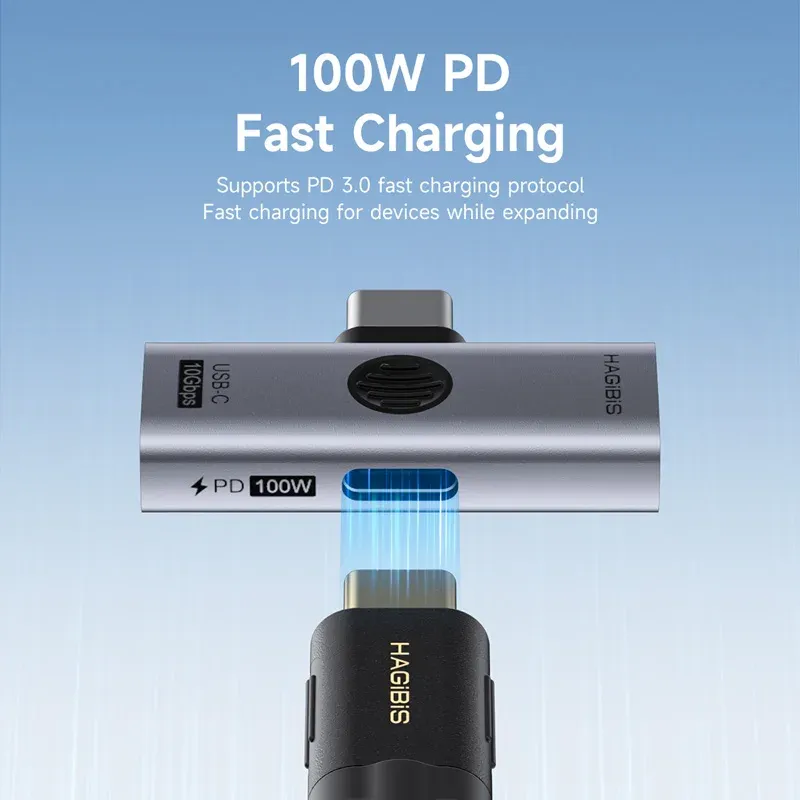
The extra USB 3.2 port is where this adapter becomes more than a charging splitter. A 10Gbps link is fast enough for external drives, card readers, and other high-speed accessories, so file transfers feel close to direct-connection performance rather than the sluggish pace of basic OTG dongles.
That speed is especially relevant for creators who move large video files or for anyone using a portable SSD. If your setup depends on fast storage, this is the feature that makes the adapter feel like a proper desk tool instead of a casual travel accessory.
Small aluminium body, but fit still matters
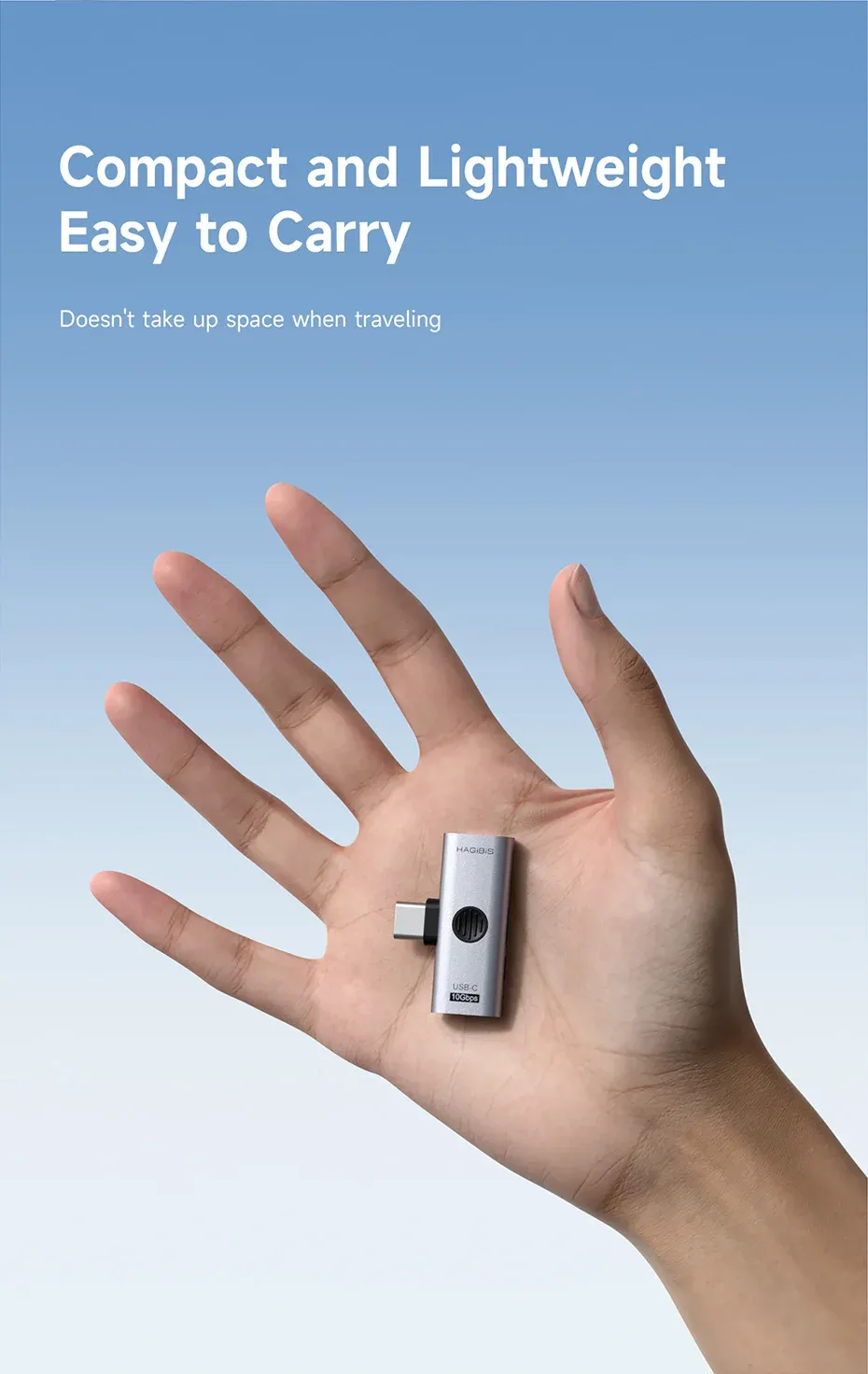
The aluminium shell gives the adapter a sturdier feel than many plastic splitters in the same category. Its ultra-thin form factor also makes it easy to leave attached to a tablet or laptop without turning the side port into a bulky extension.
There is one practical caution: some customers mention a slightly loose fit or a port layout that can feel finicky with certain cases and cables. That is worth checking before you commit, especially if your device has a thick protective cover or you plan to move the adapter frequently.
Best used as a focused OTG splitter, not a universal dock
This is not the right product if you want HDMI output or multi-port expansion. Real reviews also point out that it does not support USB DP Alt Mode, so it should be treated as a charging-and-data splitter rather than a display adapter.
For the right job, though, it is very capable: charging plus headphones, charging plus a flash drive, or charging plus a controller. That narrow focus is what makes it easier to trust than a crowded all-in-one hub, and it is the same reason it fits so well into the AliExpress Singapore accessory niche.
Who will notice the difference fastest?
Tablet users, mobile gamers, and anyone running a compact work setup will feel the benefit immediately. According to users, the strongest point is keeping OTG functionality alive while charging, which is exactly what most low-cost splitters fail to do reliably.
If your routine depends on one USB-C port doing two things at once, this adapter earns attention for being simple, fast, and specific. The remaining question is whether its limited design matches your device layout.

