













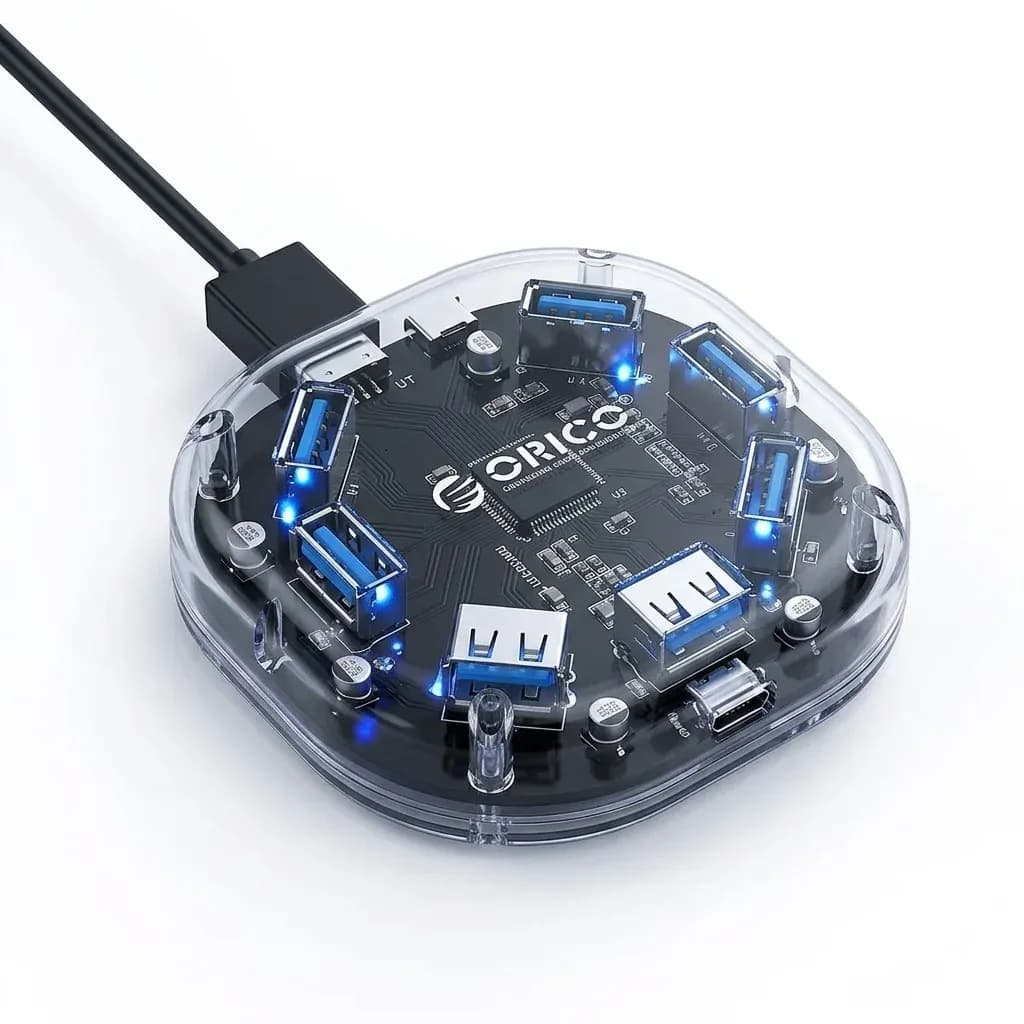

One cable, far less desk clutter
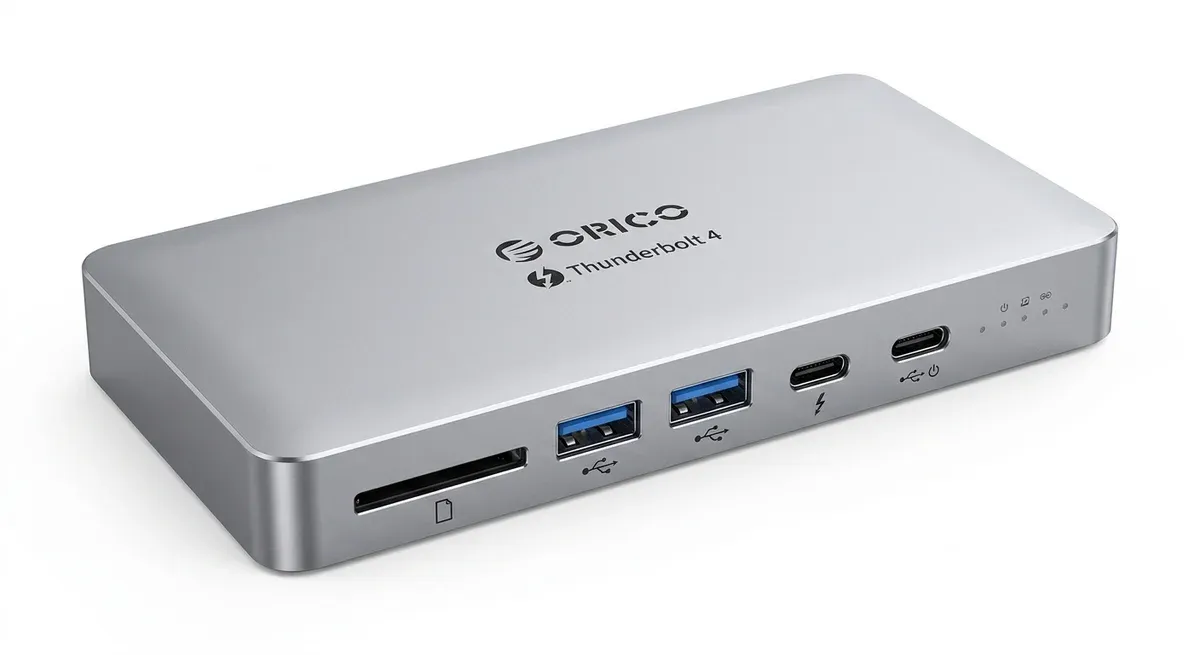
This dock solves the common USB-C laptop problem of running out of ports the moment you connect a monitor, storage drive, and wired network. Orico packages that expansion into a 12-port hub that keeps a MacBook-style setup cleaner and faster to switch between work modes.
For AliExpress Singapore readers, the appeal is not just port count but how the dock turns a thin laptop into a proper workstation without stacking adapters. That matters most if you move between a home desk, an office monitor, and a travel bag.
Thunderbolt 4 bandwidth: where the speed actually goes
The dual Thunderbolt 4 ports are the headline feature because they can move data at up to 40Gbps, which is enough for fast external storage and high-resolution peripherals. In practical terms, that means less waiting when you copy large video projects or work from a fast SSD.
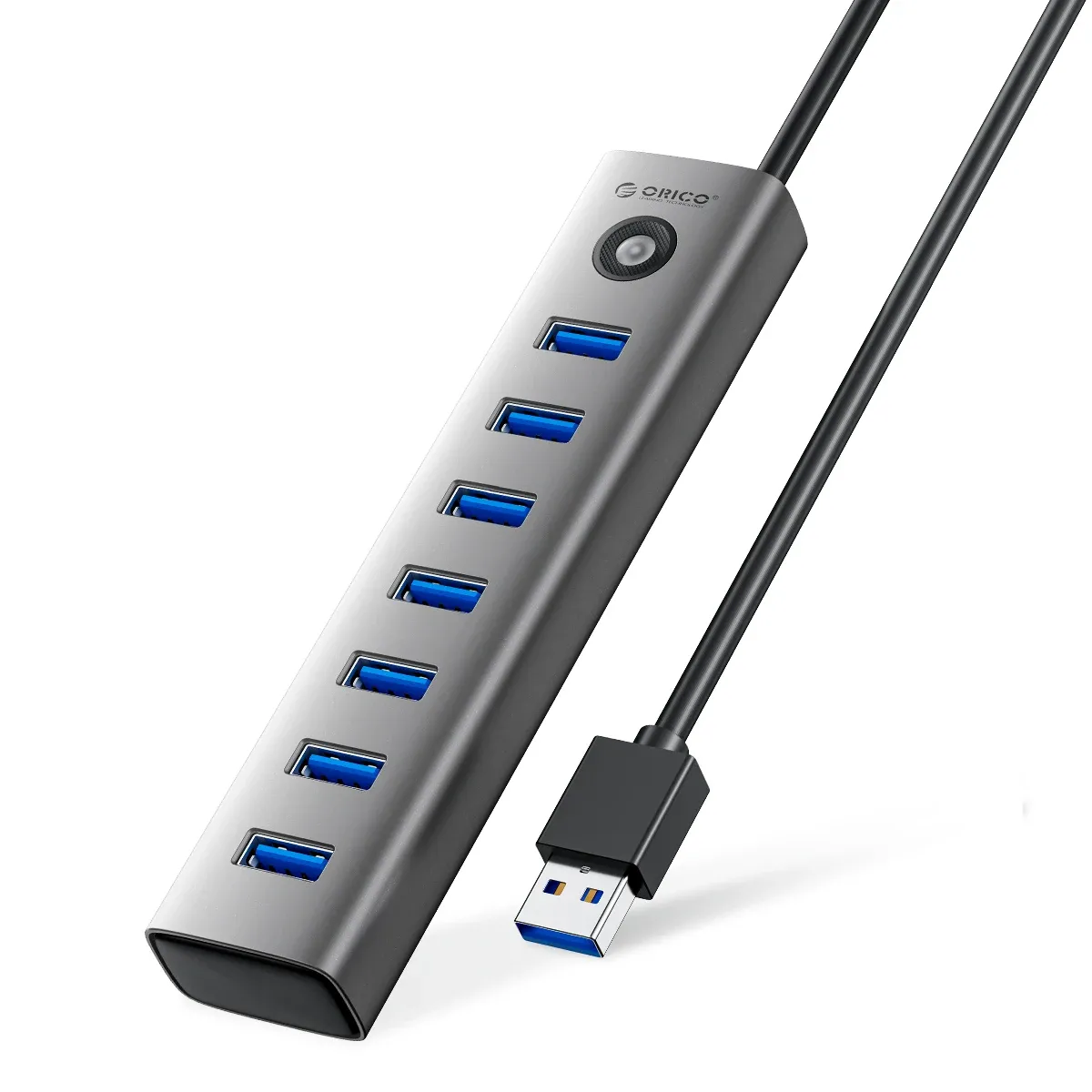
The dock also includes USB-C 10Gbps and USB-A 10Gbps ports, which are ideal for modern accessories that need more speed than a basic 5Gbps hub can offer. Two USB 2.0 ports sit there for low-demand devices like a keyboard and mouse, so your faster ports stay free for heavier jobs.
8K output is about headroom, not everyday necessity
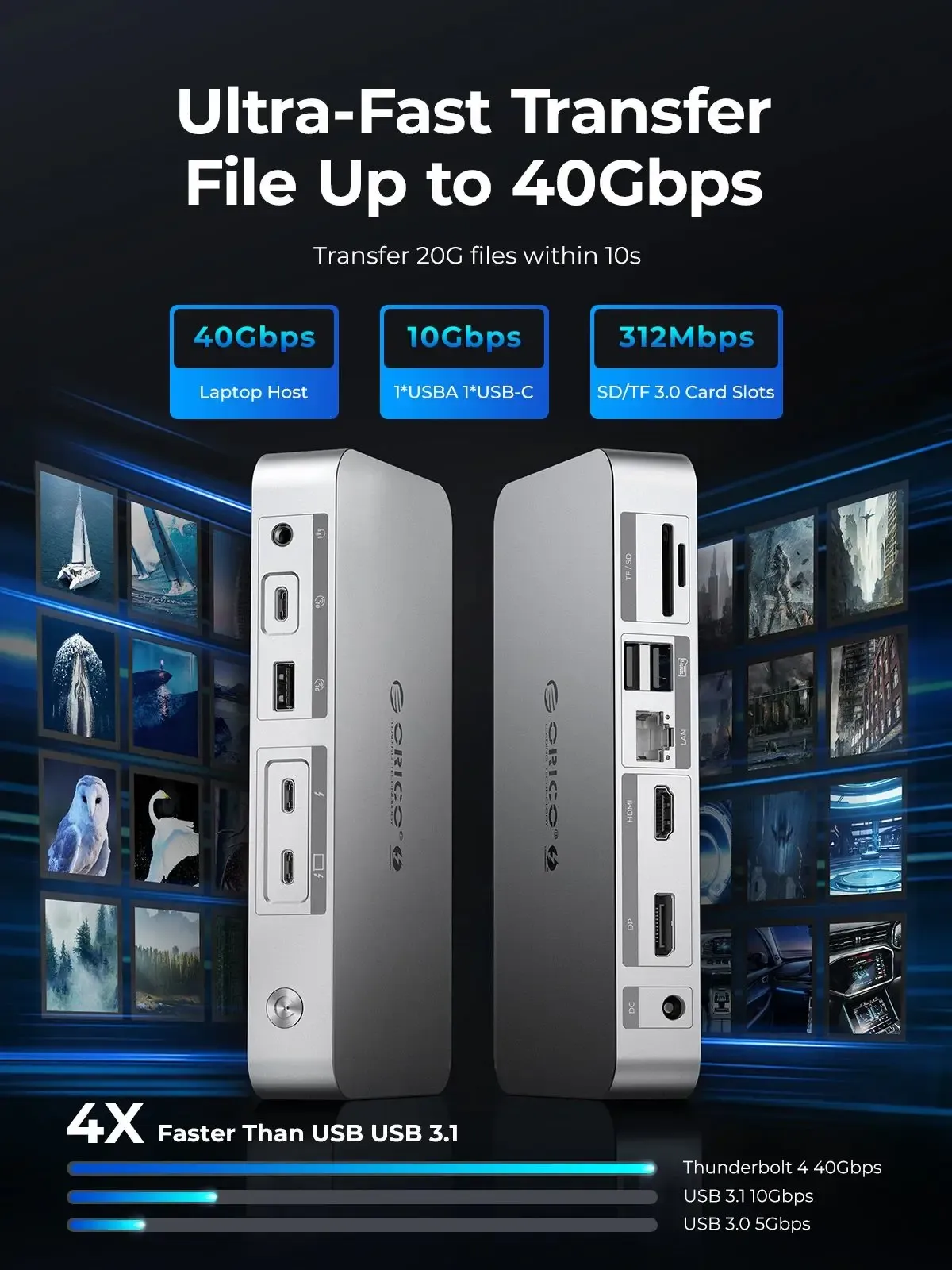
Orico lists 8K@30Hz through HDMI-compatible and DisplayPort paths, with 4K@60Hz also supported, which gives the dock more display flexibility than typical USB hubs. Most users will feel the difference at 4K, where motion looks smoother and text stays crisp on large monitors.
There is one important caveat: MacBooks with M1 chips are limited in how many external displays they can extend, so the dock cannot override Apple’s hardware rules. If you use a compatible Windows laptop or a newer Mac platform, the multi-display setup becomes much more useful, and the next question is whether the network and card readers keep up.
Built for a full workstation, not just a screen adapter
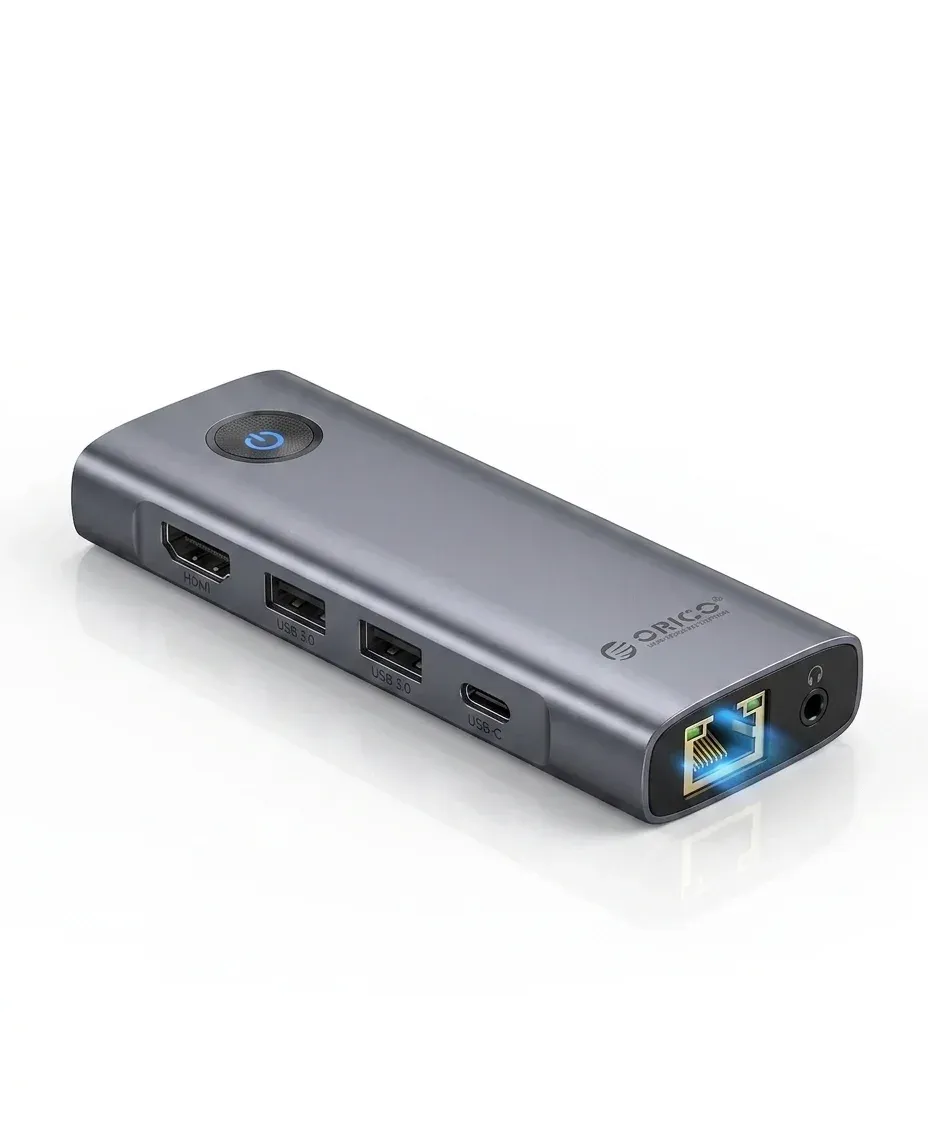
The inclusion of RJ45, SD, TF, and 3.5mm audio makes this more than a display dock. A 1000M Ethernet port gives a steadier connection than crowded Wi-Fi, which is useful for cloud backups, video calls, and large file transfers that should not stutter.
The SD and TF slots are a clear win for photographers and content creators who want to move files without hunting for a separate reader. According to users, this kind of all-in-one layout is what makes a dock feel like part of the desk rather than another accessory to manage.
Aluminum housing and compact footprint
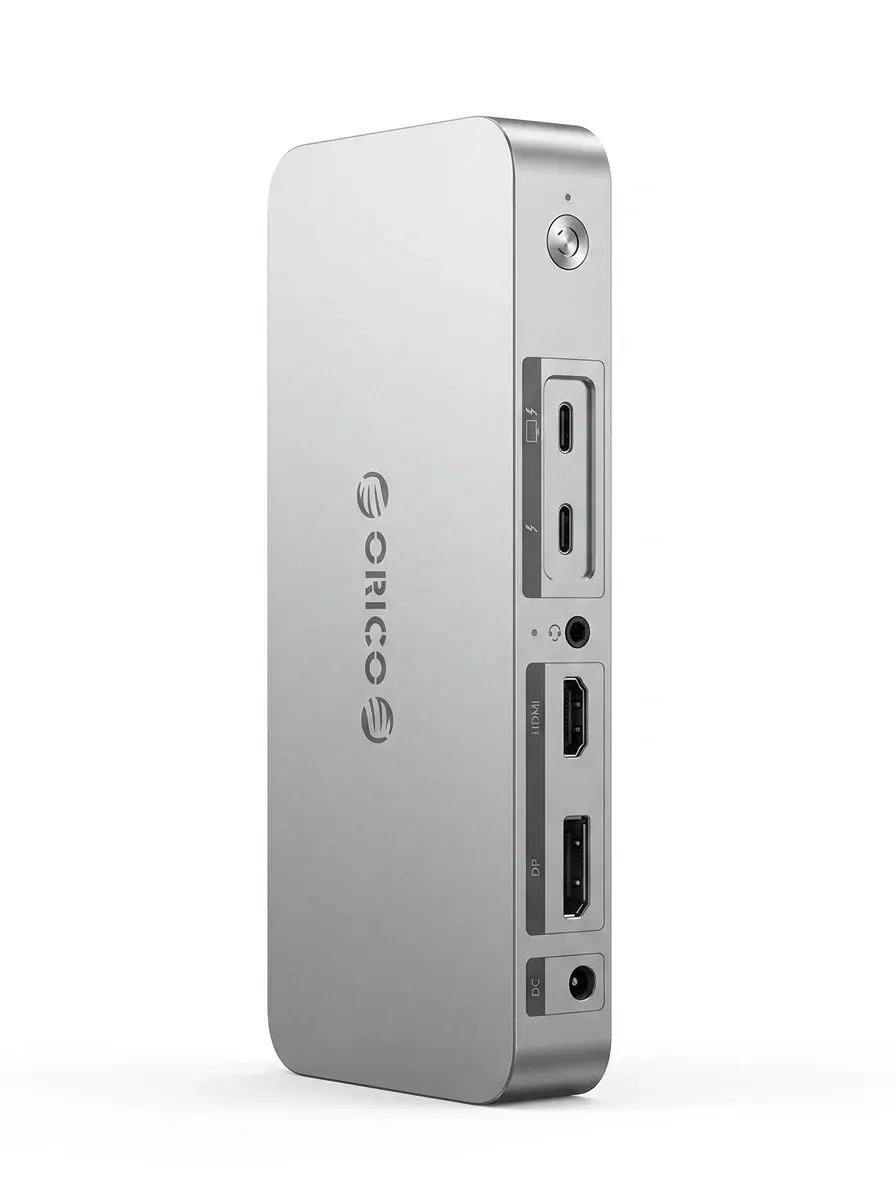
The silver aluminum alloy shell gives the dock a more premium feel than plastic hubs, and it should also help with heat dissipation during long sessions. At 180 x 87 x 26 mm, it is compact enough for a tidy desk, though it is still clearly a desktop dock rather than a pocketable travel adapter.
The 20V 6.5A DC input and 85W PD support show that this is designed for demanding setups, not just light office use. If your laptop regularly runs a monitor, storage, and Ethernet at the same time, that power budget is the detail that keeps the dock relevant over long workdays.
Who gets the most from it
This dock makes the most sense for MacBook and USB-C laptop users who want a single connection to cover display output, charging, wired internet, and media transfer. It is less compelling if you only need one or two extra USB ports, because the hardware is clearly aimed at a fuller desk setup.
For creators, remote workers, and anyone building a semi-permanent workstation, the mix of Thunderbolt 4, 8K display support, and storage-friendly ports gives it strong technical depth. The real value is not in one standout feature, but in how consistently the ports are arranged for daily use.

